- Do not touch the air outlet to avoid burns or danger.
- Turn off the electrical power immediately when any abnormalities occur during operation. Call
an authorised dealer or electrician for assistance.
- Do not flick the switches too frequently. Turn off the electrical power if not in use (for 6 hours
or more).
- Seniors,
children or the disabled should use under the guide of a family member.
Caution
P.25
Operating Instructions
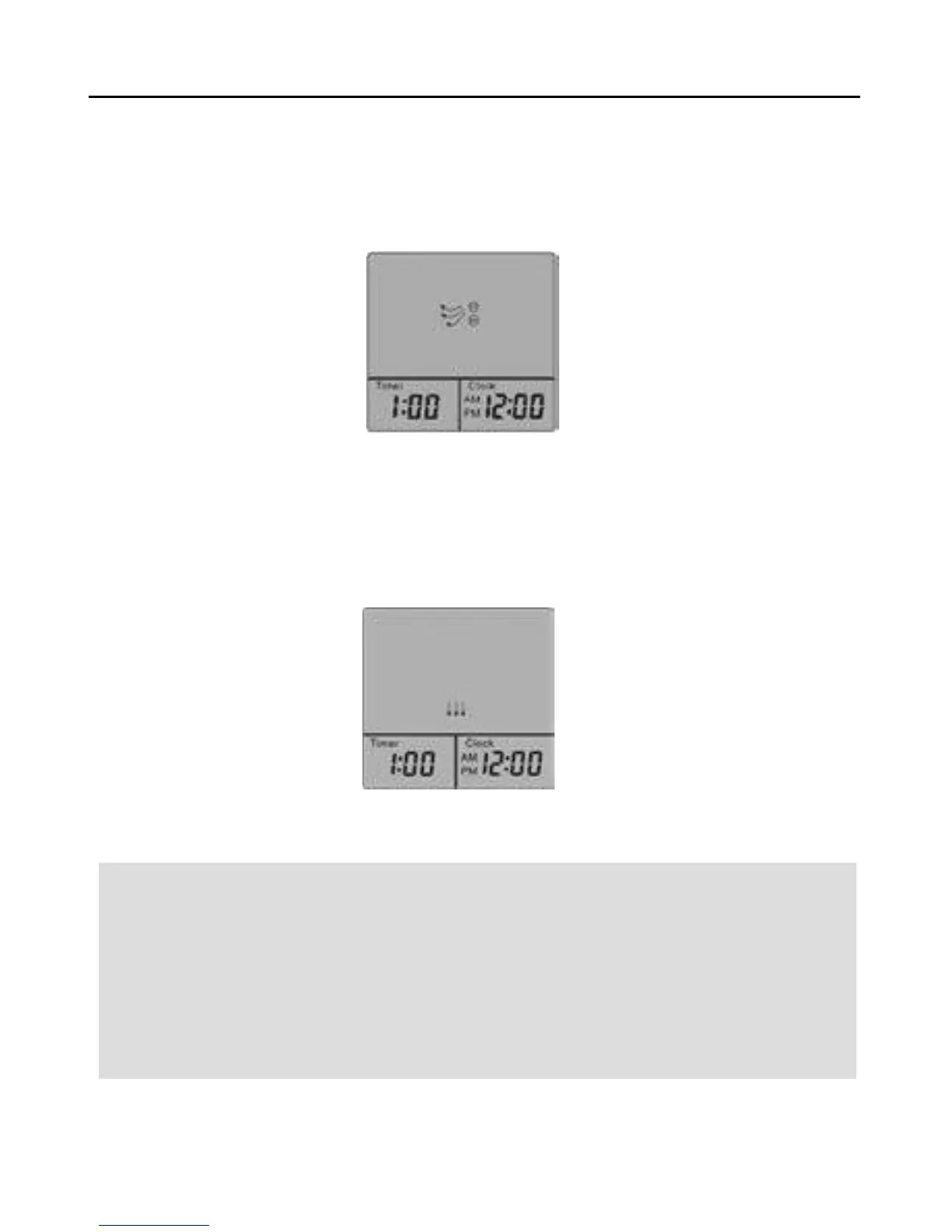
6.Anion Mode
Anion Mode starts by pressing “ANION”. Press one more time, “ANION” is turned off. The preset time
is 1 hour, the appliance will automatically go off in 1 hour. You can change timer setting by pressing
”+” or “ –“ . Every single press changes time setting by 15 minutes. The longest setting is 3 hours,
while the shortest is 30 minutes. (It can be switched off by pressing “ANION” or “STOP”.)
7.Fan Mode
Fan switches on by pressing “FAN”. Press one more time, “FAN” is turned off. Press the third time,
the appliance goes off. The preset time is 1 hour, the appliance will automatically go off in 1 hour.
You can change timer setting by pressing ”+” or “ –“ . Every single press changes time setting by 15
minutes. The longest setting is 3 hours, while the shortest is 30 minutes. (It can be switched off by
pressing “FAN” or “STOP”.)



 To Next Page