Remote Maintenance by telnet
101
9
Note
❒ Priority assignment is useful
when connecting more than one
interface to the machine.
❒ If an interface is not selected, the
interface appears according to
the currently set priority, re-
gardless of multiple interface
connections.
*1
Available when the optional
802.11b interface kit is installed.
*2
Available when the optional 1394
interface board is installed.
Reference
For more information about
AutoNet, see p.105 “Using Au-
toNet”.
Changing the password
Use the "passwd" command to
change the remote maintenance pass-
word.
Important
❒ Be sure not to forget or lose the
password.
Note
❒ The default password is “pass-
word”.
A
AA
A
Enter “passwd”.
msh> passwd
B
BB
B
Enter the current password.
Old password:
C
CC
C
Enter the new password.
New password:
Note
❒ The password must consist of
three to eight alphanumeric
characters and symbols. Pass-
words are case-sensitive. For ex-
ample, "R" is different from "r".
❒ The password is the same as
that used in configuring the net-
work interface board with a
Web browser and that used in
NIB Setup Tool. If you change a
password from telnet, the other
passwords are also changed.
D
DD
D
Enter the new password again.
Retype new password:
DNS
Use the "dns" command to configure
or display DNS (Domain Name Sys-
tem) settings.
❖
❖❖
❖ View setting
The following command displays
current DNS settings:
msh> dns
❖
❖❖
❖ Using the DNS server obtained from
the DHCP server
The following command ena-
bles/disables use the DNS server
obtained from the DHCP server:
msh> dns dhcp {valid |
invalid}
• If you use the DNS server ob-
tained from the DHCP server,
select “valid”. If not, select
“invalid”.
If you set “valid”, the DNS serv-
er from the DHCP server is pri-
oritized.
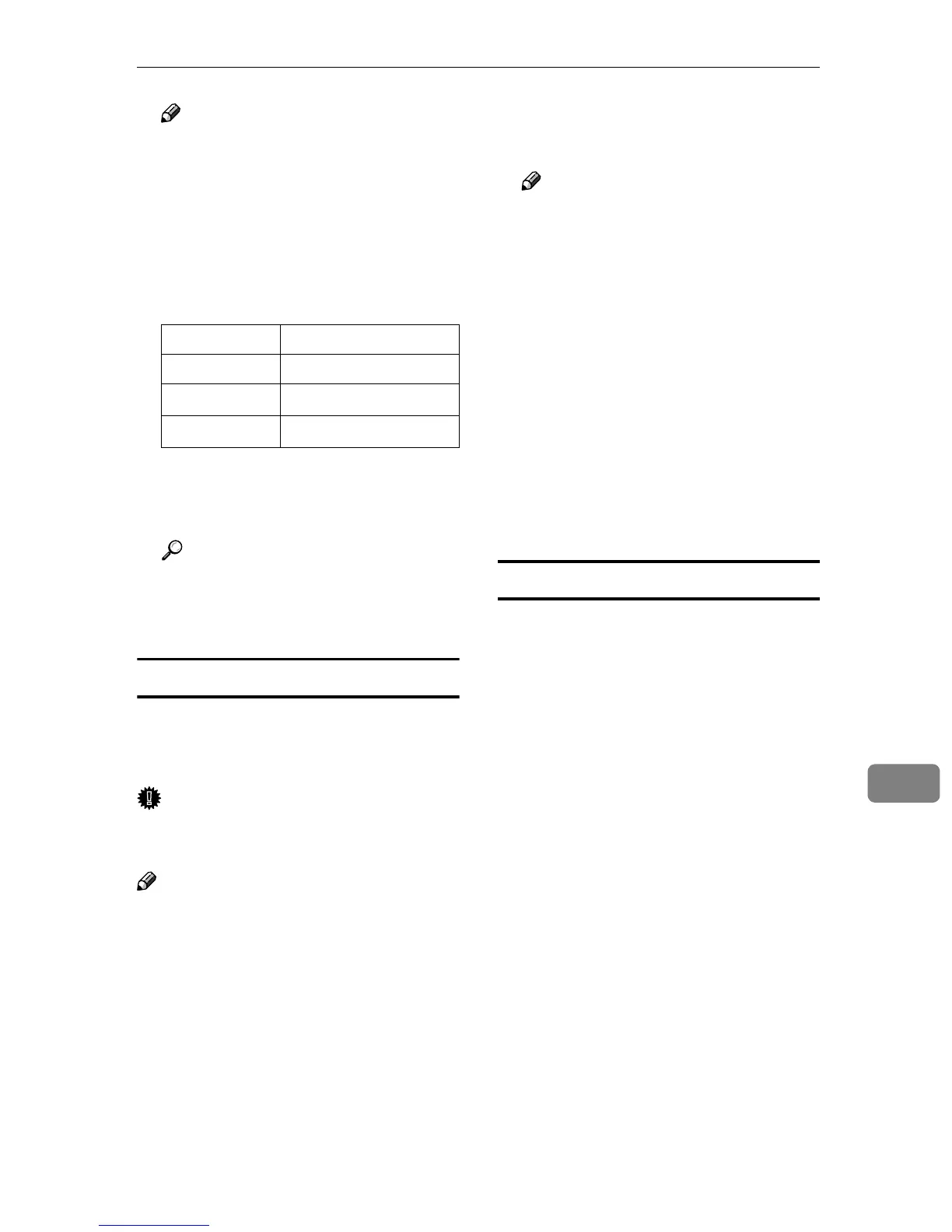
Interface name
Interface to be configured
ether Ethernet interface
wlan
*1
IEEE 802.11b interface
ip1394
*2
IEEE 1394 interface



 To Next Page