EasyManua.ls Logo

Gestetner 5309L - User Manual

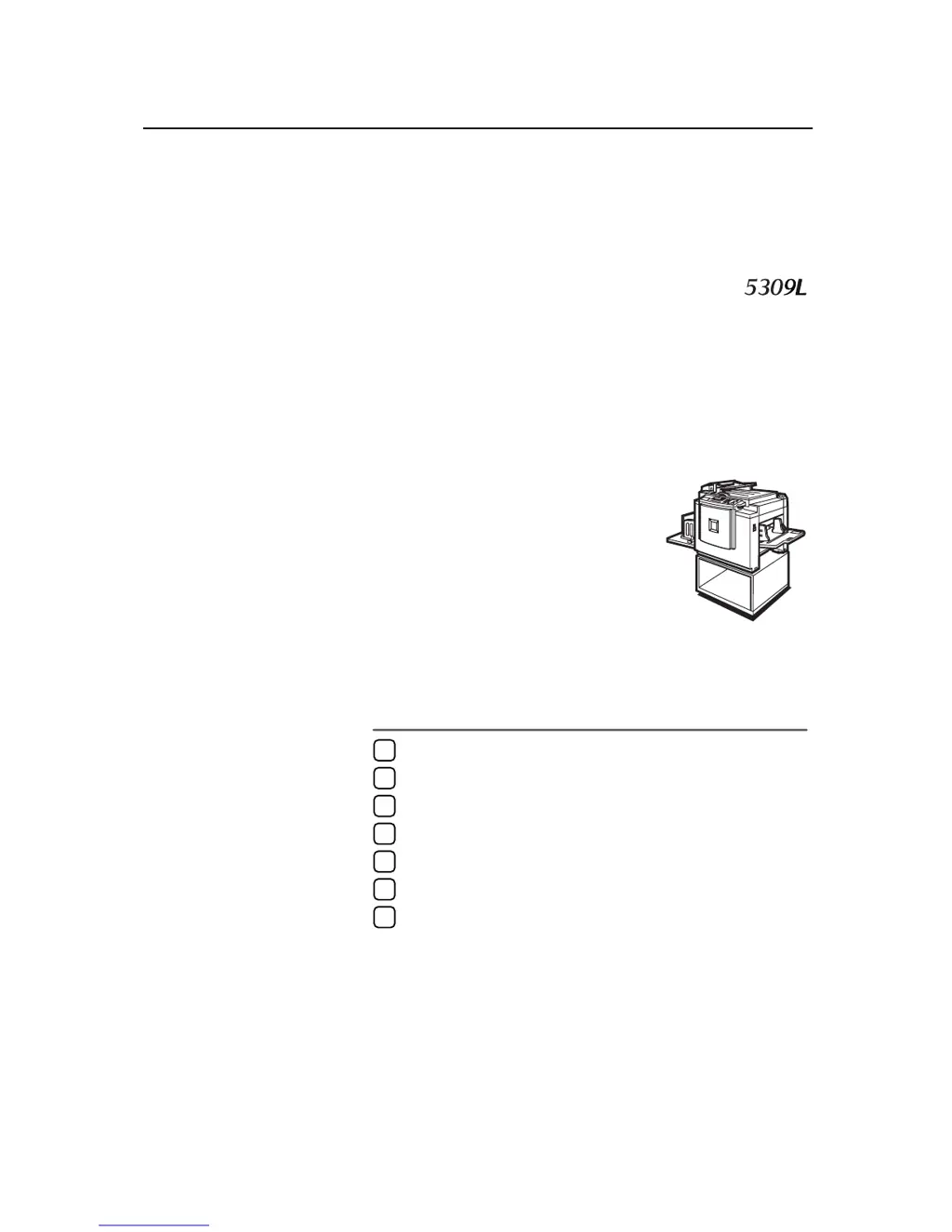
Gestetner 5309L
73 pages
Print Icon
To Next Page IconTo Next Page
Loading...
DRAFT 2002/08/02
Operating Instructions
For safety, please read this manual carefully before you use this product and keep it handy
for future reference.
Operation
Optional Functions
User Tools
Replenishing Supplies
Troubleshooting
Remarks
Specifications
1
2
3
4
5
6
7

Table of Contents

Other manuals for Gestetner 5309L

Questions and Answers

  • P
    Paul MyersJul 30, 2025
    What to do if my Gestetner Copier says PAPER FEED JAM?
    • C
      Christopher FischerJul 30, 2025
      If the Gestetner Copier displays a PAPER FEED JAM error, the immediate action is to remove the jammed paper from the designated area. This should resolve the issue and allow you to resume copying.
  • S
    Scott AndersonAug 4, 2025
    What to do if my Gestetner 5309L Copier shows DELIVERY JAM?
    • M
      Marissa WhiteAug 4, 2025
      If your Gestetner Copier shows a DELIVERY JAM error, the solution is to remove the jammed paper. This should clear the obstruction and allow the copier to continue functioning normally.
  • D
    Daryl ReynoldsAug 9, 2025
    What to do if my Gestetner 5309L Copier displays ORIGINAL JAM?
    • L
      Larry WilliamsAug 9, 2025
      If your Gestetner Copier is displaying an ORIGINAL JAM error, the first step is to remove the original document from the copier. This should clear the jam and allow you to continue your copying tasks.
  • J
    Jade PerezAug 13, 2025
    What to do if Gestetner Copier has PAPER WRAP JAM?
    • R
      Robert HopkinsAug 13, 2025
      If your Gestetner Copier is experiencing a PAPER WRAP JAM, you should remove the jammed paper to resolve the issue. This will allow the copier to resume its normal operation.
  • S
    Stephen RiceAug 18, 2025
    What to do if Gestetner 5309L shows MASTER FEED JAM?
    • T
      Todd StewartAug 18, 2025
      If the Gestetner Copier indicates a MASTER FEED JAM, you need to remove the jammed master. This should resolve the issue and allow you to continue using the copier.
  • K
    Kenneth LongAug 23, 2025
    What to do if Gestetner 5309L displays MASTER EJECT JAM?
    • G
      Gary Mckee DDSAug 25, 2025
      In the event of a MASTER EJECT JAM in your Gestetner Copier, the suggested solution is to remove the jammed master. This action should clear the jam and restore the copier to its operational state.

Summary

Safety Information

Safety During Operation

Important safety precautions during operation.

General Safety Guidelines

Lists of warnings and cautions for safe machine usage.

Understanding the Manual

Manual Symbols and Notations

Explanation of symbols and notations used throughout the manual.

Operation

Standard Printing

Basic steps for performing standard printing operations.

Image Adjustments

How to adjust image position and density for optimal output.

Specialized Printing Modes

Using Tint, Fine, Reduce/Enlarge, and Erase functions for varied print effects.

Workflow and Management Features

Ink saving, auto cycle, group printing, program storage, and security.

Optional Functions

Document Feeder Operations

Using the document feeder for automatic original feeding and combining copies.

Color and Two-Color Printing

Procedures for making color prints and printing in two colors.

User Tools

Accessing and Configuring User Tools

How to access, navigate, and change user tool settings.

User Codes Management

Information and usage of user codes for tracking and control.

Replenishing Supplies

Paper Handling and Loading

Instructions for loading, replenishing, and managing paper.

Consumable Replacement Procedures

Procedures for replacing ink and master rolls.

Troubleshooting

Addressing Operational Issues

General troubleshooting for when the machine does not operate as expected.

Remarks

Operational Notes and Cautions

General notes, cautions, and recommendations for operation, placement, and maintenance.

Machine Maintenance

Guidelines for maintaining the main frame and optional components.

Specifications

Technical Details and Consumables

Specifications for the main frame, document feeder, and list of consumables.

Gestetner 5309L Specifications

General IconGeneral
BrandGestetner
Model5309L
CategoryCopier
LanguageEnglish

Related product manuals