Operation
50
1
Program—Storing Your Print Settings in
Memory
You can store up to 9 frequently used
print job settings in machine memory,
and recall them for future use.
Note
❒ The stored programs are not
cleared when you turn off the main
switch.
❒ The stored programs cannot be de-
leted. If you want to change a
stored program, overwrite it.
Storing Your Settings
A
AA
A
Set the print settings you want to
put into memory.
B
BB
B
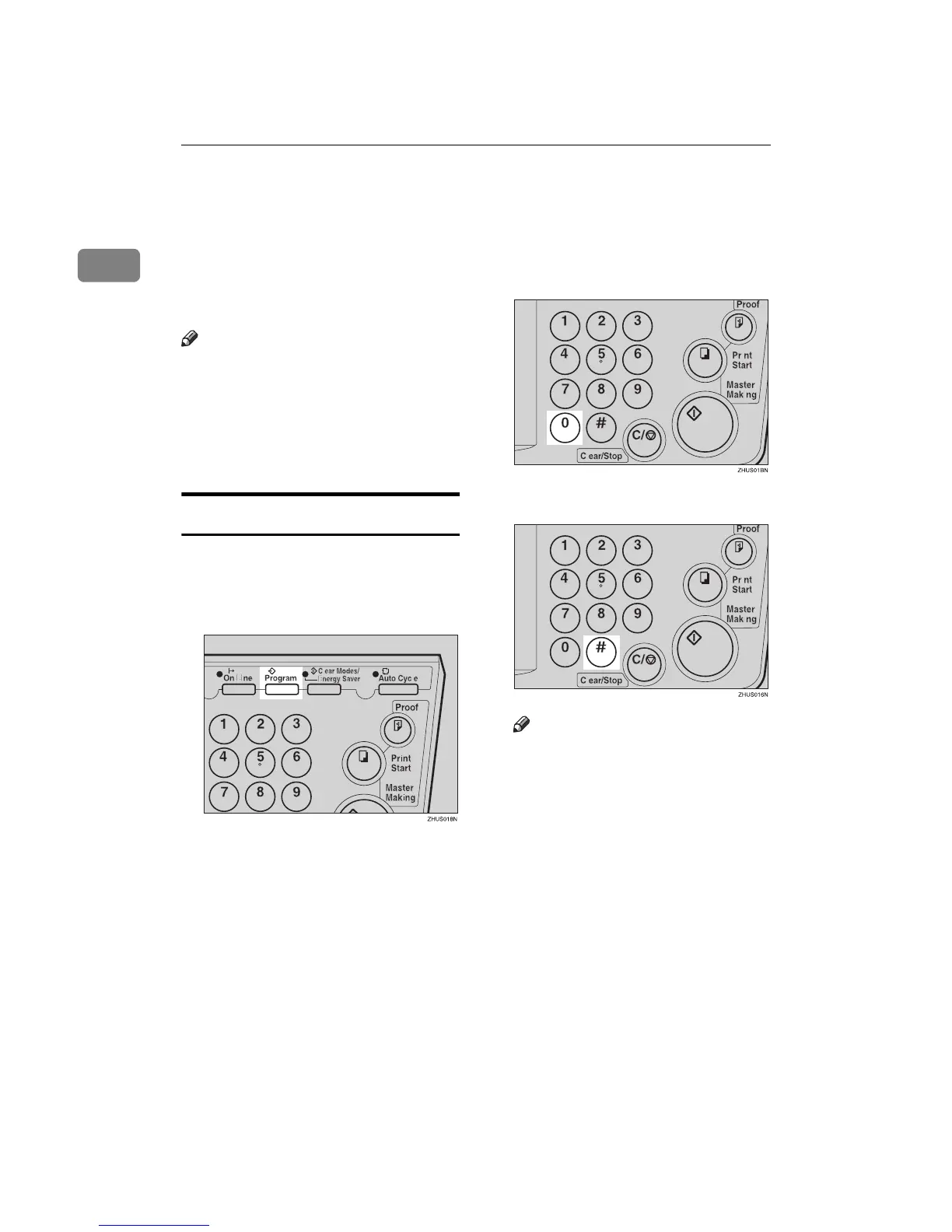
Press the {
{{
{Program}
}}
} key.
Numbers already containing a
program are displayed on the
guidance display.
C
CC
C
Enter “0” with the number key.
D
DD
D
Press the {
{{
{q
qq
q}
}}
} key.
Note
❒ The program numbers (1 to 9)
will be displayed in the guid-
ance display.
❒ If a user program has been pro-
tected, that program number
will not appear in the display.
For how to change a protected
user program, see ⇒ p.52 “Pro-
tecting a Program”.
❒ If all the user programs have
been protected, the machine re-
turns to the ready condition.



 To Next Page