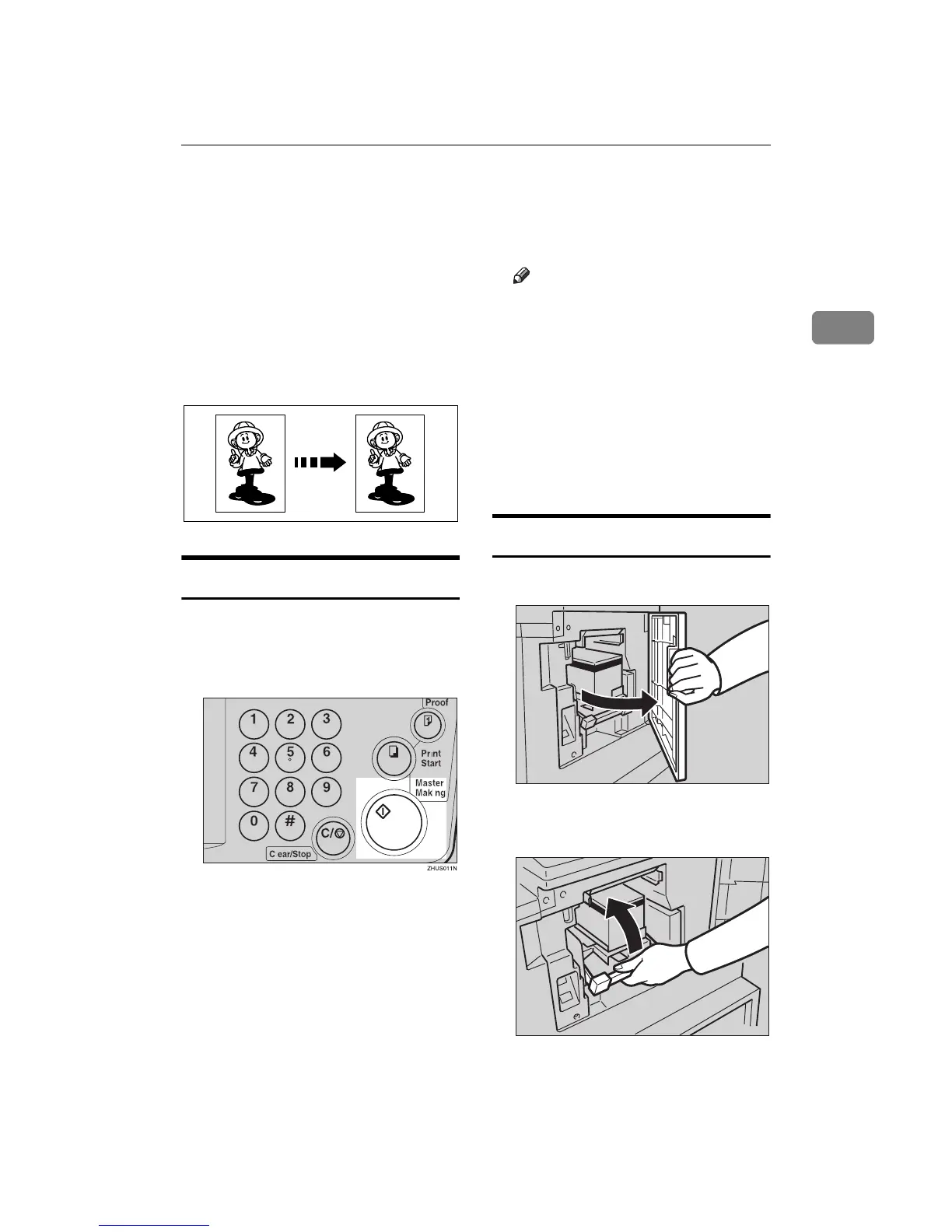
Color Printing Using the Optional Color Drum
63
2
Color Printing Using the Optional Color
Drum
Color drum units (red, blue, green,
brown, yellow, purple, navy, ma-
roon, orange, teal and gray) are avail-
able as options in addition to the
standard black unit. For making color
prints, a separate drum unit is neces-
sary for each color.
Making Color Prints
A
AA
A
Make sure that the COLOR is
shown in the guidance display.
B
BB
B
Press the {
{{
{Master Making}
}}
} key.
C
CC
C
Check the image position of the
trial or proof print.
Note
❒ If the image position is not cor-
rect, adjust it using the {
{{
{Image
Position}
}}
} keys (see ⇒ p.21
“Shifting the Print Image Posi-
tion Forward or Backward”) or
the side tray fine adjusting dial
(see ⇒ p.21 “Shifting the Print
Image Position to the Right or
Left”).
D
DD
D
Make your prints.
Changing the color Drum Unit
A
AA
A
Open the front door.
B
BB
B
Lift the lock lever until it locks in
position.
GRCOPR0E
TSLH01IE
TSLH01KE



 To Next Page