Operation
54
1
Security Mode—Printing Secret
Documents
This function prevents others from
making prints of secret documents
from the master. For example, if you
want to print some documents with
sensitive information, use this func-
tion after making your prints so that
nobody can access that master again.
A
AA
A
Make your prints.
B
BB
B
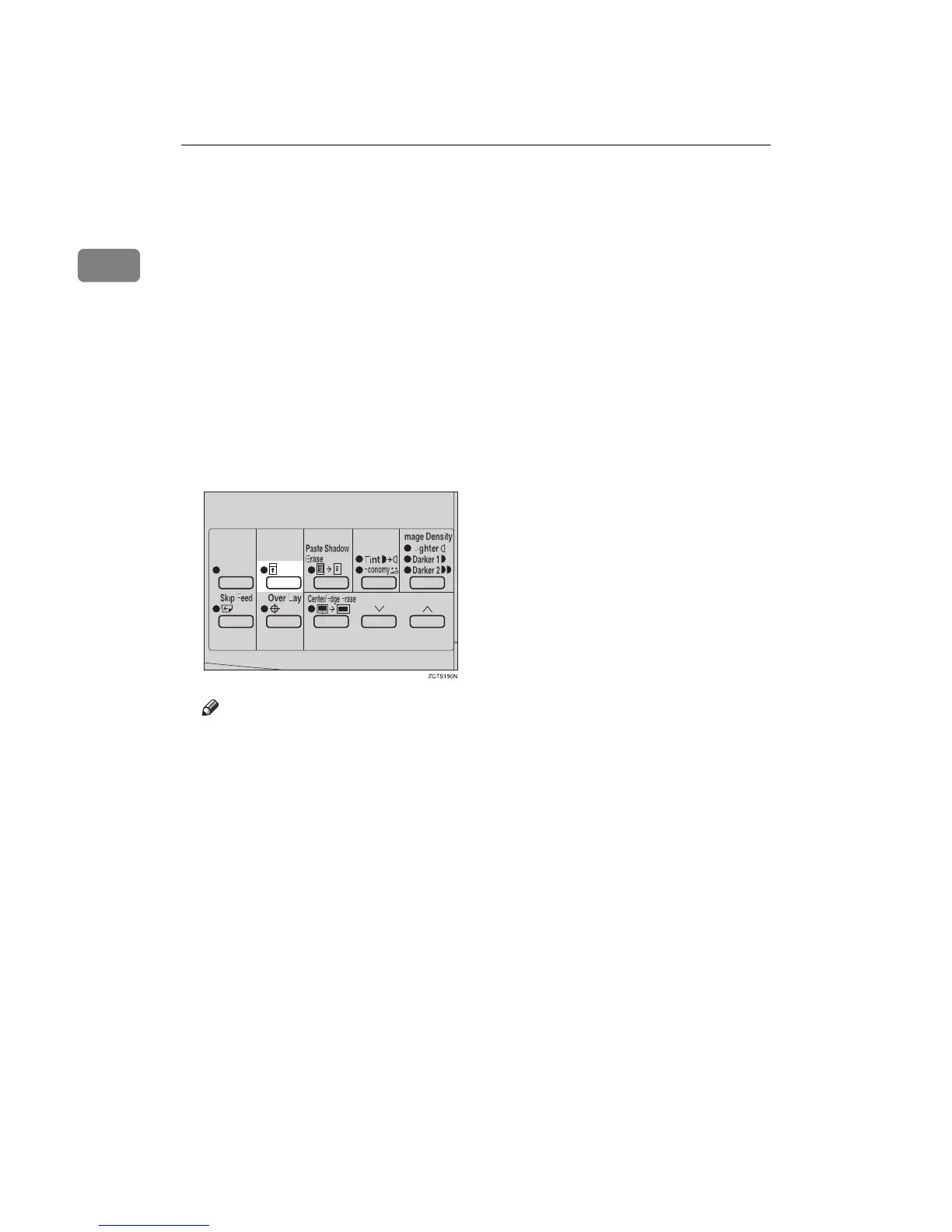
Hold down the {
{{
{Security}
}}
} key for
at least 5 seconds.
Note
❒ If you press the {
{{
{Proof}
}}
} key or
the {
{{
{Print Start}
}}
} key after setting
Security mode, the beeper
sounds and you cannot make
prints.
❒ You cannot cancel Security
mode even if you turn off the
main switch.
❒ If you make the next master, Se-
curity mode is canceled.



 To Next Page