Operation
26
1
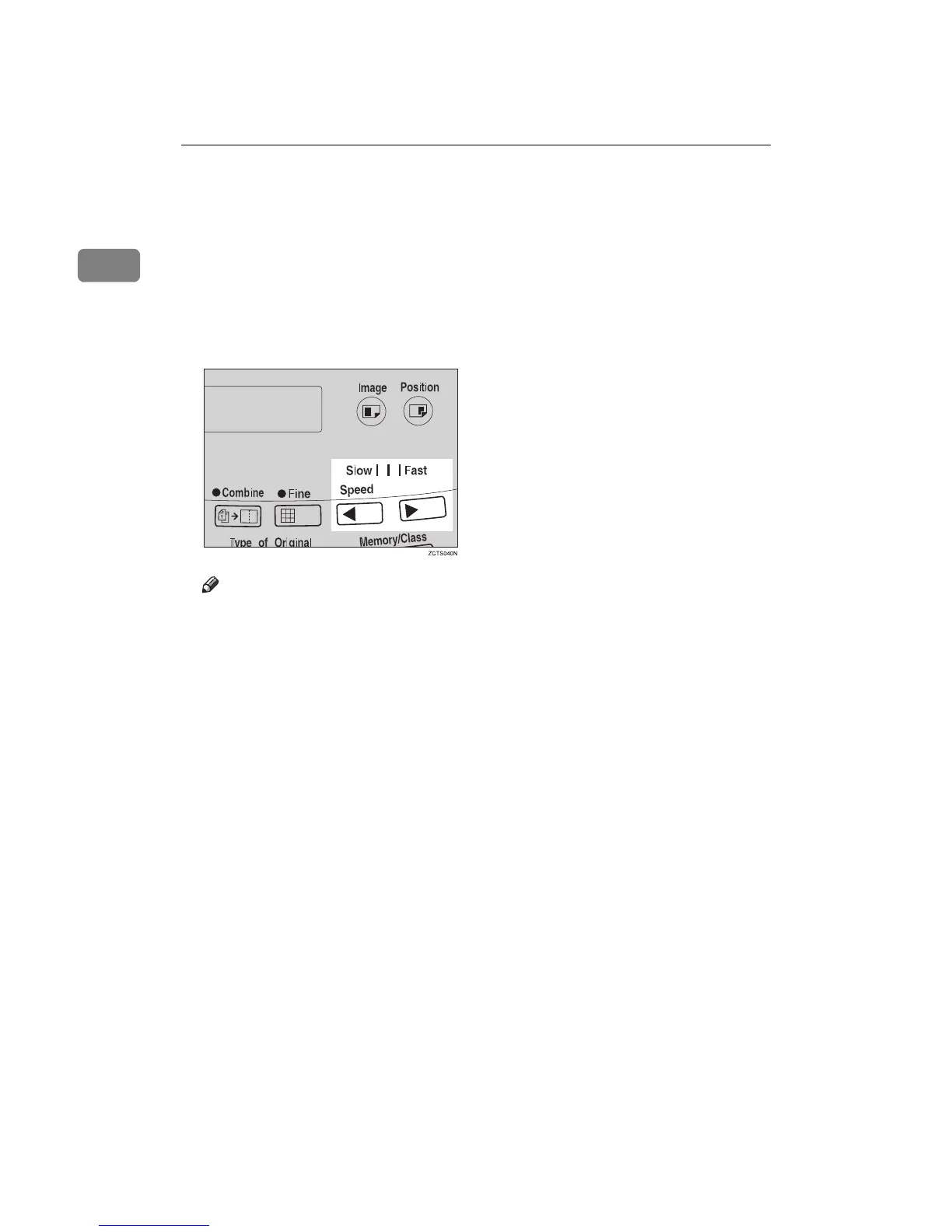
Changing the Printing Speed
Use the {
{{
{W
WW
W}
}}
} or {
{{
{V
VV
V}
}}
} key to adjust the
speed of the machine with the image
density and printing paper.
A
AA
A
Press the {
{{
{V
VV
V}
}}
} key to increase the
speed and press the {
{{
{W
WW
W}
}}
} key to re-
duce the speed.
Note
❒ The following speeds are avail-
able:
• Setting 1:
80 sheets/minute
• Setting 2:
100 sheets/minute
• Setting 3:
130 sheets/minute
❒ As a default setting, setting 2 is
selected.
❒ The faster the printing speed be-
comes, the lighter the printing
density is, and vice versa.



 To Next Page