Operation
14
1
Originals
Note
❒ Originals that can be set on the exposure glass are as follows:
• Maximum size: 257 × 364 mm, 10.2" × 14.4"
• Maximum total thickness: 30 mm, 1.1"
• Maximum total weight: 5 kg, 11.0 lb
❒ If you use paste-up originals, make sure the pasted parts hold firmly to the
base sheet and press the {
{{
{Paste Shadow Erase}
}}
} key. If the thickness of the paste-
up original is more than 0.1 mm and the space between the pasted parts is less
than 2 mm, 0.08", a shadow might appear on the prints.
❒ If you use originals that have bold letters or solid images at the leading edges,
you might get prints with dirty edges. In this case, insert the widest margin
first, or raise the printing speed.
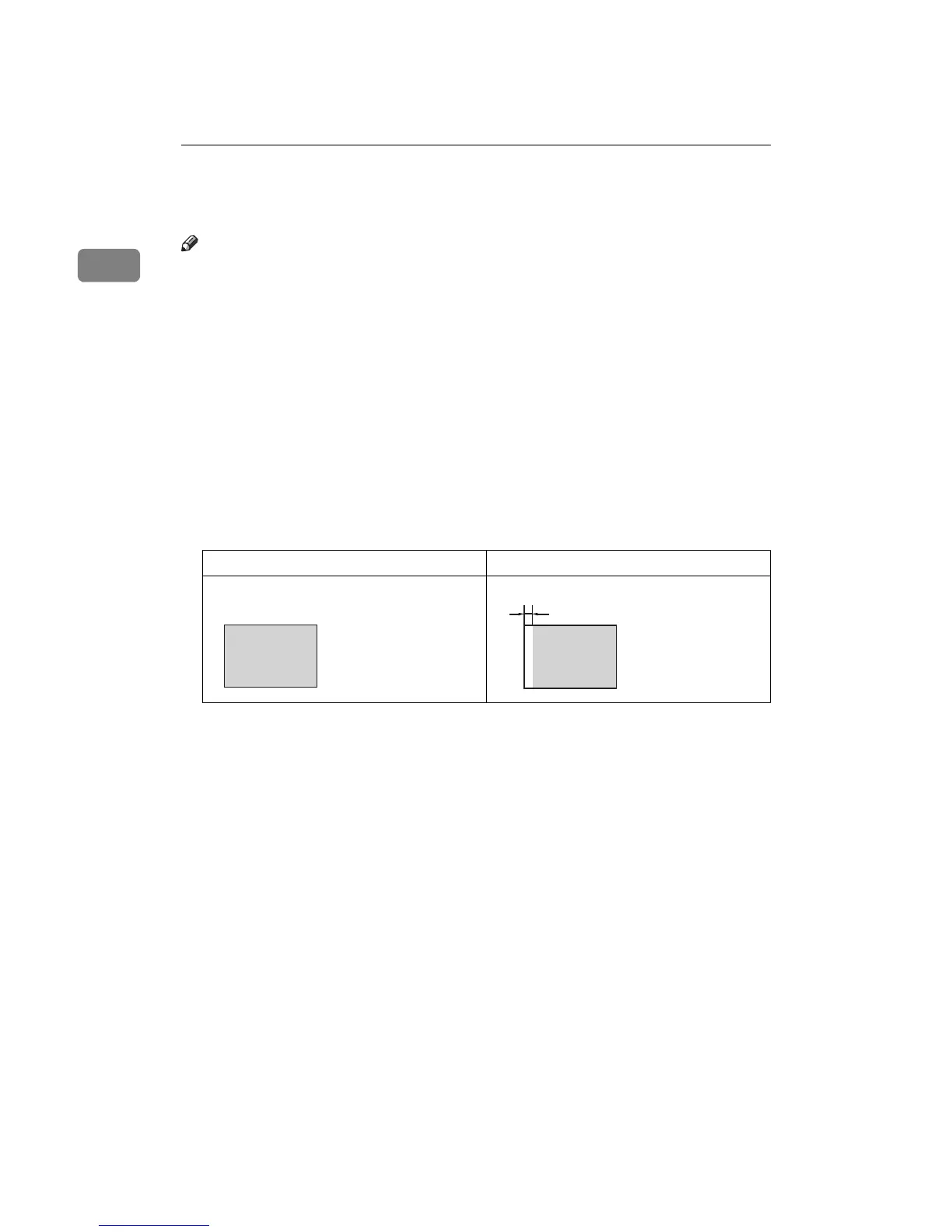
❒ The first 5 mm, 0.2" of the leading edge cannot be printed. Make sure the lead-
ing edge margin is at least 5 mm, 0.2".
❒ a: 5 mm, 0.2"
Original Print
a



 To Next Page