Operation
28
1
Preset Reduce/Enlarge—Reducing and
Enlarging Using Preset Ratios
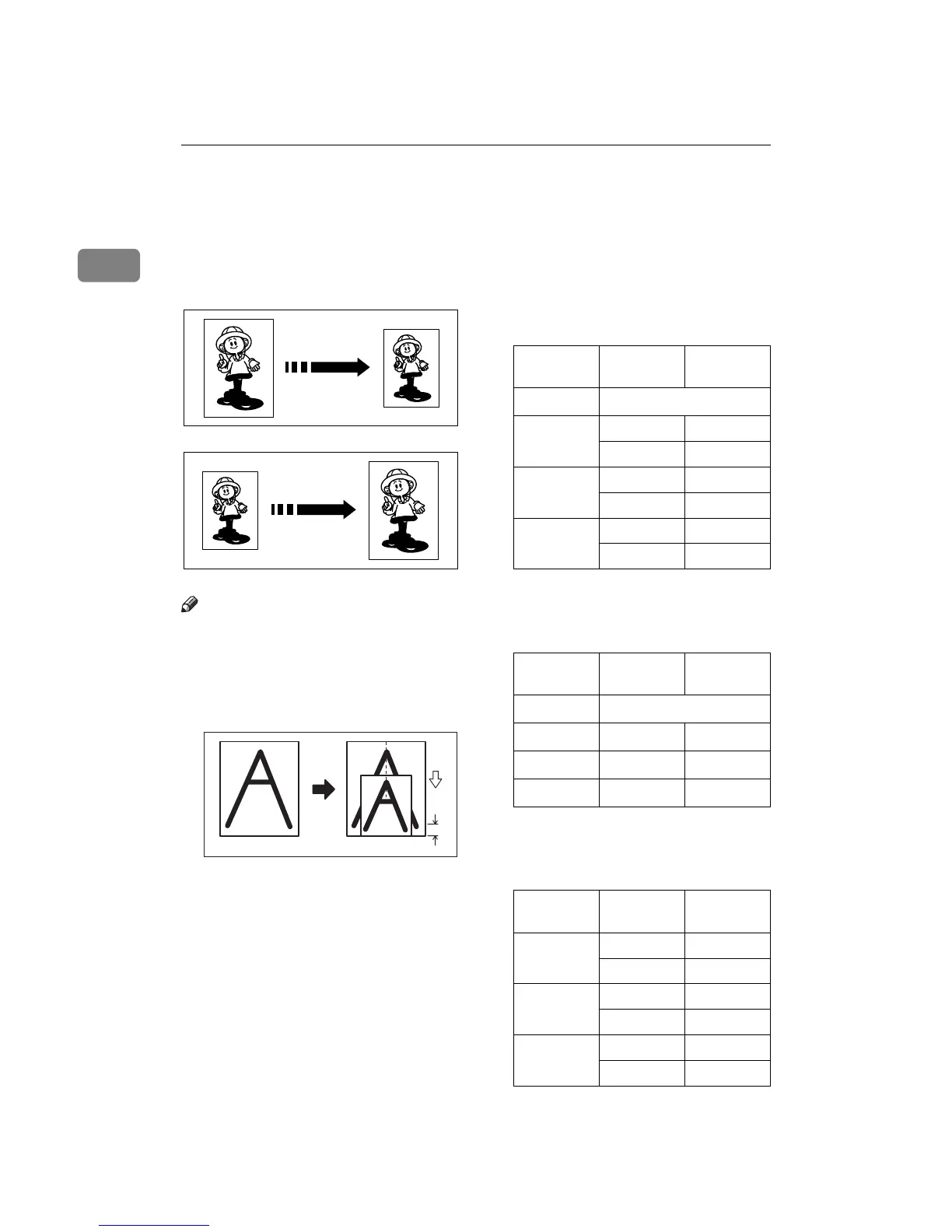
You can select a preset ratio for print-
ing.
Note
❒ The center and the leading edge of
the print image do not shift when a
print image is made with this func-
tion.
a: Paper Feed Direction
b: Constant
❒ You can select one of 7 preset ratios
(3 enlargement ratios, 4 reduction
ratios).
❒ You can select a ratio regardless of
the size of an original or printing
paper. With some ratios, parts of
the image might not be printed or
margins will appear on prints.
❒ Prints can be reduced or enlarged
as follows:
❖
❖❖
❖ Reduction (Metric version)
*1
Select this ratio when you make
prints with a lot of edge margins.
❖
❖❖
❖ Reduction (Inch version)
*1
Select this ratio when you make
prints with a lot of edge margins.
❖
❖❖
❖ Enlargement (Metric version)
GRREDU0E
GRENLA0E
GRFULLOE
a
b
Reduction
Ratio
Original
Size
Print Size
93%
*1
87% A5 B6
A4 B5
82% B4 A4
B5 A5
71% A4 A5
B4 B5
Reduction
Ratio
Original
Size
Print Size
93%
*1
77%
8
1
/
2
" × 14" 8
1
/
2
" × 11"
74% 10" × 14"
8
1
/
2
" × 11"
65%
8
1
/
2
" × 11" 5
1
/
2
" × 8
1
/
2
"
Enlarge-
ment Ratio
Original
Size
Print Size
141% B5 B4
A5 A4
122% A4 B4
A5 B5
115% B5 A4
B6 A5



 To Next Page