Operation
46
1
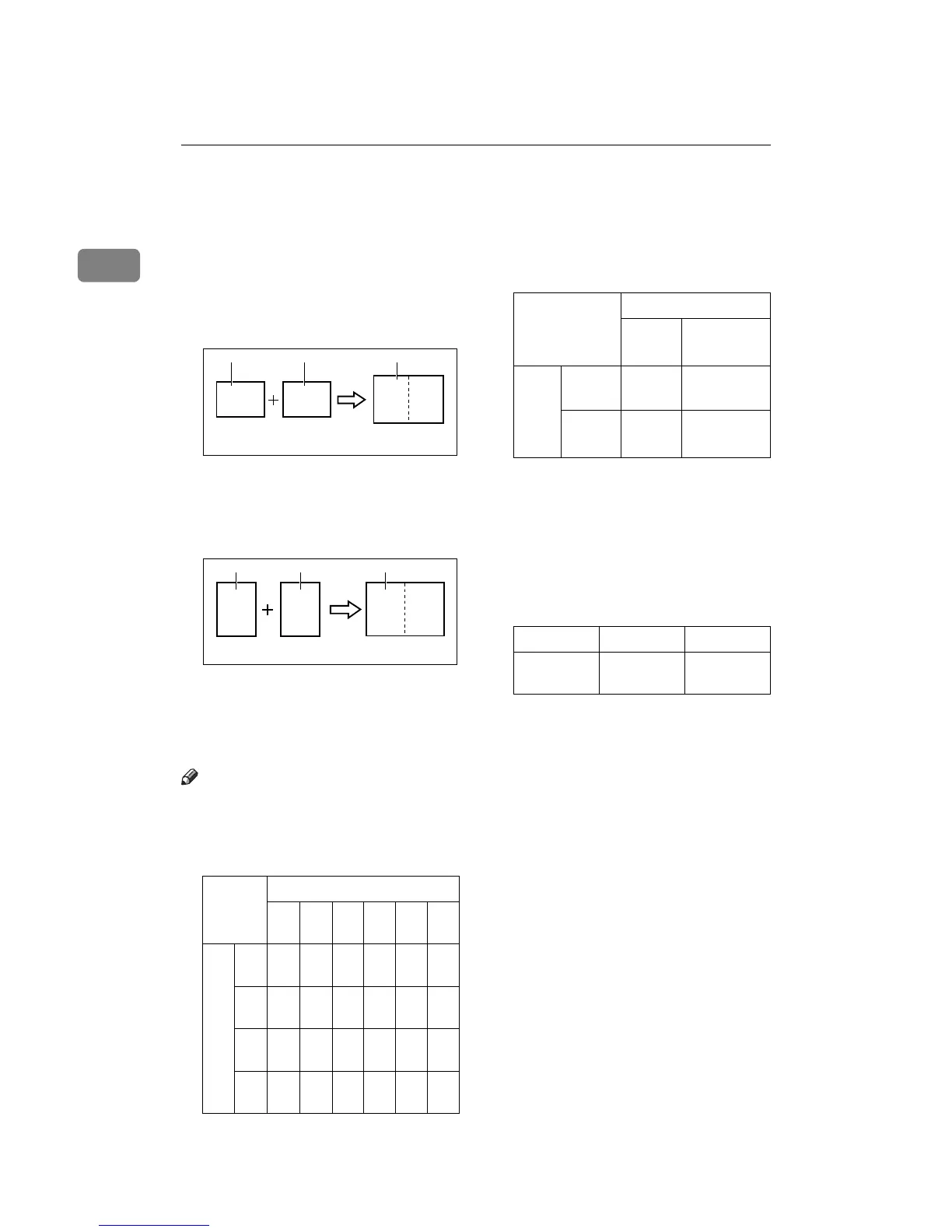
Combine—Combining 2 Originals onto
One Print
You can print 2 separate originals on
a single sheet of paper. The following
diagrams show the available paper
lists and orientations.
1: 8
1
/
2
" × 11"L .
2: 8
1
/
2
" × 11"L .
3: 8
1
/
2
" × 11"L .
1: 5
1
/
2
" × 8
1
/
2
"K.
2: 5
1
/
2
" × 8
1
/
2
"K.
3: 8
1
/
2
" × 11"L or 5
1
/
2
" × 8
1
/
2
"L.
Note
❒ The following tables list the repro-
duction ratios used.
❖
❖❖
❖ Metric version
❖
❖❖
❖ Inch version
❒ If the master length of the first
original is longer than the maxi-
mum allowable length, or shorter
than the minimum allowable
length, Combine Copies mode is
disabled. The following table gives
the maximum and minimum al-
lowable master length.
❒ Master length = actual original
length × Enlargement/Reduction
ratio
❒ Any image closer than 5 mm, 0.2"
to the leading edge of the first orig-
inal will not be printed. Also, any
image closer than 4 mm, 0.16" to
the leading edge of the second
original will not be printed. When
the image is too close to the leading
edge, use copies of the originals
with the image shifted at least 5
mm, 0.2" for the first original (4
mm, 0.16" for the second original)
from the leading edge.
❒ You can select different image set-
tings for the first and second origi-
nal.
Original Size
B4
K
A4
K
B5
K
A5
K
B6
K
A6
K
Paper Size
B4
L
71
%
87
%
10
0%
12
2%
14
1%
--
A4
L
-- 71
%
82
%
10
0%
11
5%
14
1%
B5
L
-- -- 71
%
87
%
10
0%
12
2%
A5
L
-- -- -- 71
%
82
%
10
0%
ZCTX020E
B
A
AB
1 2 3
ZCTX010E
BA AB
12 3
Original Size
8
1
/
2
×
11"K
5
1
/
2
" ×
8
1
/
2
"K
8
1
/
2
" ×
11"L
65% 100%
5
1
/
2
" ×
8
1
/
2
"L
-- 65%
Minimum Maximum
LG drum
model
91 mm, 3.6" 243 mm,
9.5"



 To Next Page