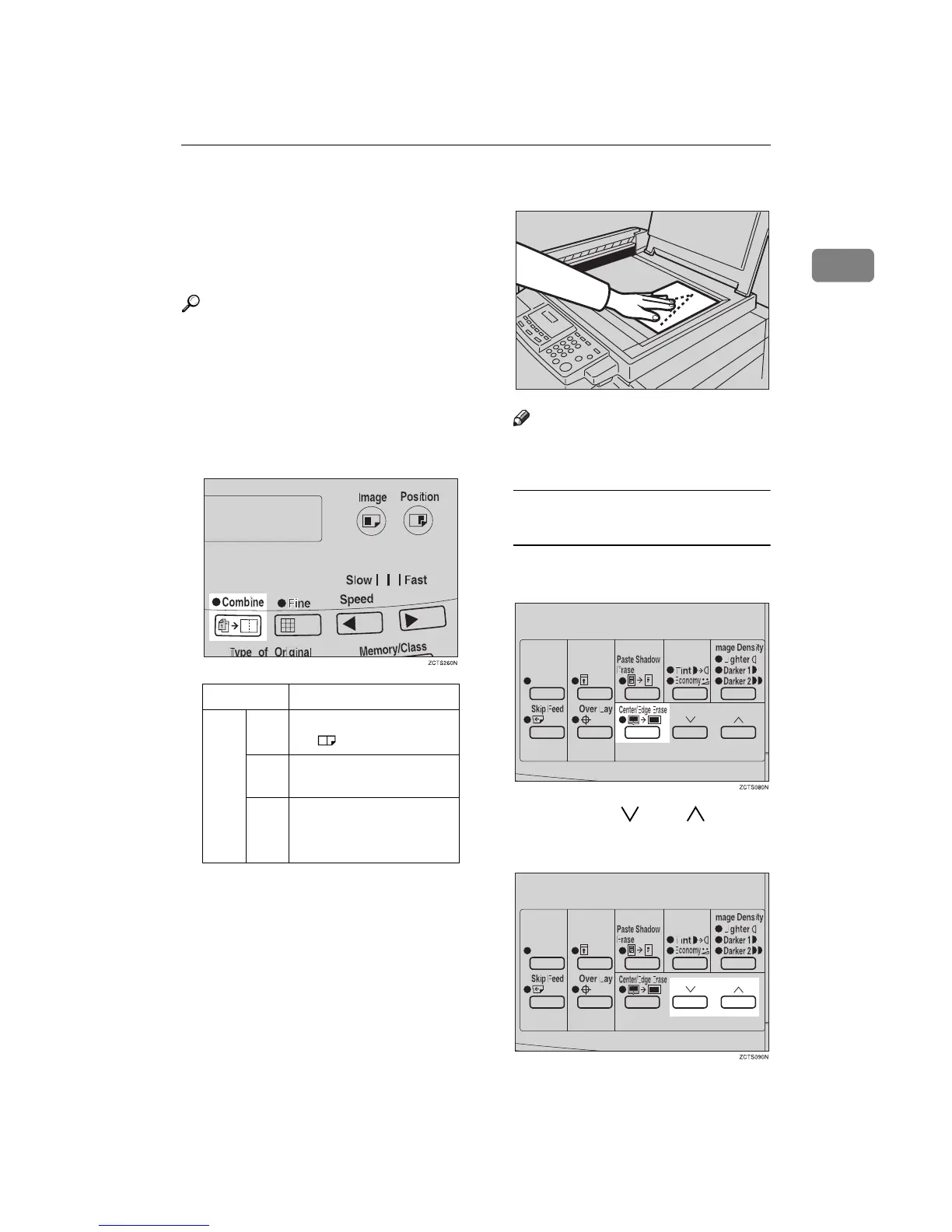
Combine—Combining 2 Originals onto One Print
47
1
❒ Make sure that the paper feed side
plates touch the paper lightly
when using the Combine Copies
function. If they do not, the two
original images will not appear at
the proper position on the prints.
Reference
For how to use the optional docu-
ment feeder with this function, see
⇒ p.43 “Memory Mode—Group
Printing from Different Originals”.
A
AA
A
Press the {
{{
{Combine}
}}
} key once or
more to select the type of combine
(see below).
B
BB
B
Set the first original face down.
Note
❒ The first original will be printed
on the leading part of the print.
To Choose a Custom
Reproduction Ratio
A Press the {
{{
{Center/Edge Erase}
}}
}
key twice.
B Press the {
{{
{}
}}
} or {
{{
{}
}}
} key to
select the original size and di-
rection.
LG drum
Number of key presses
1
8
1
/
2
" × 11"LL → 8
1
/
2
" ×
14"
2 65-100% (Manual Set-
tings)
3No Combine
TSLY01AE



 To Next Page