Operation
30
1
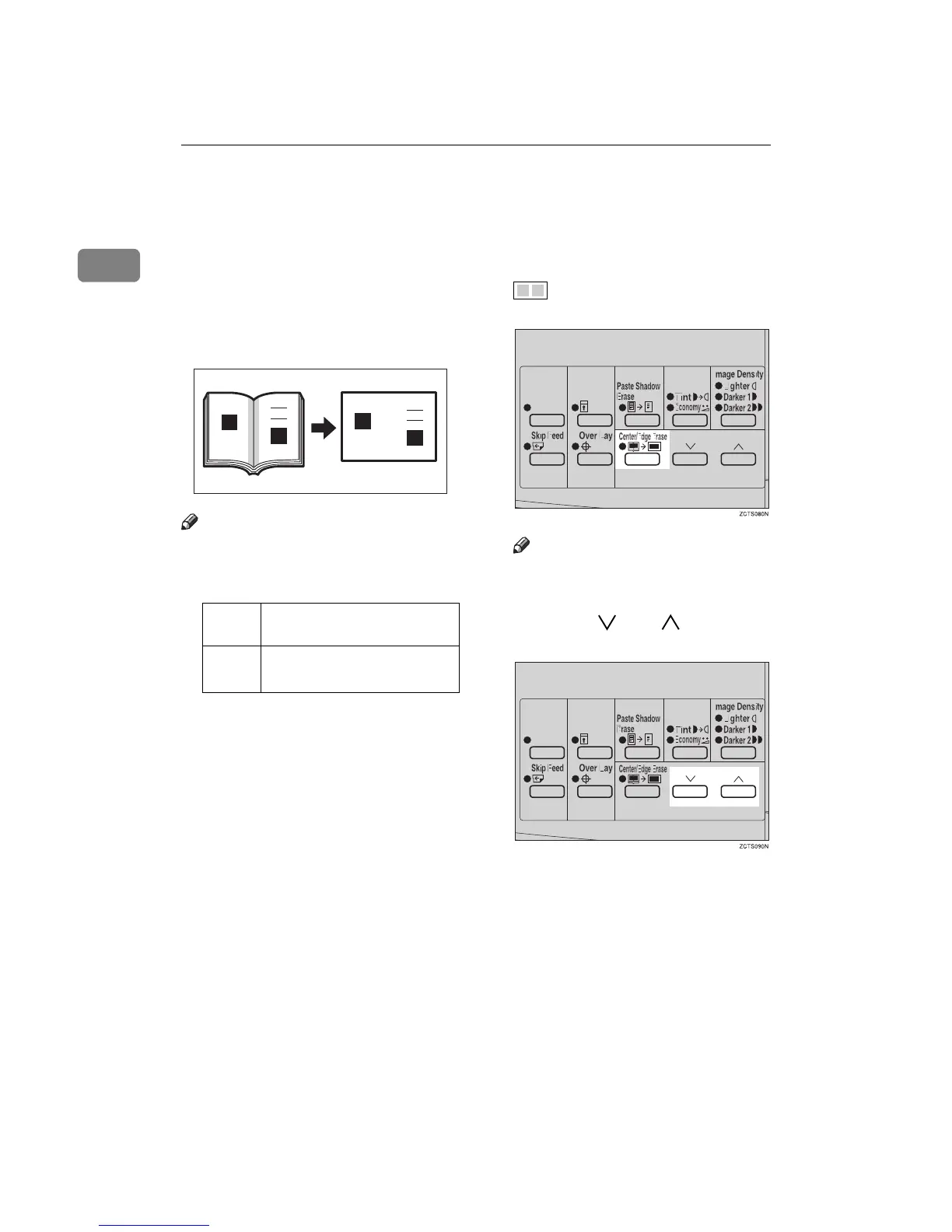
Center/Edge Erase—Erasing center and
Edge Margins
When printing from thick books, or
similar originals, the binding margin
at the center and the edges might ap-
pear on prints. To prevent this, follow
the steps below.
Note
❒ As a default setting, the paper sizes
and directions that can be used are
as follows:
❒ If you want to use other size origi-
nals, you can register the size using
User Tools (See ⇒ p.69 “User Tools
Menu”).
❒ The margin width to be erased can
be adjusted with User Tools (See ⇒
p.69 “User Tools Menu”).
A
AA
A
Press the {
{{
{Center/Edge Erase}
}}
} key
twice to select the Center/Edge
Erase mode.
Check Indicator is blinking and
is shown in the guidance dis-
play.
Note
❒ To cancel this mode, press the
{
{{
{Center/Edge Erase}
}}
} key again.
B
BB
B
Press the {
{{
{}
}}
} or {
{{
{}
}}
} key to se-
lect the paper size and direction.
Metric
version
B4L, A4L, A5K, A5L,
B5K, B5L
Inch
version
8
1
/
2
" × 14"L, 8
1
/
2
" × 11"L,
5
1
/
2
" × 8
1
/
2
"L, 5
1
/
2
" × 8
1
/
2
"K
GRMARG0E



 To Next Page