Stopping the Machine during the Multi-print Run
27
1
Stopping the Machine during the Multi-
print Run
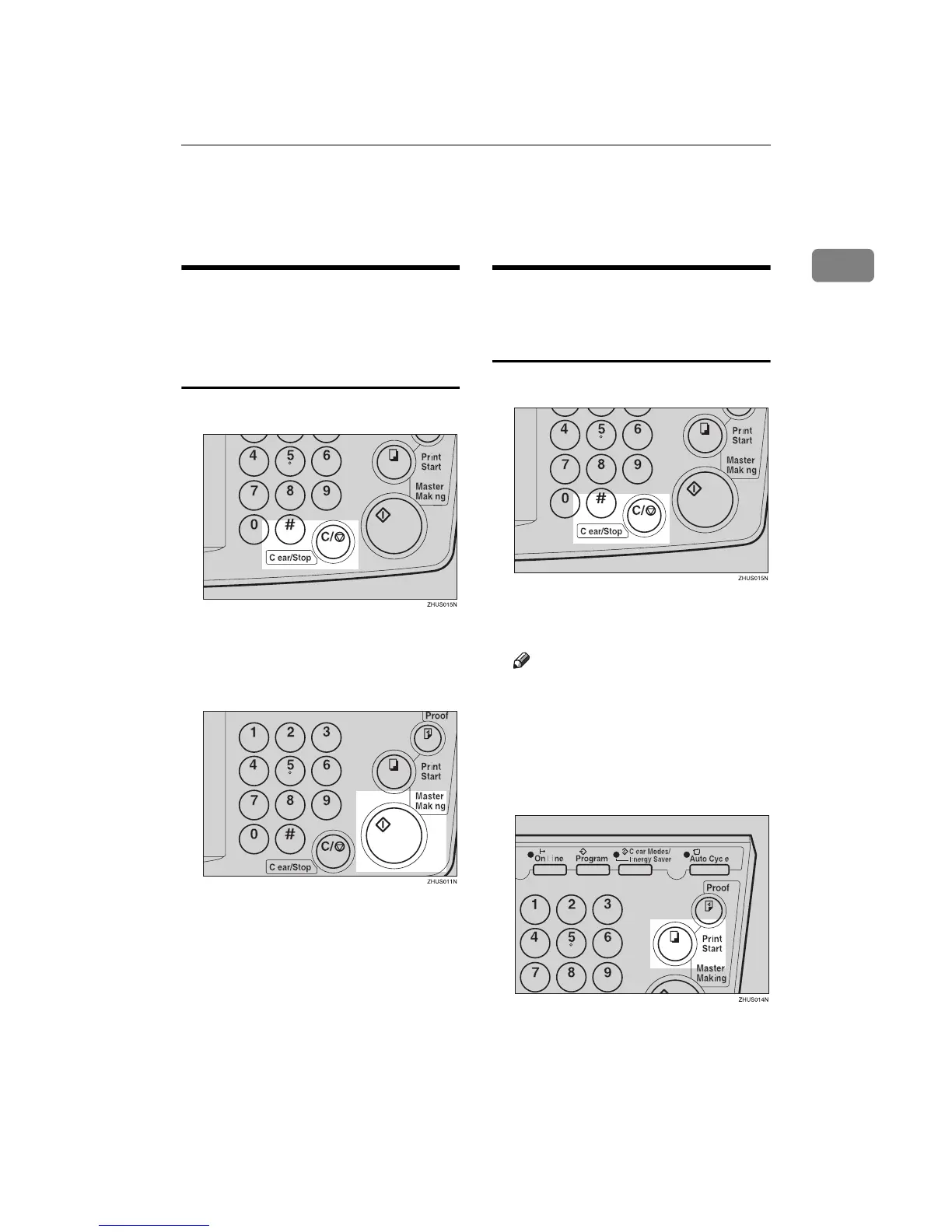
When You Want to Stop the
Machine during the Multi-print
Run and Print the Next
Original
A
AA
A
Press the {
{{
{Clear/Stop}
}}
} key.
B
BB
B
Set the new original.
C
CC
C
Enter the number of prints and
press the {
{{
{Master Making}
}}
} key.
When You Want to Change the
Number of Prints Entered or
Check the Completed Prints
A
AA
A
Press the {
{{
{Clear/Stop}
}}
} key.
B
BB
B
Change the number of prints or
check the completed prints.
Note
❒ When you change the number
of prints, you can re-enter the
number with the number keys
after pressing the {
{{
{Clear/Stop}
}}
}
key.
C
CC
C
Press the {
{{
{Print Start}
}}
} key.



 To Next Page