Operation
24
1
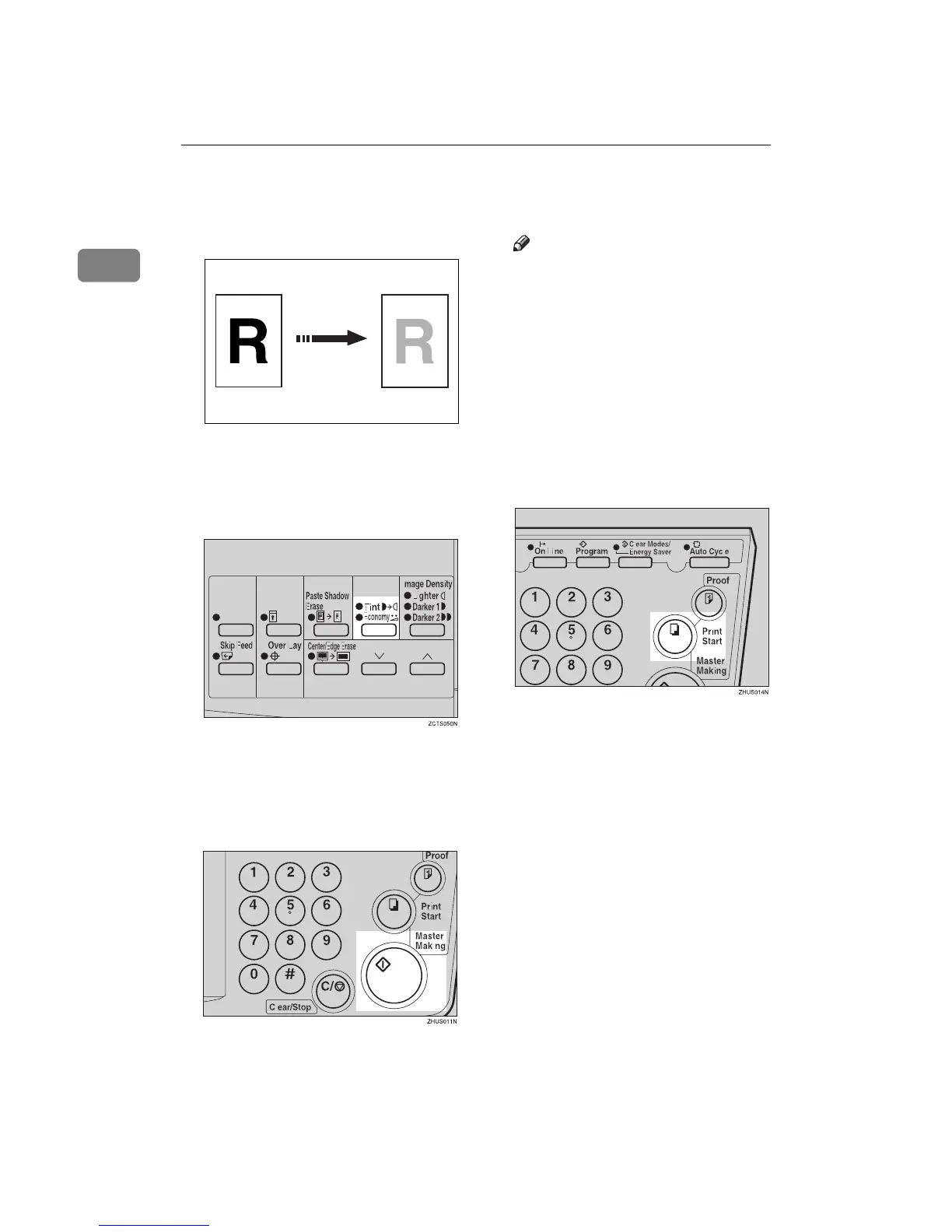
Tint Mode—Halftone Printing
Use the {
{{
{Tint/Economy}
}}
} key to make
halftone prints.
A
AA
A
Press the {
{{
{Tint/Economy}
}}
} key to se-
lect Tint mode (Upper indicator).
B
BB
B
Set your originals on the exposure
glass or in the optional document
feeder.
C
CC
C
Press the {
{{
{Master Making}
}}
} key.
D
DD
D
Check the image position of the
trial or proof print.
Note
❒ If the image position is not cor-
rect, adjust it using the {
{{
{Image
Position}
}}
} keys (see ⇒ p.21 “Ad-
justing the Print Image Posi-
tion”) or the side tray fine
adjusting dial (see ⇒ p.21
“Shifting the Print Image Posi-
tion to the Right or Left”).
E
EE
E
Enter the number of prints with
the number keys.
F
FF
F
Press the {
{{
{Print Start}
}}
} key.
GRTINT0E



 To Next Page