Operation
16
1
D
DD
D
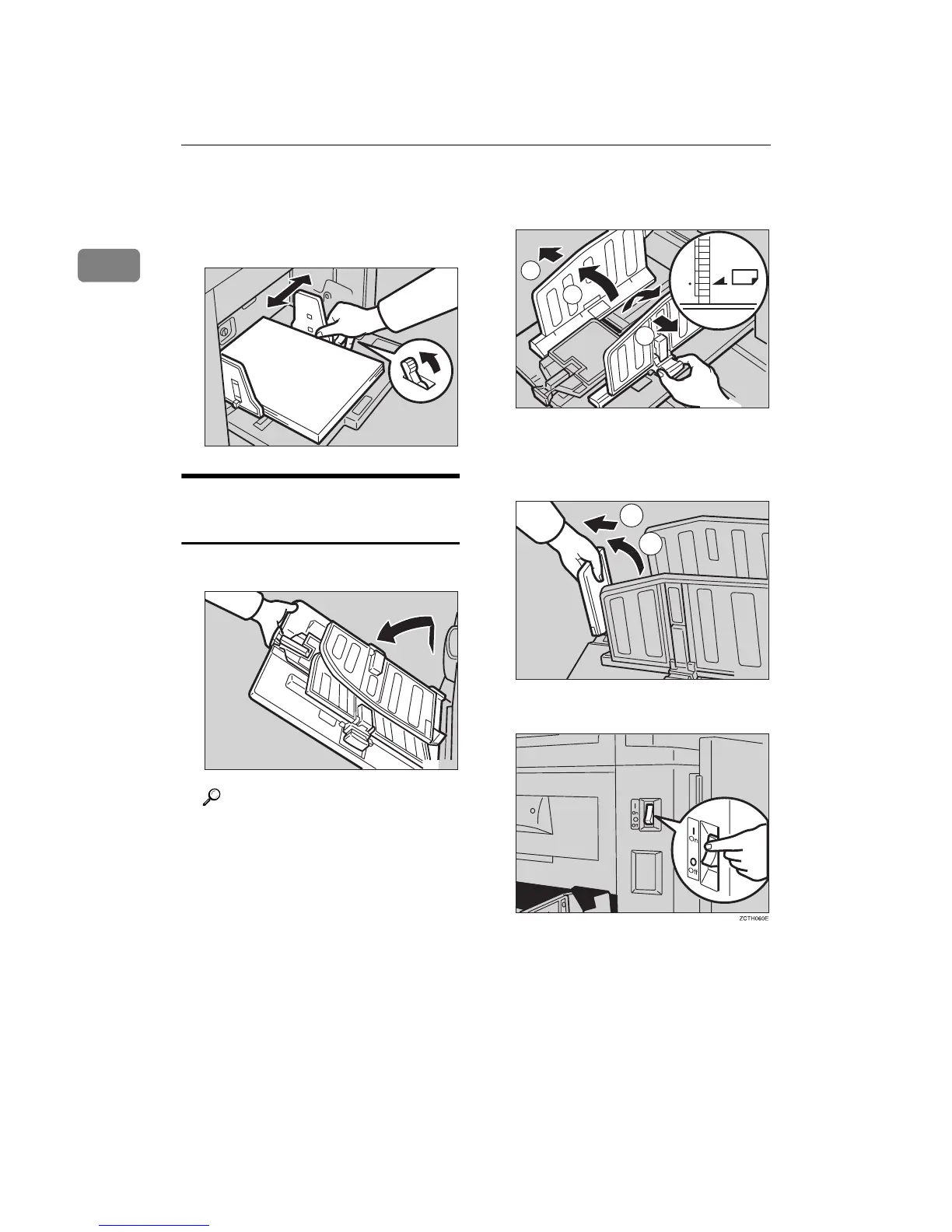
Make sure that the paper feed
side plates touch the paper light-
ly. Shift the lock lever to its origi-
nal position.
Setting Up the Paper Delivery
Tray
A
AA
A
Open the paper delivery tray.
Reference
When the prints are not deliv-
ered in a neat stack, see ⇒ p.111
“When the Prints are Thrown
Over the Paper Delivery Tray”.
B
BB
B
Lift the paper delivery side plates
and adjust them to the paper size.
C
CC
C
Lift the paper delivery end plate
and move it to match the print pa-
per size.
D
DD
D
Turn on the main switch.
TSLY015E
TSLH01YE
2
1
2
1
TSLH030E
22
1
TSLH01ZE



 To Next Page