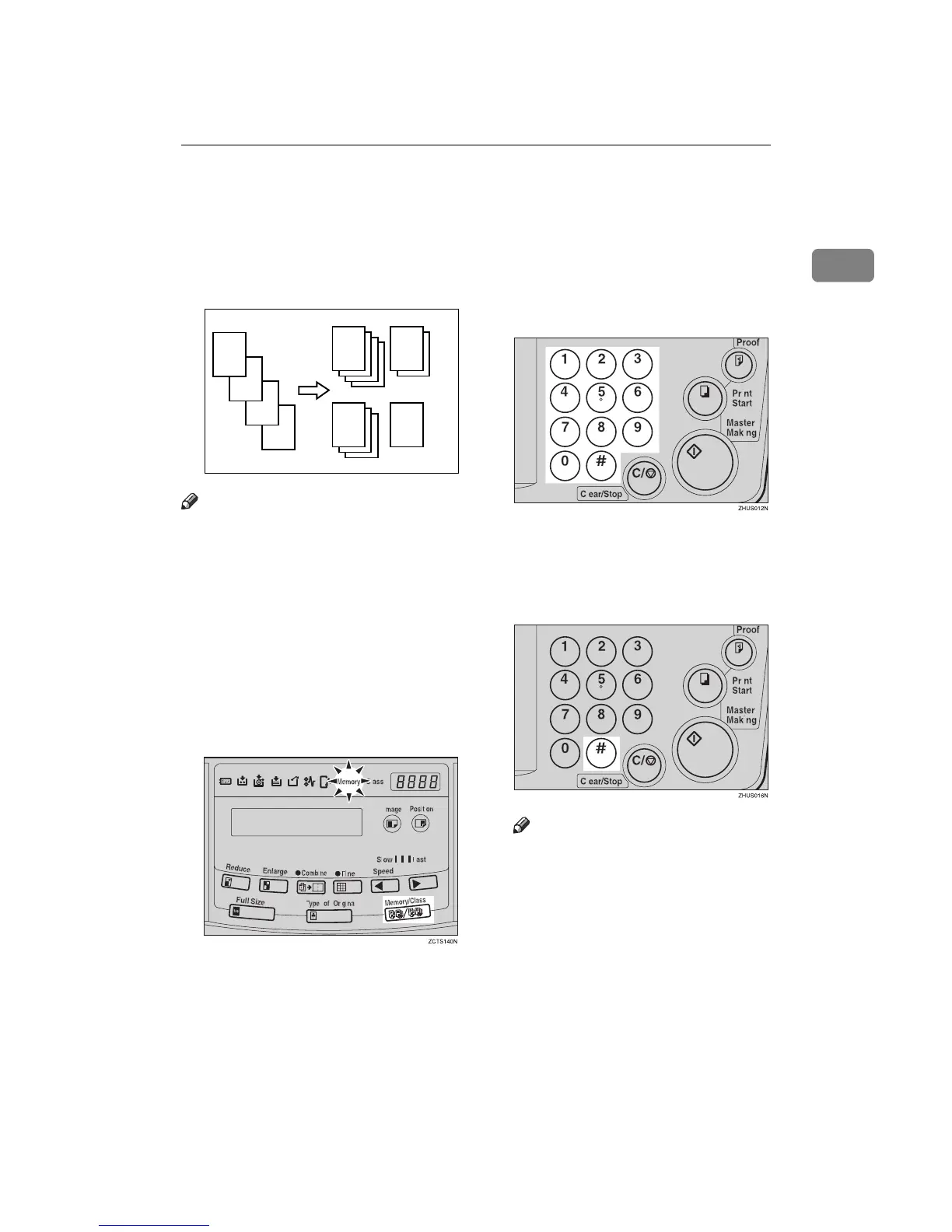
Memory Mode—Group Printing from Different Originals
43
1
Memory Mode—Group Printing from
Different Originals
Use the {
{{
{Memory/Class}
}}
} key to make
sets of prints from different originals.
Note
❒ With the optional document feed-
er, you can set several originals
and make prints of all of them at
once. See ⇒ p.59 “Memory Mode
with the Document Feeder”.
❒ The optional tape dispenser auto-
matically feeds out strips of paper
which separate the printing
groups on the paper delivery tray.
A
AA
A
Press the {
{{
{Memory/Class}
}}
} key to
light the Memory indicator.
B
BB
B
With the number keys, enter the
desired number of prints for the
first original.
C
CC
C
Press the {
{{
{q
qq
q}
}}
} key.
This stores the number of prints to
be made for the first original in
memory 1.
Note
❒ When the number of prints in
each set is the same, it is not nec-
essary to input the number of
prints for each group in memo-
ry. Simply select Auto Cycle
mode and enter the desired
number of prints once.
D
C
B
GRCLAS1E
A
A
B
C D



 To Next Page