Operation
52
1
E
EE
E
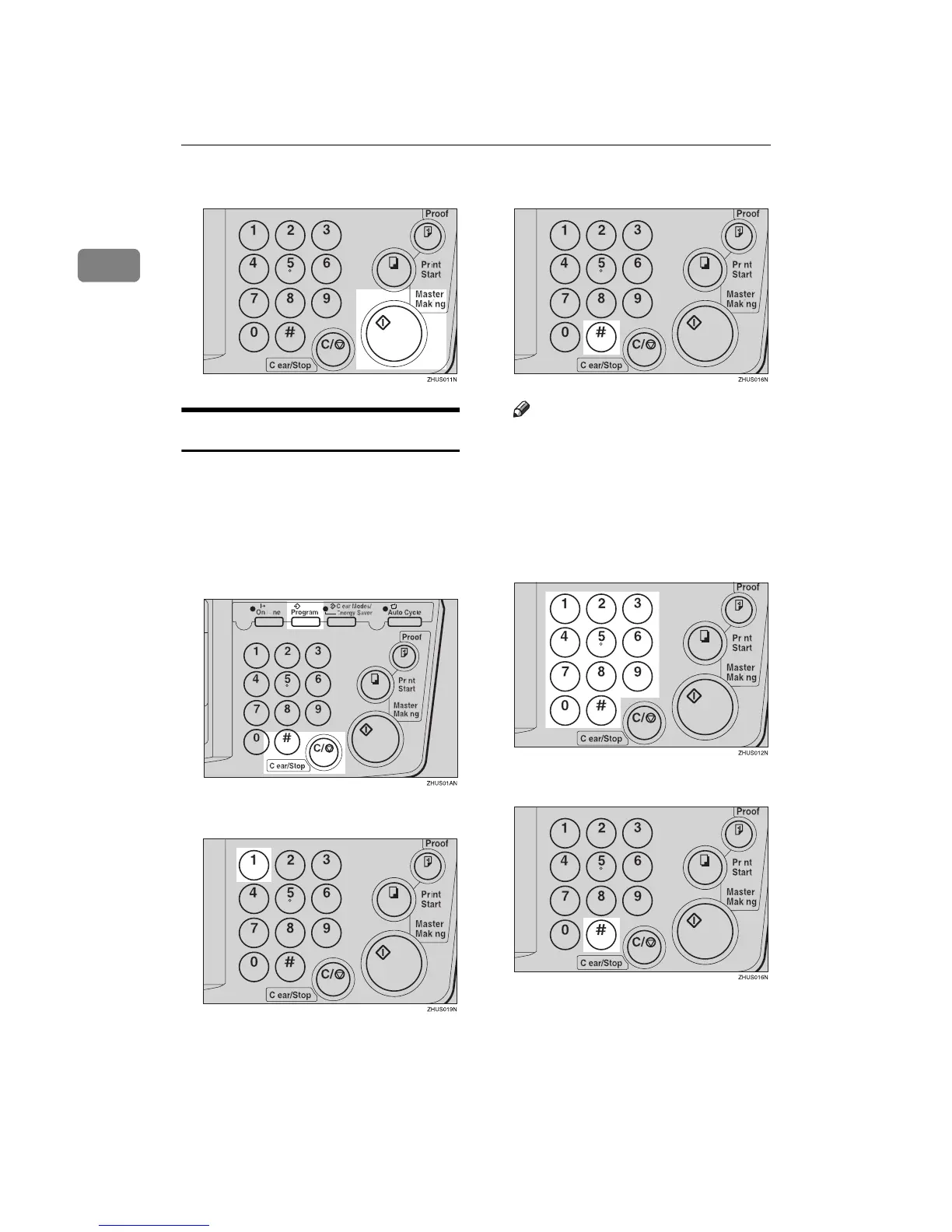
Press the {
{{
{Master Making}
}}
} key.
Protecting a Program
If you want to prevent someone from
writing over your program, do the
following procedure.
A
AA
A
While holding down the
{
{{
{Clear/Stop}
}}
} key, press the {
{{
{Pro-
gram}
}}
} key.
B
BB
B
Enter “1” with the number keys.
C
CC
C
Press the {
{{
{q
qq
q}
}}
} key.
Note
❒ The numbers of the programs
which are not protected will be
displayed in the guidance dis-
play.
D
DD
D
Select the program number you
want to protect with the number
keys.
E
EE
E
Press the {
{{
{q
qq
q}
}}
} key.



 To Next Page