Optional Functions
58
2
Note
❒ If the next original has been set in the document feeder before the machine
stops, that original is fed automatically and a trial print is delivered to the
paper delivery tray after the print of the first original is completed. Check
the image position of the trial print of the next original. If necessary, make
proof prints using the {
{{
{Proof}
}}
} key to check the image position again.
Combine Copies with the Document Feeder
A
AA
A
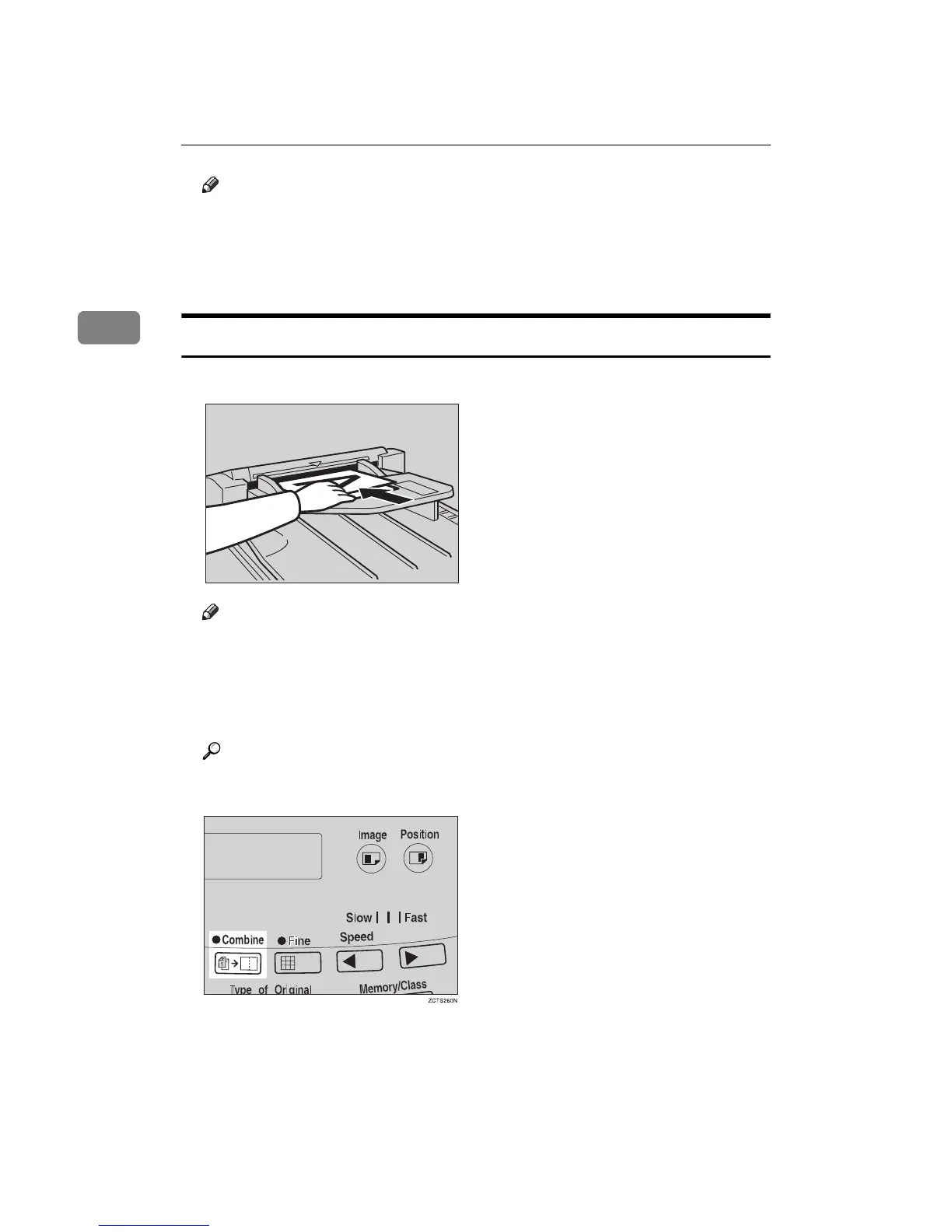
Insert the 2 originals face up, tops pointing towards the operation side.
Note
❒ When you use the optional document feeder, the bottom original will be
printed on the leading part of print.
B
BB
B
Check the print paper size and the reproduction ratio.
C
CC
C
Press the {
{{
{Combine}
}}
} key to select your desired mode.
Reference
For the details of this function, See ⇒ p.46 “Combine—Combining 2 Orig-
inals onto One Print”.
TSLH013E



 To Next Page