Auto Cycle—Printing from Several Originals at Once
39
1
Auto Cycle—Printing from Several
Originals at Once
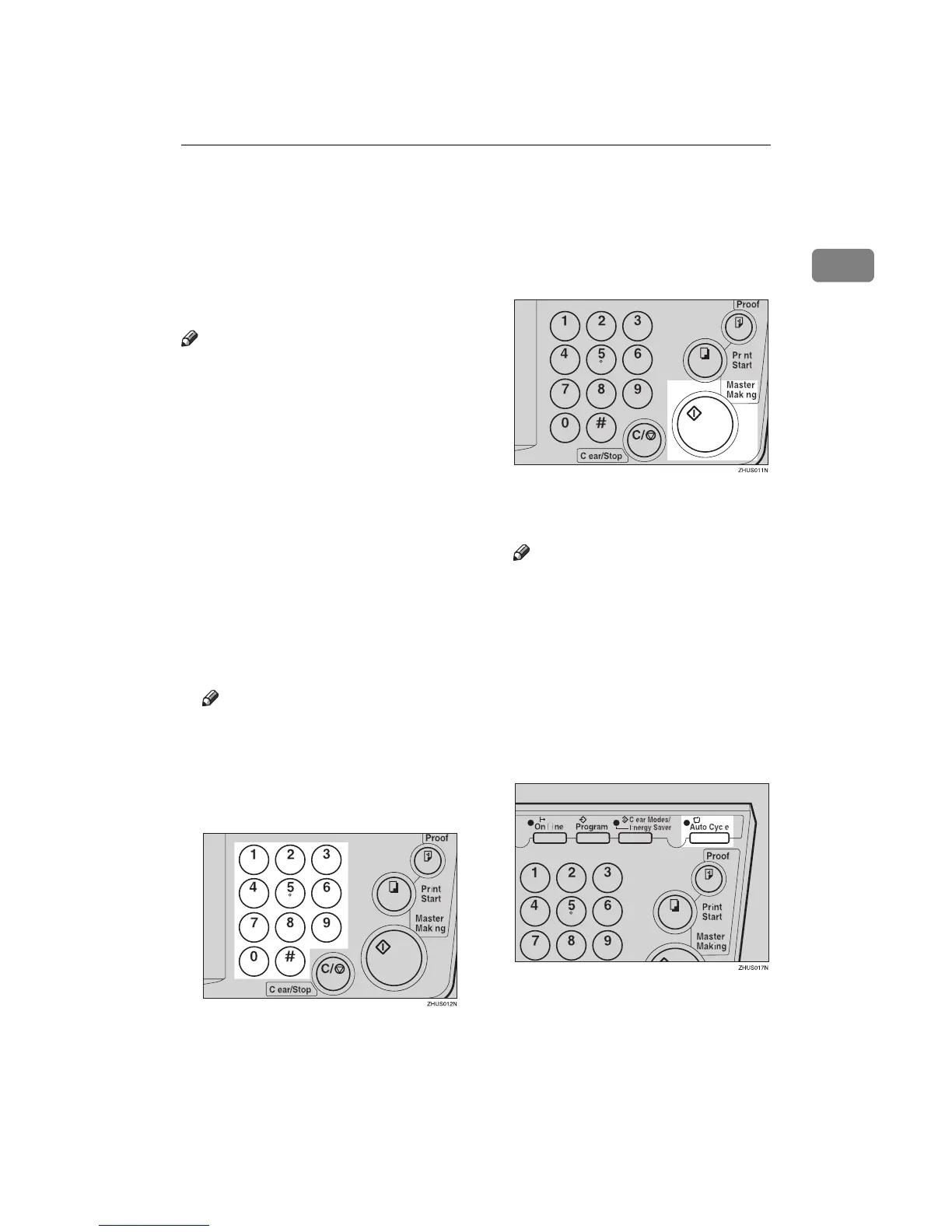
Use the {
{{
{Auto Cycle}
}}
} key to process
masters and make prints at one
stroke.
Note
❒ When you use the optional docu-
ment feeder, it is not necessary to
place originals one by one. All
originals are fed and prints are
completed after you press the
{
{{
{Print Start}
}}
} key.
❒ If you use the optional tape dis-
penser, the tape dispenser drops a
strip of paper onto the top of the
paper stack after the last page of
each printing set is fed out to the
paper delivery tray. This marks the
end of each printing group.
A
AA
A
Set the original on the exposure
glass or in the optional document
feeder.
Note
❒ You can set up to 30 originals
into the optional document
feeder.
B
BB
B
Enter the number of prints re-
quired with the number keys.
C
CC
C
Press the {
{{
{Master Making}
}}
} key.
D
DD
D
Check the image position of the
trial or proof print.
Note
❒ If the image position is not cor-
rect, adjust it using the {
{{
{Image
Position}
}}
} keys (see ⇒ p.21
“Shifting the Print Image Posi-
tion Forward or Backward”) or
the side tray fine adjusting dial
(see ⇒ p.21 “Shifting the Print
Image Position to the Right or
Left”).
E
EE
E
Press the {
{{
{Auto Cycle}
}}
} key.



 To Next Page