Optional Functions
60
2
A
AA
A
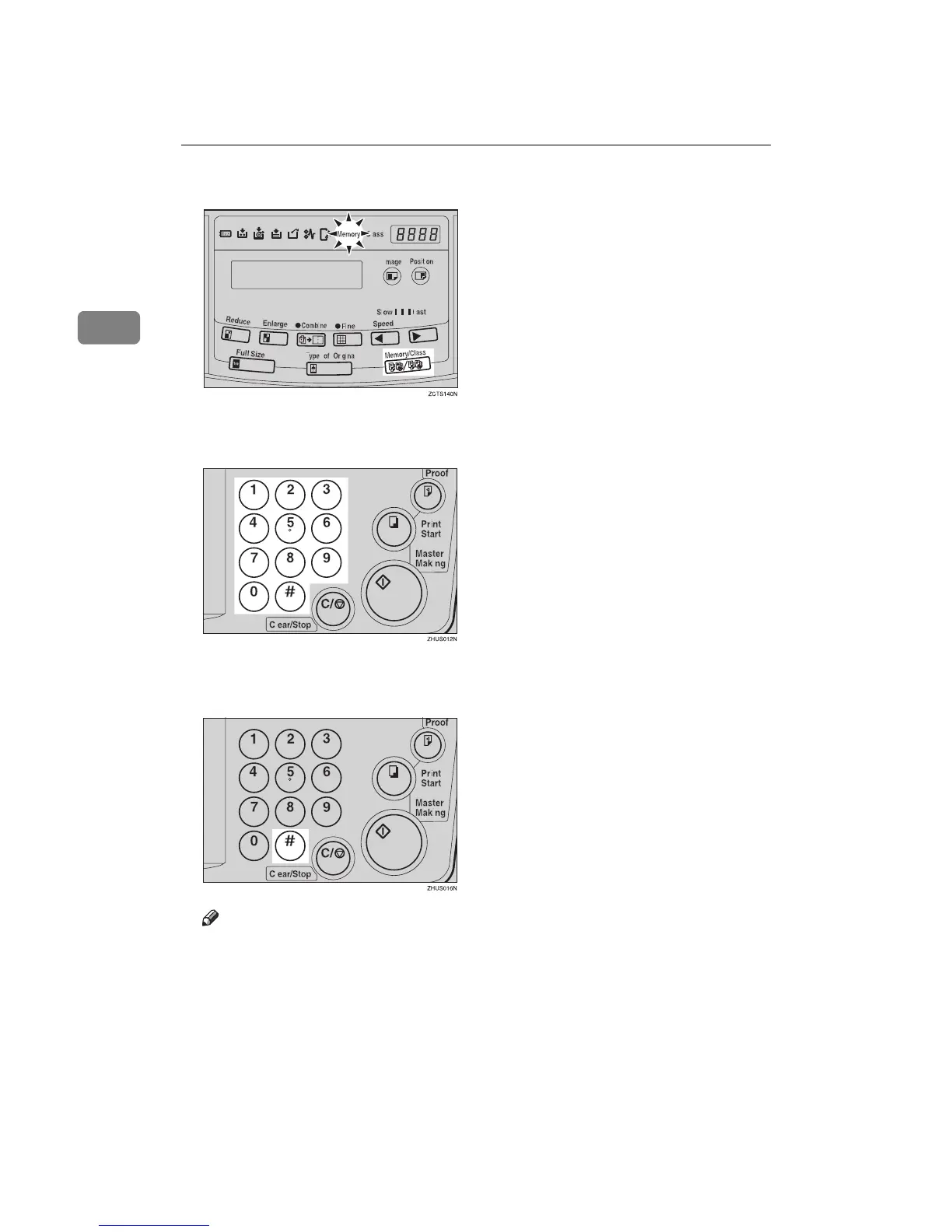
Press the {
{{
{Memory/Class}
}}
} key to light the Memory indicator.
B
BB
B
With the number keys, enter the desired number of prints for the first orig-
inal.
C
CC
C
Press the {
{{
{q
qq
q}
}}
} key.
This stores the number of prints to be made for the first original in memory 1.
Note
❒ When the number of prints in each set is the same, it is not necessary to in-
put the number of prints for each group in memory. Simply select Auto
Cycle mode and enter the desired number of prints once.



 To Next Page