22
SMART SOS USER MANUAL
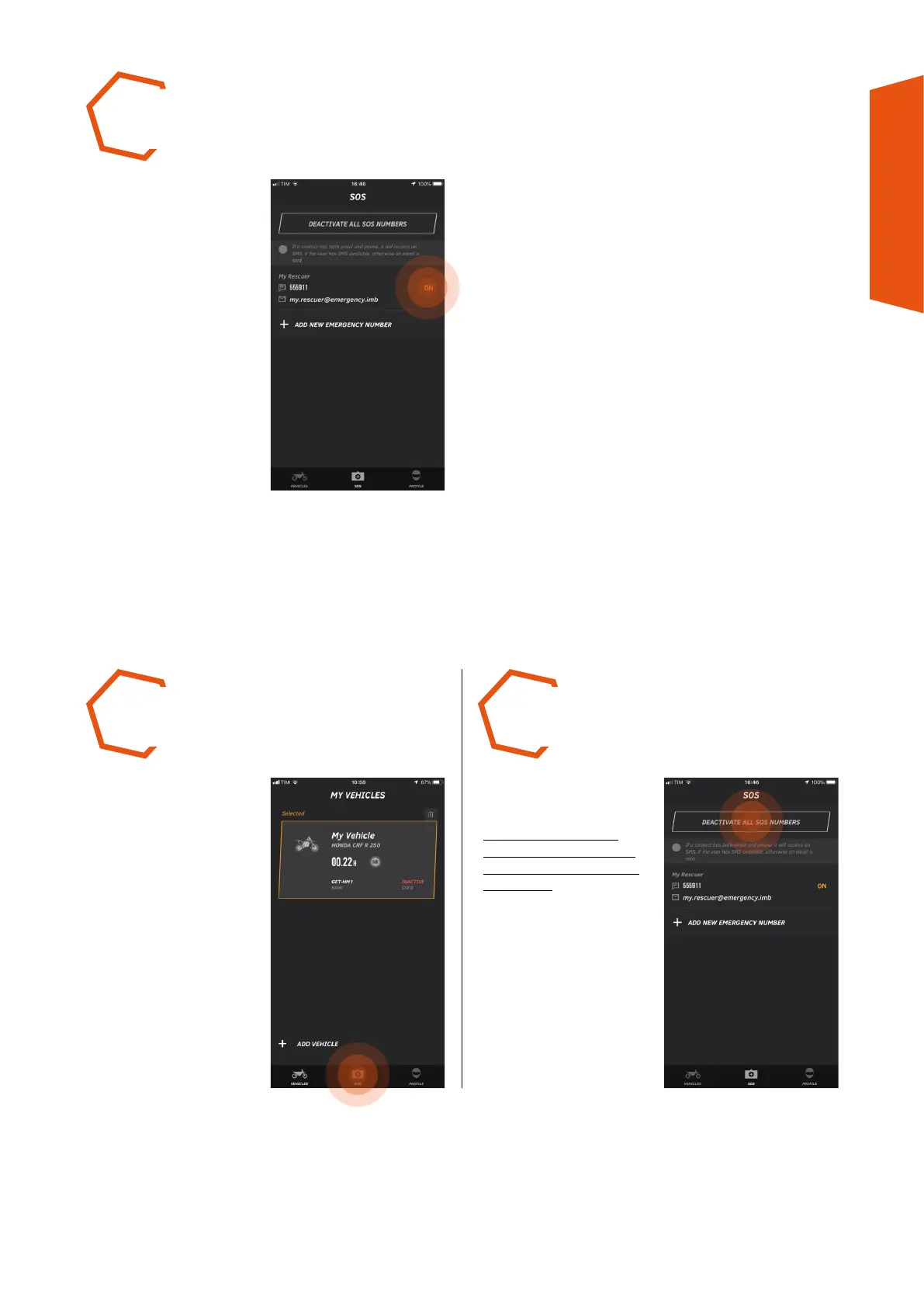
THE RECIPIENT just
inserted can be visualised
on the list on the SOS page.
Check that recipient status
is ON (enabled).
STEP 5
8.2 DEACTIVATION/CANCELLING RECIPIENTS FOR THE SOS FUNCTION
Press the DEACTIVATE ALL
SOS NUMBERS button.
N.B.: IF THERE IS NO
ACTIVE RECIPIENT, THE
SOS FUNCTION WILL BE
DISABLED.
STEP 1 STEP 2
PRESS the SOS icon on the
Toolbar to visualise the list
of recipients.



 To Next Page