4
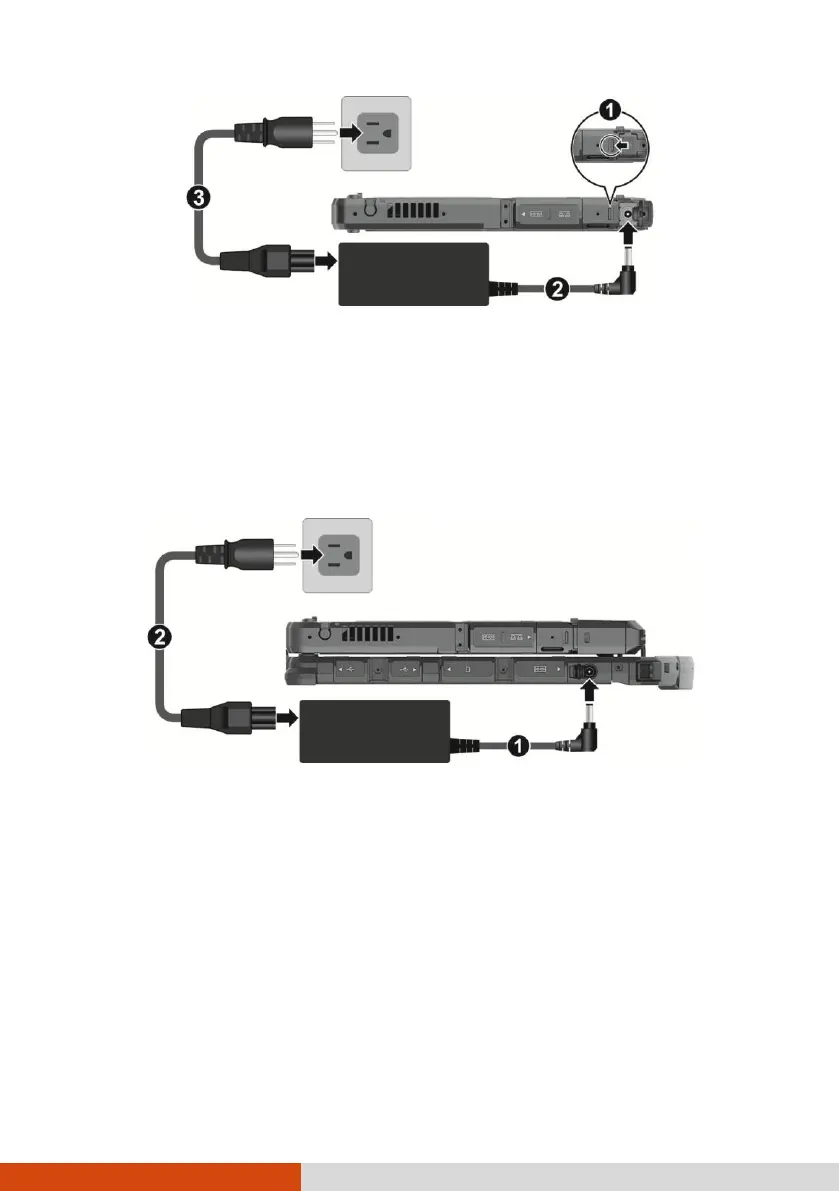
K120 Tablet with the Keyboard Dock:
Open the cover of the power connector.
Plug the DC cord of the AC adapter to the power connector (
). Plug the
female end of the AC power cord to the AC adapter and the male end to an
electrical outlet ().
2. Power is being supplied from the electrical outlet to the AC adapter and onto
your computer. Now, you are ready to turn on the computer.



 To Next Page