23
Actions
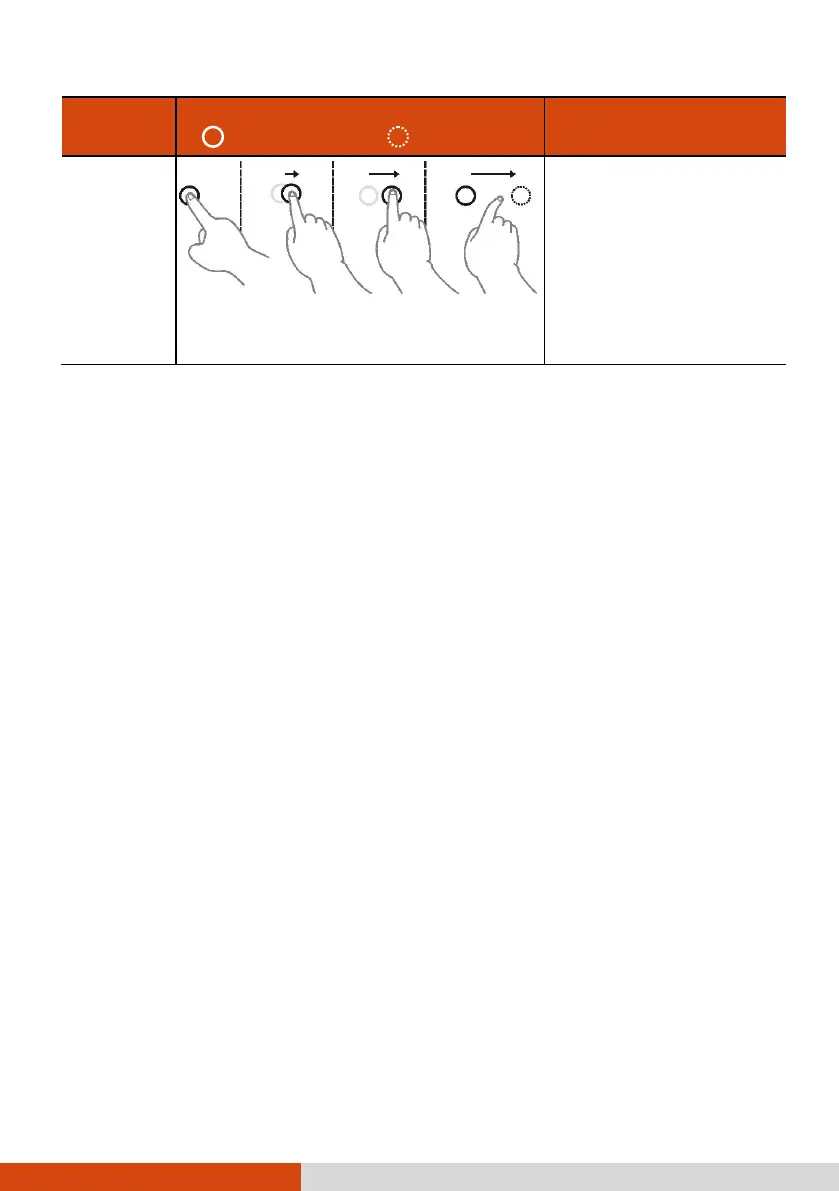
( = finger down; = finger up)
Make quick drag gestures in the desired
direction.
Flick left or right to
navigate back and forward
in a browser and other
applications. The gesture
works in most applications
that support back and
forward.
Using the Dual Mode Display (Optional)
Dual mode display (if your model has the feature) incorporates both touchscreen
and digitizer functions.
The display is set to Touchscreen mode by default. Touchscreen mode provides
all the functionalities that an ordinary touchscreen has. When the Computer receives
signals from the digitizer pen, the display automatically switches to Digitizer mode.
You can move the cursor by bringing the digitizer pen close to the screen, without
actually touching the screen’s surface.



 To Next Page