38
© G host C ontr o l s
®
2 0 2 0
RTY
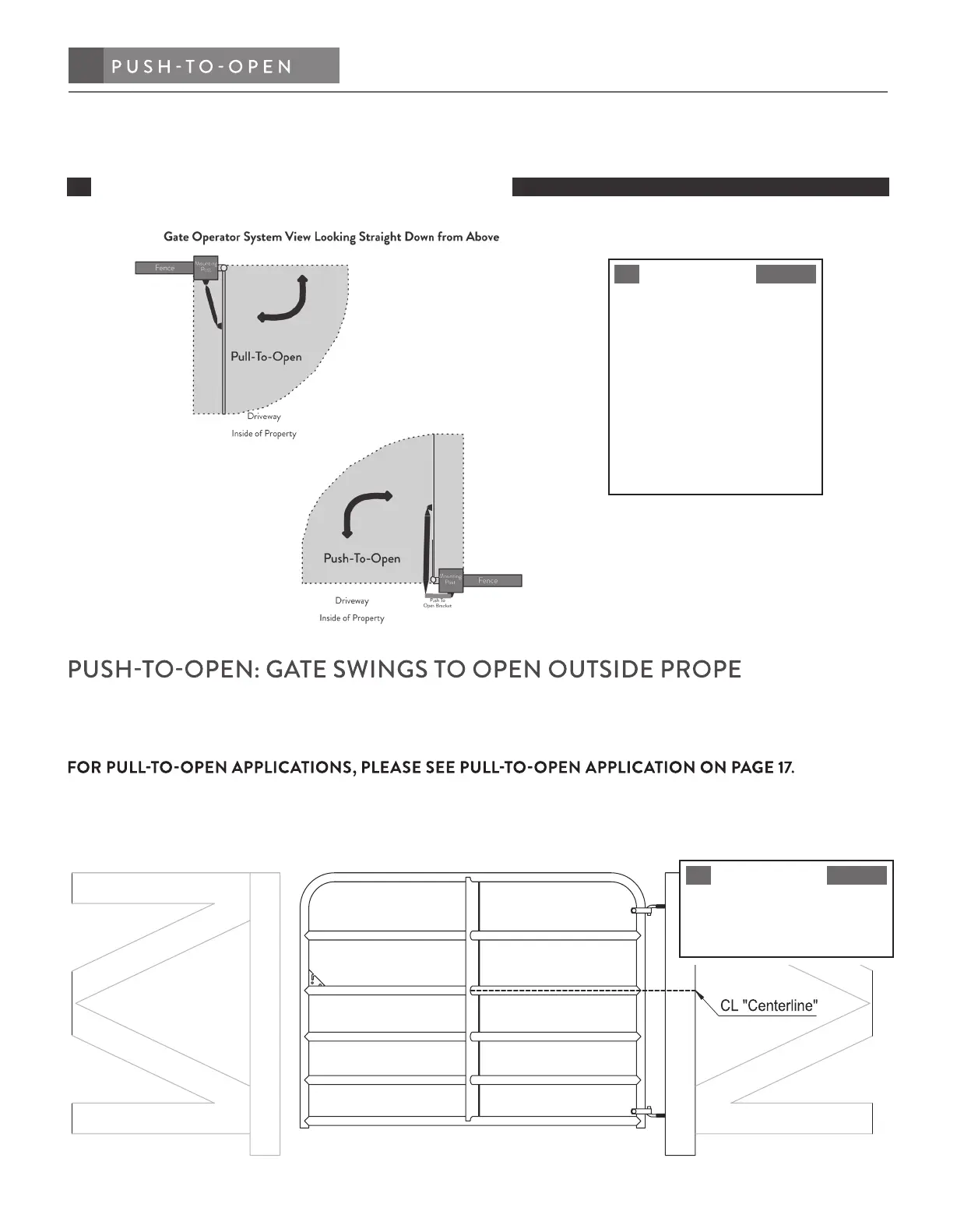
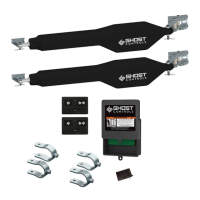
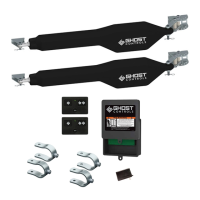
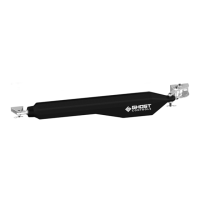
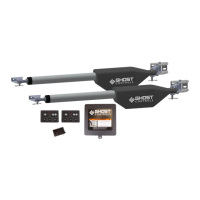
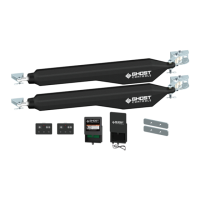
The dimensions and step-by-step instructions that follow are for mounting the GHOST CONTROLS
®
Gate Operator
PUSH-TO-OPEN installation system to a standard metal tubular-style agricultural gate that swings into property. You will
need to make sure you purchase the Push-To-Open Bracket Kit (AXPO) before you start installing.
STEP 1. Establish and mark the horizontal center lines of the gate and the post for proper alignment
of gate brackets.
NOTE
This center point will be used
for mounting the post bracket
in STEP 4.
PUSH TO OPENINSTALLATION
OPERATOR ARM INSTALLATION
NOTE
Wheels cannot be used with
any Ghost Controls
®
gate
opener system!
For gates weighing over 200
lbs. ball bearing hinges are
recommended.
Operator is not for use on
solid panel privacy gates.


 To Next Page