45
© G host C ontr ols
®
2 0 2 0
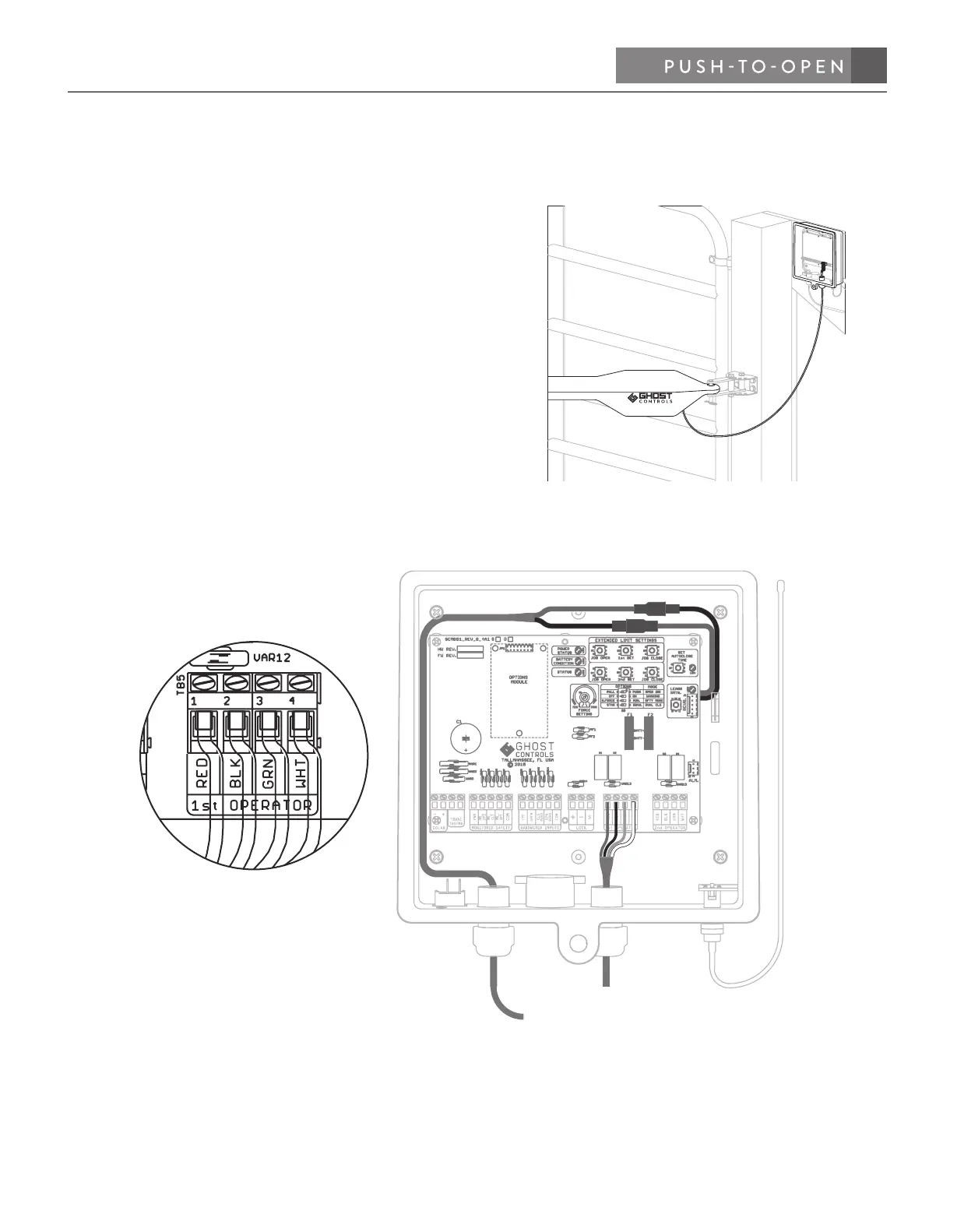
CONNECTING OPERATOR ARM TO CONTROL BOX
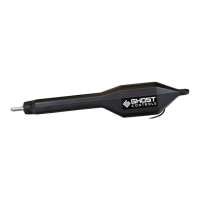
STEP 9. Insert the operator cable into the control box.
A. Route the operator cable through the same strain relief
as the battery harness cable and into the control box.
B. Connect the operator wires to the control board. Find
the 1st operator screw terminal on control board and
insert the red, black, green and white wires (left to
right) into the matching color coded terminals and
tighten each of the screws so that the wires do not
come loose and fall out.
C. Make sure wir
es are not inserted too far into the ter-
minal slots and that the wire insulation is not interfer-
ing with
contact to the system control board.
D. Tighten strain relief nuts on the control box to close
the seals around the wires.


 To Next Page