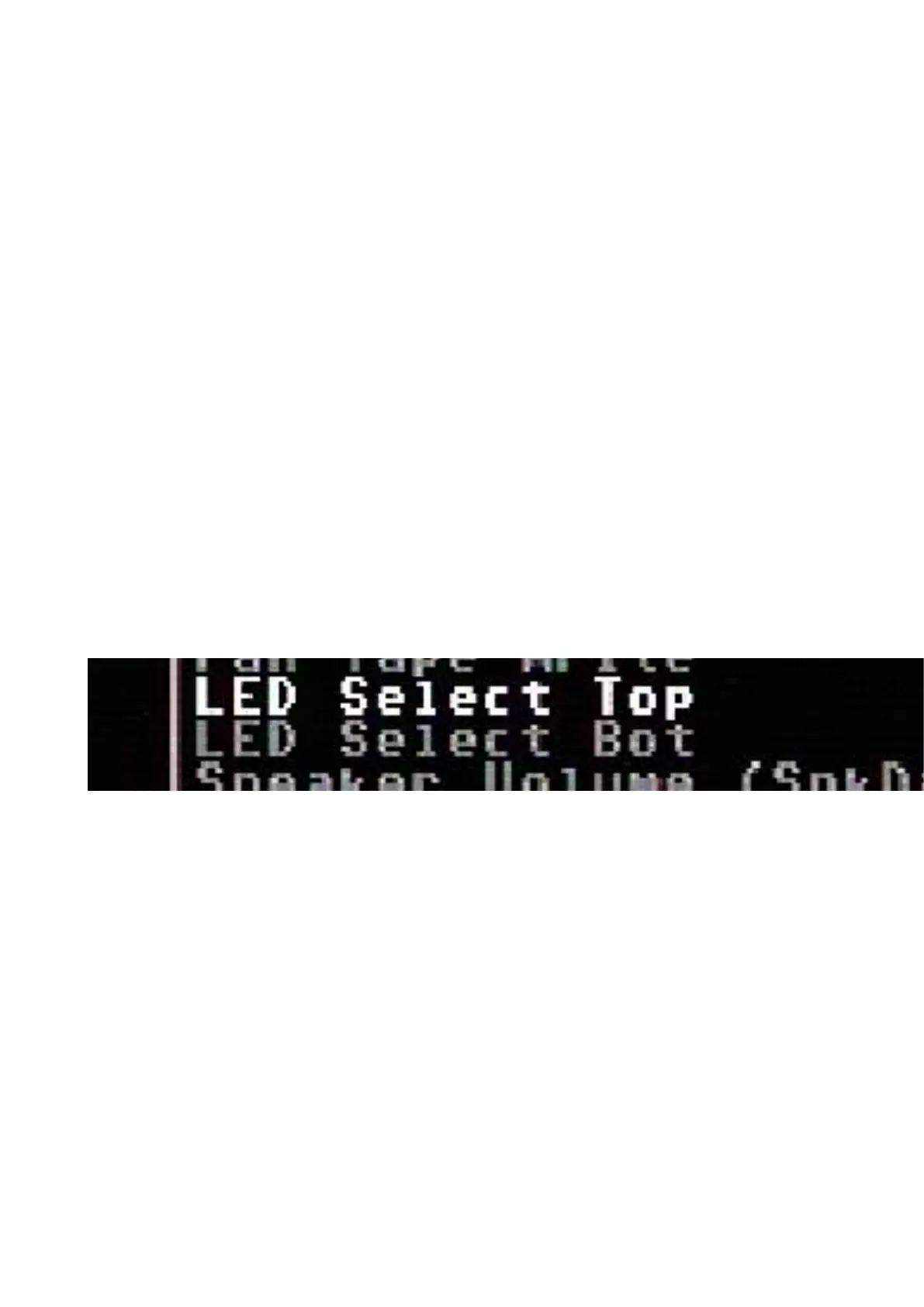
With the introduction of firmware 1.18 the behaviour of the LED can be changed.
What does !(option) mean?
As we can see in the table above, there are setting options (functions) that are noted
as !(function). !(function) means it is an inverse outcome of a function.
We take a closer look at the function DrvAAct+DrvBAct. This means when there is drive A or
drive B activity (combined) the LED will turn ON. So !(DrvAAct+DrvBAct) will do the opposite
(inverse) of the function DrvAAct+DrvBAct, so the LED will turn OFF when there is activity on
drive A or drive B.
Example with two separate LED’s
We are using a red and green LED, red will be the power LED (power) and green will be drive
activity (drive). The power wire to the red led is connected to the Top pin (1) and the green led is
connected to the Bottom pin (3), and of course the ground of both LED’s is connected to the ground
pin (2).
Because there are two separate LED’s we want that the power is always ON, and the drive will only
turn ON when there is activity.
So we use the following setting:
• Power => LED Select Top: On
• Drive => LED Select Bottom: DrvAAct+DrvBAct
To swap the color assignment, just swap the settings between Top and Bottom.
Example with duo LED
We are using a duo LED that has red and green combined in one package, red will be the power
LED (power) and green will be drive activity (drive). The power wire to the red led is connected to
the Top pin (1) and the green led is connected to the Bottom pin (3), and of course the ground of the
LED is connected to the ground pin (2).
Because there is only “one” LED package we want that power will turn OFF when there is drive
activity, or else the two colors will be mixed to yellow (red+green).



 To Next Page