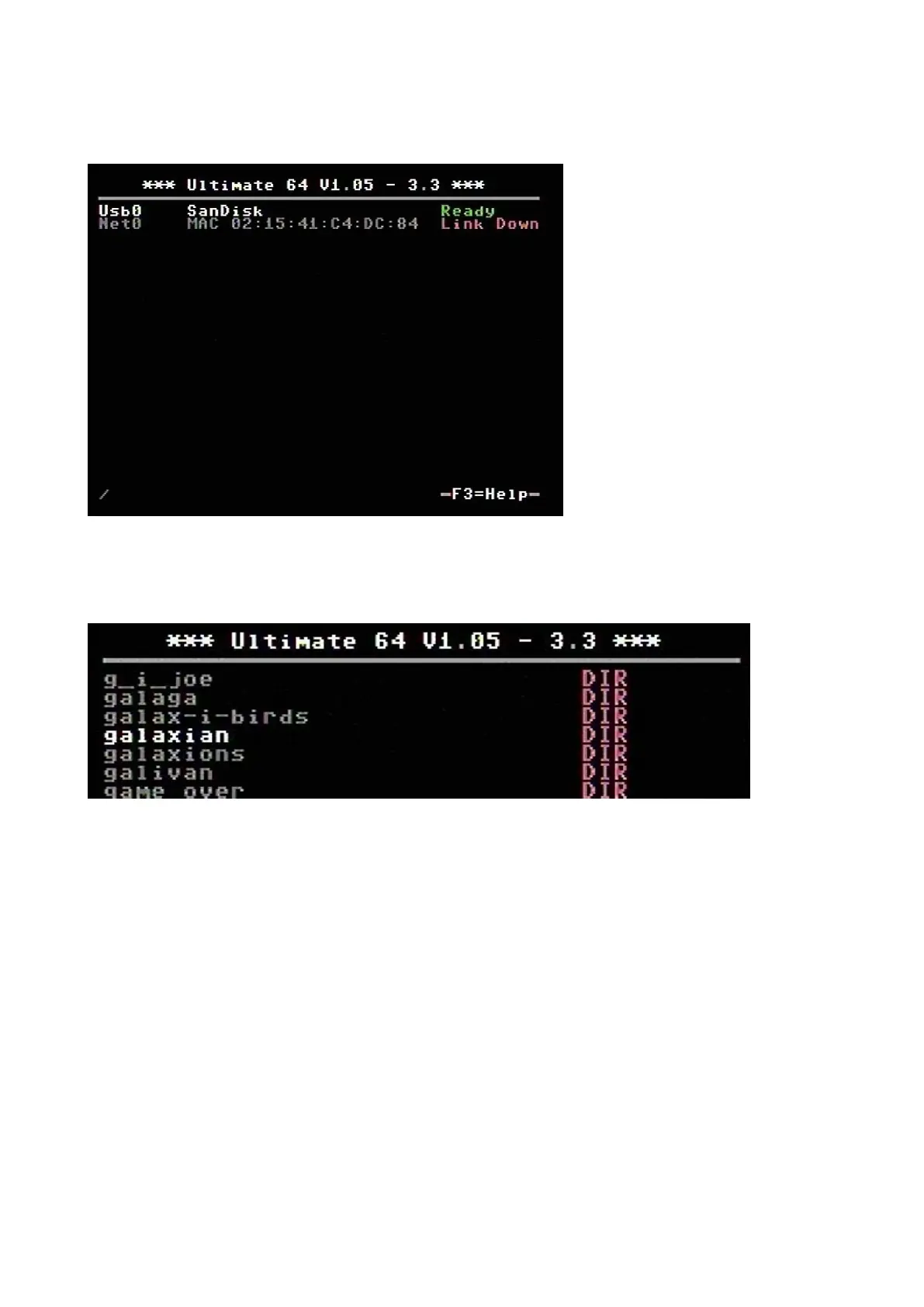
File browser
The menu starts with showing the available network interfaces, and the storage devices that are
attached to the cartridge. By default, it will only show the built-in Ethernet port. When USB-sticks
are inserted, one or more items will appear in this list. This screen is the ‘root’ of the file system.
Use the cursor keys to navigate through the file system and select your file (disk image) to mount.
The highlighted line shows the current selection.



 To Next Page