EasyManua.ls Logo

Gideon ULTIMATE - 64 elite - Page 9

Default Icon
35 pages
Print Icon
To Next Page IconTo Next Page
To Previous Page IconTo Previous Page
Loading...
9
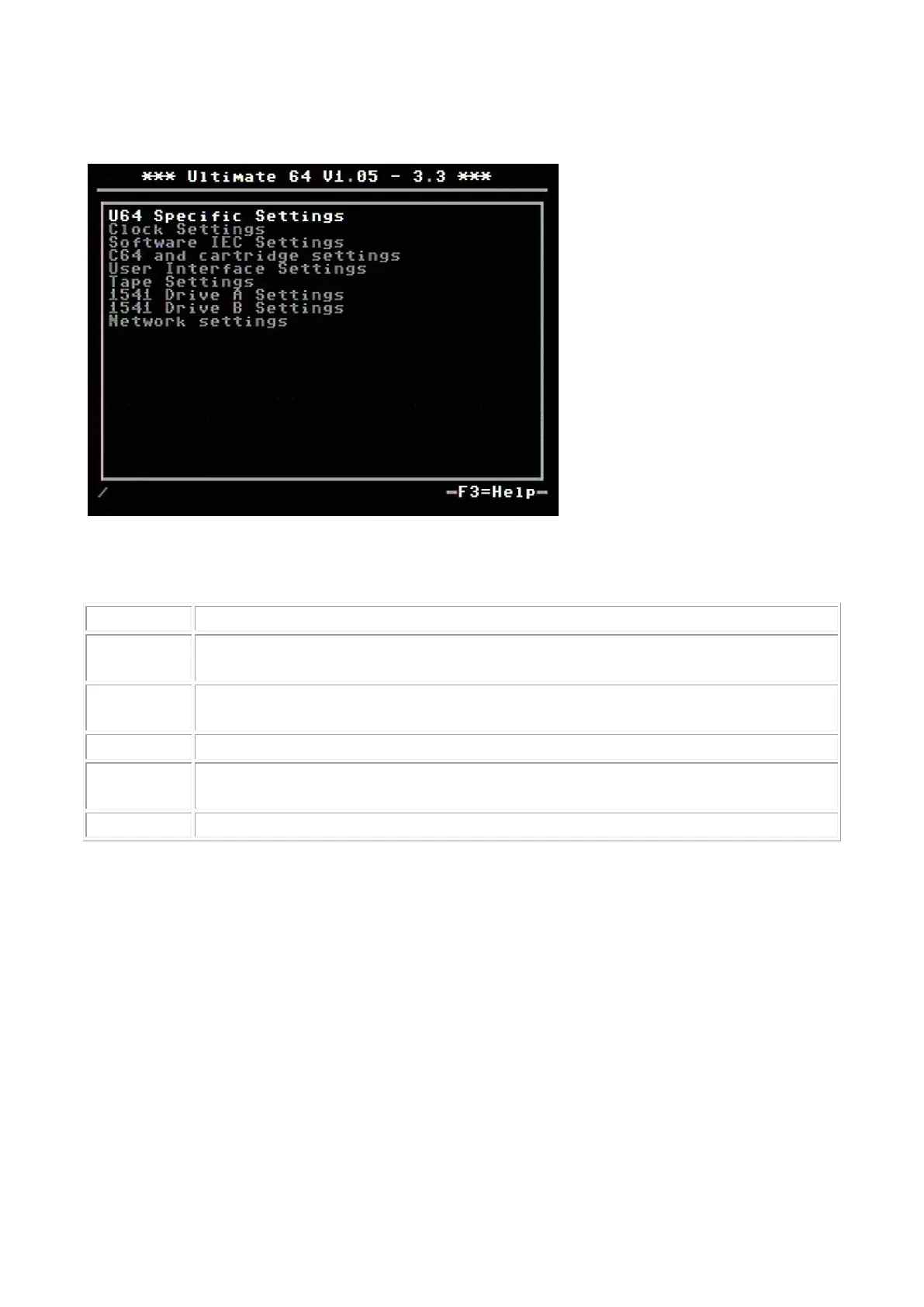
F2 - configuration menu
Use the UP/DOWN cursor keys to navigate and RIGHT to enter the desired configuration screen.
Once inside a settings screen, the behavior of the keyboard is slightly different:
Key
Function
CRSR
up/down
Move the cursor (highlighted line) up/down
CRSR
left/right
Increase or decrease a setting, cycling through the available options.
DEL
Go one level up
Return /
Space
For string fields: bring up a text entry box For enumerated fields: bring up a context
menu with the available options
Run-stop
Leave the configuration menu and saves the new values.
Note that some values will only take effect after reset or a power cycle of your C=64. However, the
main menu provides a way to restart the 1541 and the C=64 with the new settings.

Related product manuals