the stream is ‘seen’ by the PC and the application receives the data. Once the PC application is done,
it ‘leaves’ the multicast group, and the PC ceases to receive the data.
Note that the IGMP switching is based on IP address. Therefore it is not possible to use the UDP
port number to differentiate which stream to receive and which not. Use different multicast IP
addresses if you like to receive more than one stream.
Starting and Stopping Streams
The available streams can be started and stopped in different ways. When the machine is turned on,
it does not transmit any stream.
Using the menu
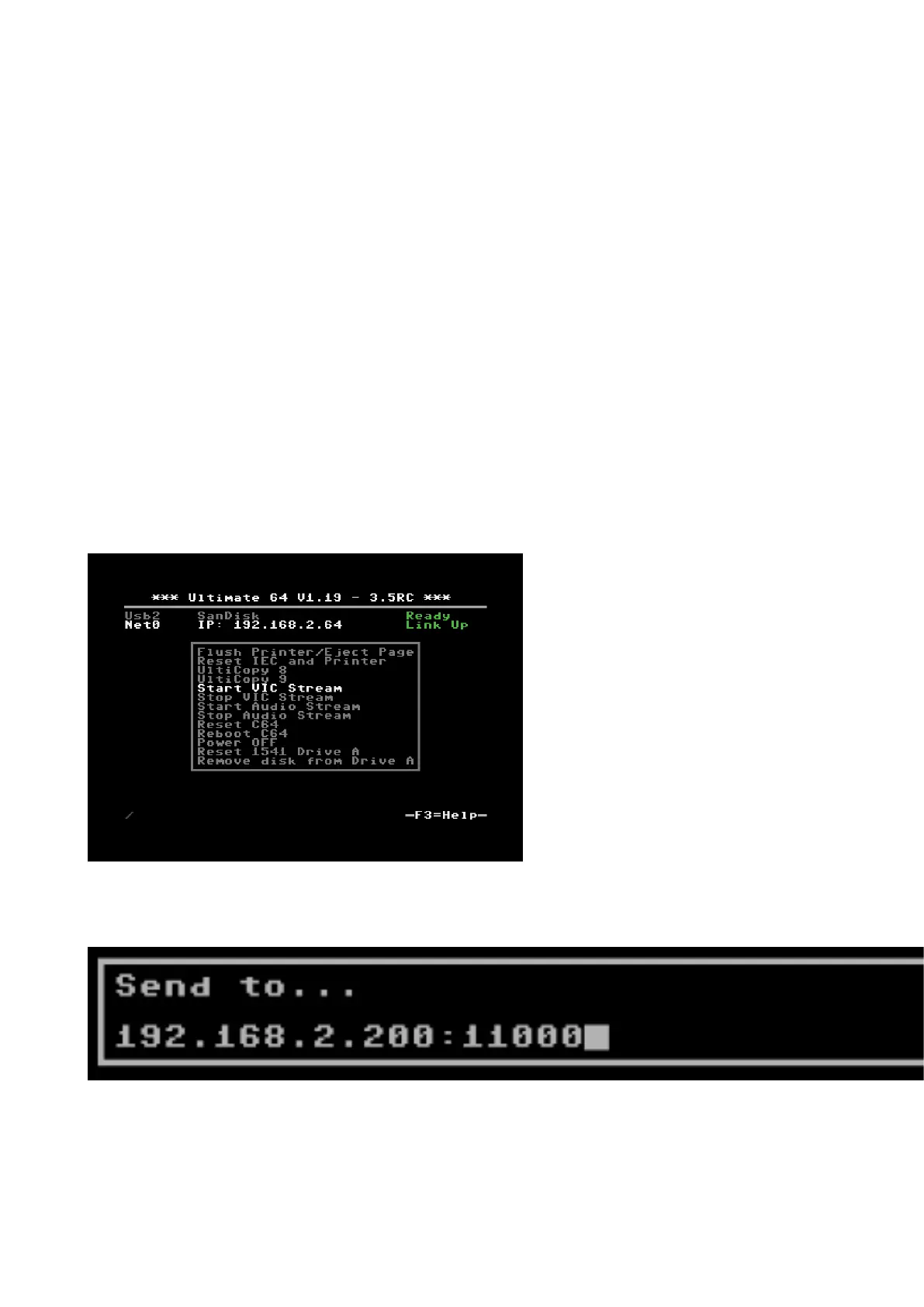
A stream can be started and stopped from the “action menu”, which is brought up by pressing ‘F5’.
The start/stop options appear in that menu. When selected, the Ultimate will ask for the IP address
to send the stream to. The default IP address is configured in the configuration screen “Data
Streams”. Note that changing the IP address in the configuration screen does not start or stop a
stream; it is only the place where the last entered data is kept for later reuse.
The format of the destination is either an IP address, or a valid DNS name. The port number can be
given as well, by adding it after a colon (:).



 To Next Page