English
M912 Netbook USER’S MANUAL
2322
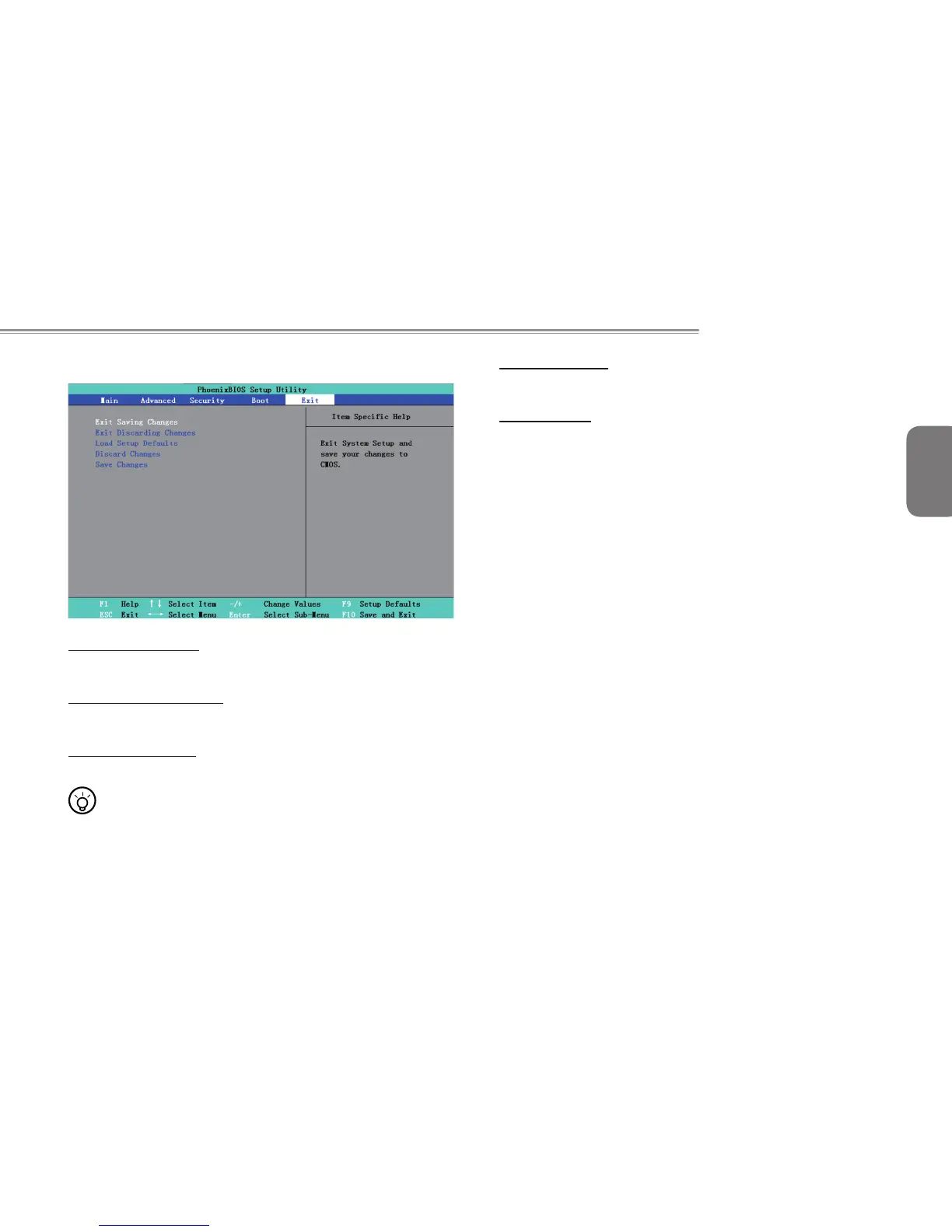
3.5 How to Exit the Setup Program
Exit Saving Changes:
Save the settings by user and exit the BIOS setting menu.
Exit Discarding Changes:
Not save the settings by user and exit the BIOS setting menu.
Load Setup Defaults::
Recovery all the default setting by manufacturer.
•••••••••••••••••••••••
Tips: If you change the BIOS settings and can not return
to original settings, you can return to original settings by “
Load Setup Defaults”.
Discard Changes:
User can discard current settings and return to last settings.
Save Changes:
User can save the settings but will not exit the BIOS setting menu.



 To Next Page