English
M912 Netbook USER’S MANUAL
2726
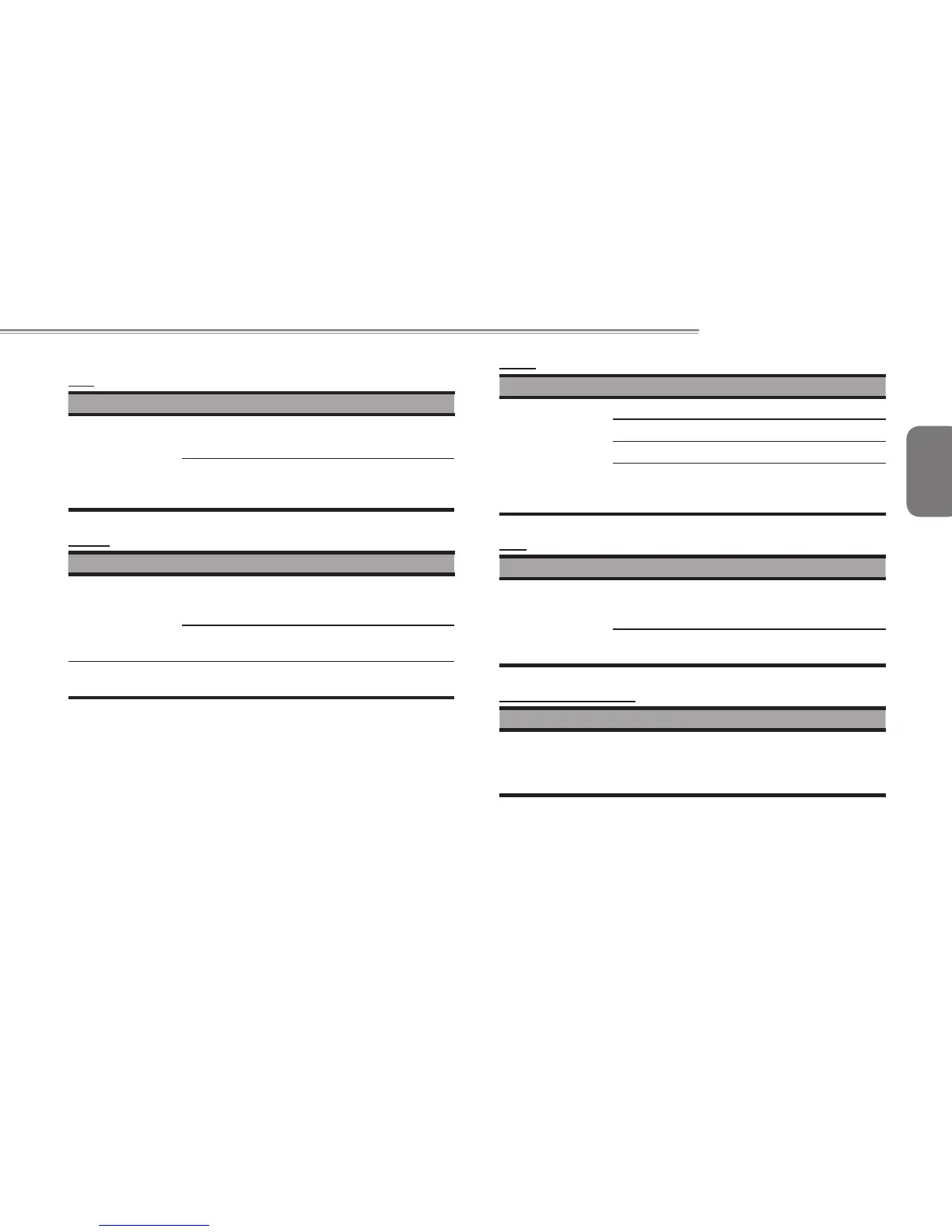
LCD
Trouble Solution
The screen is
blank
Press hot key Fn + F5 to change the display
mode if certain external monitor is connected.
Make sure the system isn’t in the mode of
Hibernation or Standby.
Printer
Trouble Solution
The data can’
t be output from
Netbook to printer
Make sure printer is powered on.
Make sure its cable is OK and its USB interface
is well connected to Netbook.
Make sure your printer is compatible to your
Netbook.
Error printing
Please refer to the user’s manual of your
printer for help.
Audio
Trouble Solution
No sound emitted
Adjust sound controller.
Check the setting of sound volume of software.
Check if the ear phone is rmly connected.
Check the Devices Manager of Windows. Be
sure the Sound function has been activated
and isn’t interfered with other hardware.
USB
Trouble Solution
Equipments
connected can’t
work
Check and be sure USB port of Netbook is
rmly connected with the USB cord of the
equipment.
Be sure the driver of the equipment is installed
correctly.
Stand by / Hibernation
Trouble Solution
Can’t enter into
Standby
/Hibernation
Please check if the Windows Media Player is
running. If Yes, the Netbook can’t enter into
Standby or Hibernation mode. Please close
Windows Media Player.



 To Next Page