User Guide
GD32E230C-EVAL
15 /24
5.5. USART_HyperTerminal_Interrupt
5.5.1. DEMO Purpose
This Demo includes the following functions of GD32 MCU:
Learn to use the EVAL_COM transmit and receive interrupts to communicate with
the hyperterminal
5.5.2. DEMO Running Result
Download the program <05_USART_HyperTerminal_ Interrupt> to the EVAL board and
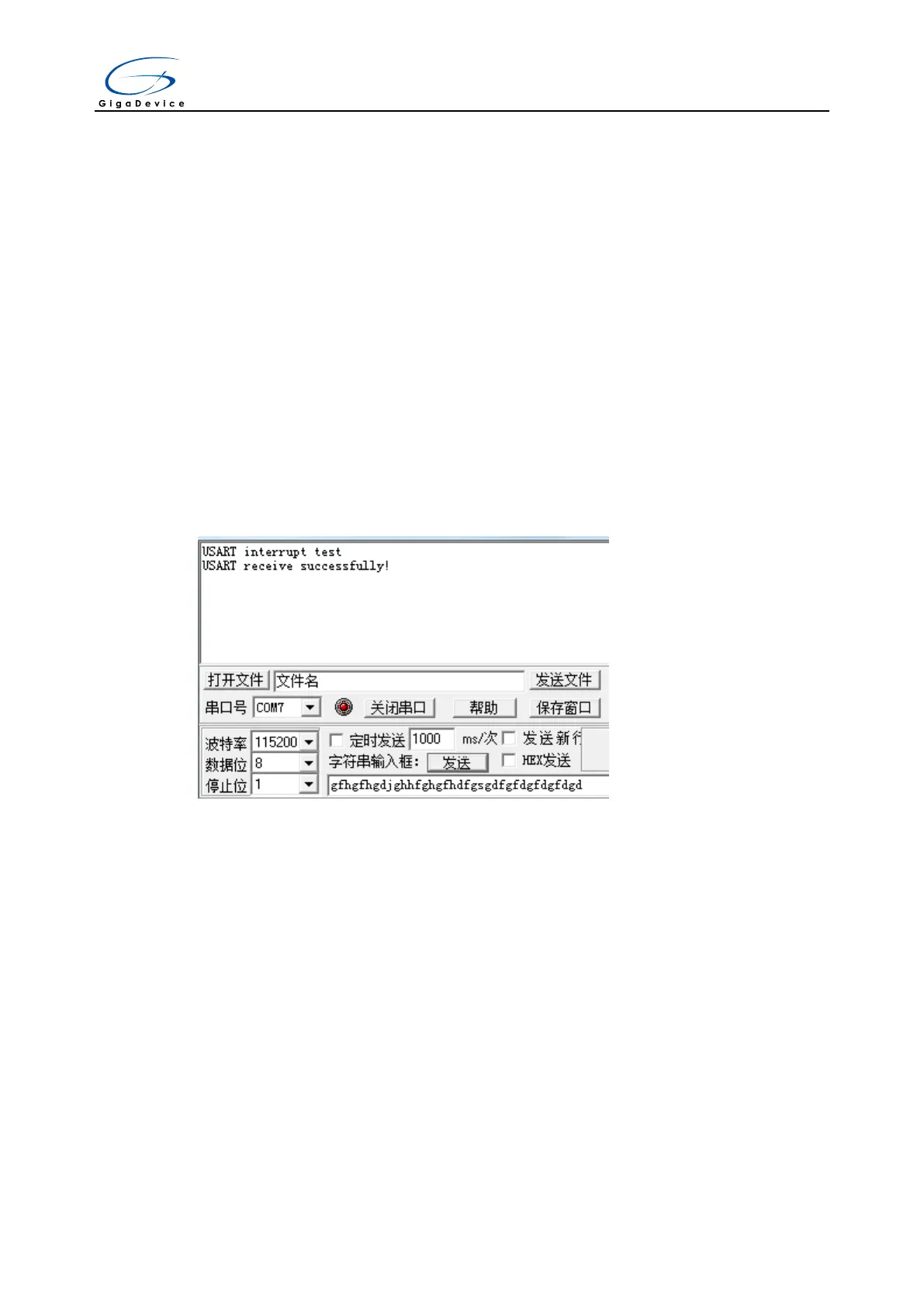
run. Firstly, the COM sends the “USART interrupt test” to the hyperterminal and waits
for receiving data from the hyperterminal that you must send. The string that you have
sent is stored in the receiver_buffer array. The receive buffer have a receivesize=32
bytes as maximum. After that, compare rxcount with receivesize. If rxcount is same with
receivesize, the COM sends the “USART receive successfully!” to the hyperterminal.
The information via a serial port output as following:
5.6. USART_DMA
5.6.1. DEMO Purpose
This Demo includes the following functions of GD32 MCU:
Learn to use the COM transmit and receive using DMA
5.6.2. DEMO Running Result
Download the program < 06_USART_DMA > to the EVAL board and run. Firstly, the
COM sends the “a usart dma function test example!
USART DMA receive and transmit example, please input 10 bytes:” to the
hyperterminal and then loops waiting for receiving max 10 datas from the hyperterminal.
Every time if the number of data you enter is equalto or more than 10 bytes, USART will
send 10 bytes to the hyperterminal.



 To Next Page