1
Gigaset A540-A540A-A550A / en / A31008-M2601-L101-3-7619 / overview.fm / 07.04.2015
A-Klasse_Layout_Neu, Version 4, 28.05.2014
Overview
Overview
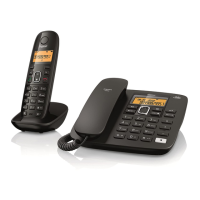
Gigaset A540 base
13
Registration/paging key
Locating a handset ("paging")
¢ page 20.
¤ Press briefly
Register handsets and DECT
devices ¢ page 20
¤ Hold down
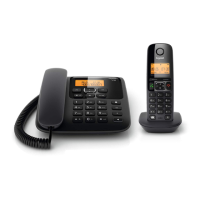
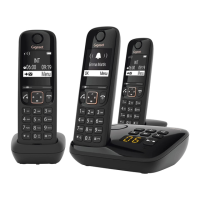
Gigaset A540A/A550A base
13
Registration/paging key
Locating a handset ("paging")
¢ page 20.
¤ Press briefly
Register handsets and DECT devices
¢ page 20
¤ Hold down
14
Delete key
Delete current message.
15
On/Off/Playback/Stop key
Activate or deactivate the answer
machine
¤ Hold down
Play new messages if available, or
play back old messages
¤ Press briefly
Cancel playback ¤ Press briefly
Key lights up: The answer machine is activated
Key flashing: The answer machine is recording a
message
Key flashing slowly: New messages available
Key flashing
quickly:
Answer machine is full
16
Forward key
Skip to next message (during playback).
17
Back key
Skip to previous message during the
time stamp playback
¤ Press briefly
Skip to the start of the message
during message playback
¤ Press briefly
18
Volume adjustment
Change volume: ÷ = quieter;
ø = louder
• During message playback
• Ringtone volume when an
external call is displayed
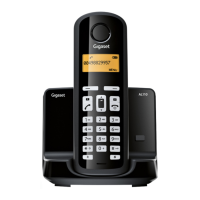
Handset
1
Display
2
Status bar (¢ page 33)
Icons display current settings and operating status of the
telephone
3
Display keys (¢ page 8)
4
End call key, On/off key
End a call;
Cancel function
Go back one menu level ¤ Press briefly
Return to idle status ¤ Hold down
Switch the handset on/off
(in display’s idle status)
¤ Hold down
5
Hash key
Keypad lock on/off
(in display’s idle status)
¤ Hold down
Toggle between upper/lower case and digits;
6
Recall key
Consultation call (flash) ¤ Press briefly
Insert a dialling pause ¤ Hold down
7
Microphone
8
Message key (¢ page 10)
Access to the calls and message lists;
Flashing: new message or new call
9
Star key
In idle status:
Deactivate the ringtone
¤ Hold down
With an existing connection:
switch from pulse dialling to tone
dialling
¤ Press briefly
10
Key 1
Select answer machine
(A540A/A550A only)/
network mailbox
¤ Hold down
11
Talk key / Handsfree key
Dial number displayed;
Accept call; switch from earpiece to handsfree mode;
Open the redial list ¤ Press briefly
Start dialling ¤ Hold down
12
Control key/Menu key (¢ page 8)



 To Next Page