Template Module, Version 2.1, 11.08.2020 / Template Basiseinstellungen: Version 3.1 - 07.07.2020
Directory
Gigaset A690-A690A/AS690-AS690A / LUG-Kombi BE-NL en / A31008-M2816-L101-2-7619 / telephony.fm / 6/15/21
20
Using other functions
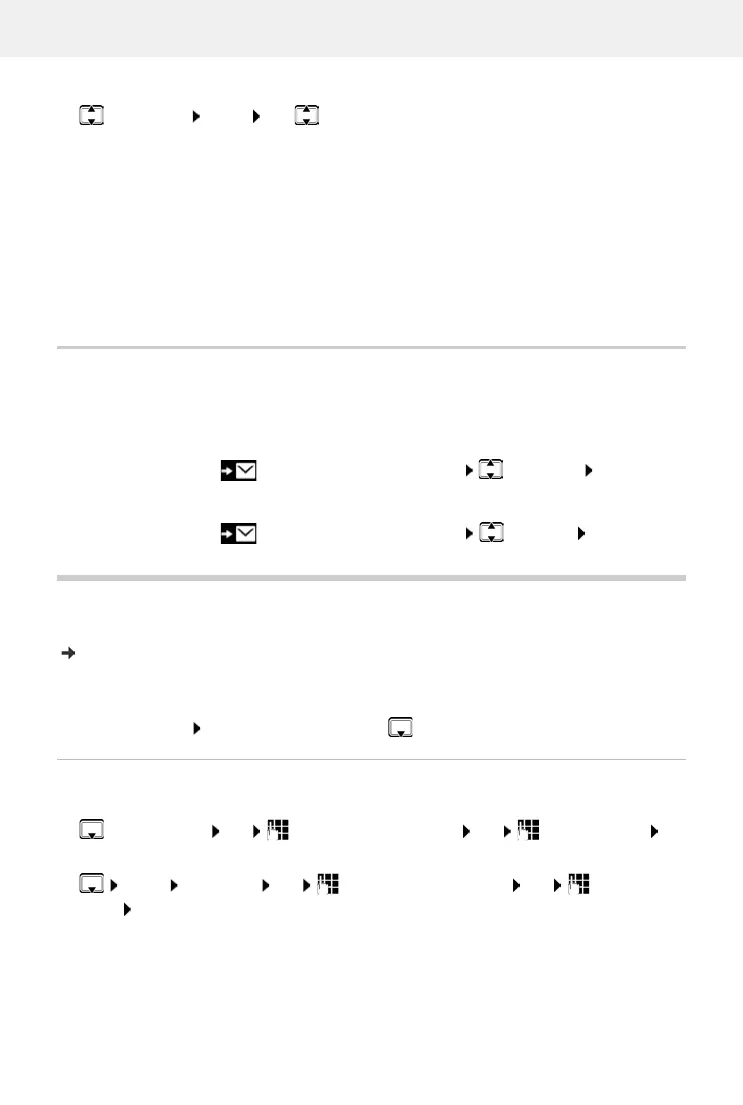
¤ Select entry Menu Use to select the function:
Message list
You can listen to messages on the answering machine (if available) or the network mailbox. from
the answering machine list / network mailbox list.
Open the answer machine list:
Open the network mailbox list:
Directory
The local directory is unique to a handset. Entries can be sent to other handsets however
( p. 21).
Up to 100 phone numbers (max. 22 digits) with associated names (max. 16 characters)
ca
n be stored.
Open the directory: Press down the control key
Creating a directory entry
First entry:
More numbers:
¤ Menu New Entry OK Enter the phone number OK Enter the
name OK
Delete Entry Delete current entry
Copy to Dir. Copy an entry to the directory
Copy to Blacklist Copy a number to the black list
Date/Time Show date and time of the call (if set)
Status New Call: New missed call. Old Call: Entry already read
Show Name If you have requested CNIP, you can view the name and place that are
registered for this phone number with your network provider
Delete List Delete all entries
Note: All old and new entries are deleted
¤ Press the Display key . . . The list selection is opened Answer M. OK
¤ Press the Display key . . . The list selection is opened Net. MBX OK
¤ . . . New Entry? OK Enter the phone number OK Enter the name OK



 To Next Page