Gigaset A690-A690A/AS690-AS690A / LUG-Kombi BE-NL en / A31008-M2816-L101-2-7619 / settings.fm / 6/15/21
Template Module, Version 2.1, 11.08.2020 / Template Basiseinstellungen: Version 3.1 - 07.07.2020
Phone settings
33
Audio
Call volume
Adjust the receiver volume or handsfree function on 5 levels.
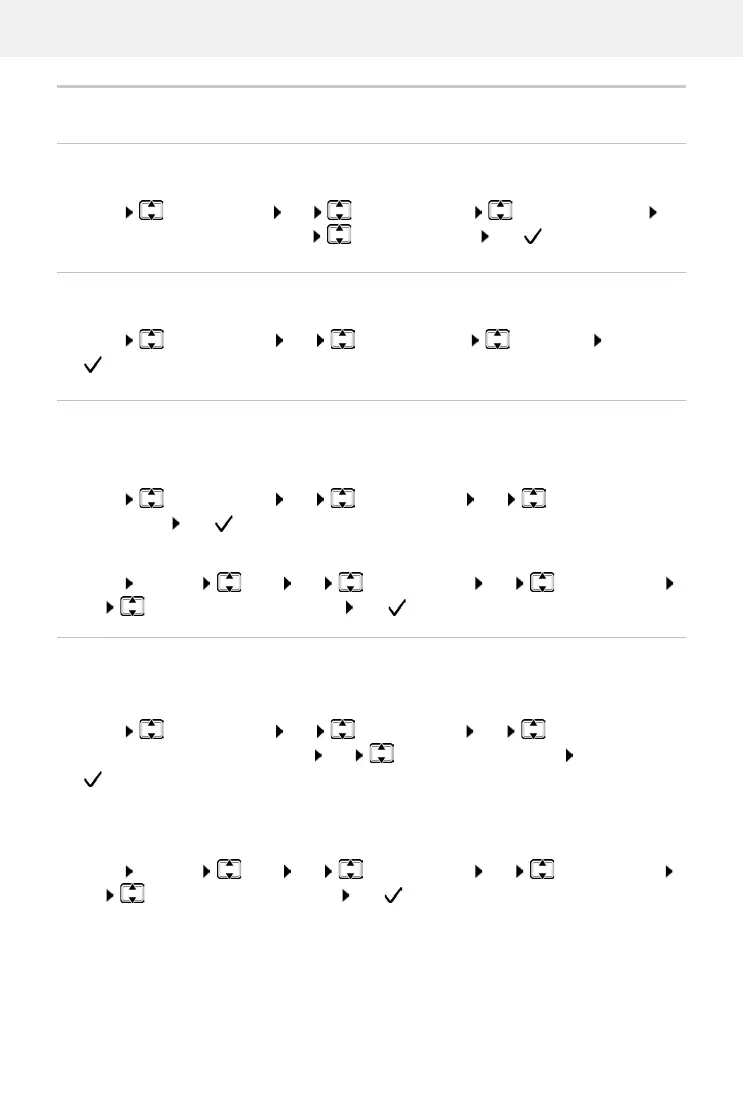
¤ Menu Audio Settings OK Handset Volume Earpiece / Speaker OK
. . . The current setting is displayed Select the volume OK ( = selected)
Tone quality
Change the tone quality of the receiver to how you want it.
¤ Menu Audio Settings OK Handset Sound Low / High OK
( = selected)
Ringtone volume (ringer volume)
Ringtone melody
For the handset:
Set the ringtone melody for external cal
ls, internal calls and/or the alarm.
¤ Menu Audio Settings OK Ringer Melody OK Select External
Calls / Internal Calls
/ Alarm Clock OK Select ringtone required OK
( = selected)
Adjust the volume of the ringtone on 5 levels or select Crescendo.
For the handset:
¤ Menu Audio Settings OK Ringer Volume OK Select volume
orCrescendo OK ( = selected)
For the base (with answer machine):
¤ Menu Settings Base OK Audio Settings OK Ringer Volume
OK Select volume or Crescendo OK ( = selected)
For the base (with answer machine):
Adjusting the ringtone melody for external calls.
¤ Menu Settings Base OK Audio Settings OK Ringer Melody
OK Select the ringtone required OK ( = selected)



 To Next Page