Template Module, Version 2.1, 11.08.2020 / Template Basiseinstellungen: Version 3.1 - 07.07.2020
Extending the functionality of the phone
Gigaset A690-A690A/AS690-AS690A / LUG-Kombi BE-NL en / A31008-M2816-L101-2-7619 / extending.fm / 6/15/21
30
Locating a handset (paging)
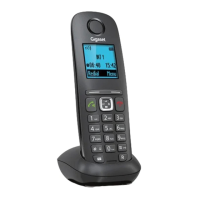
Locate a handset using the base.
¤ Briefly press the Register/Paging key on the base . . . all handsets registered ring at the same
time even when their ringtones are turned off
Exit
¤ Briefly press the Register/Paging key on the base
or
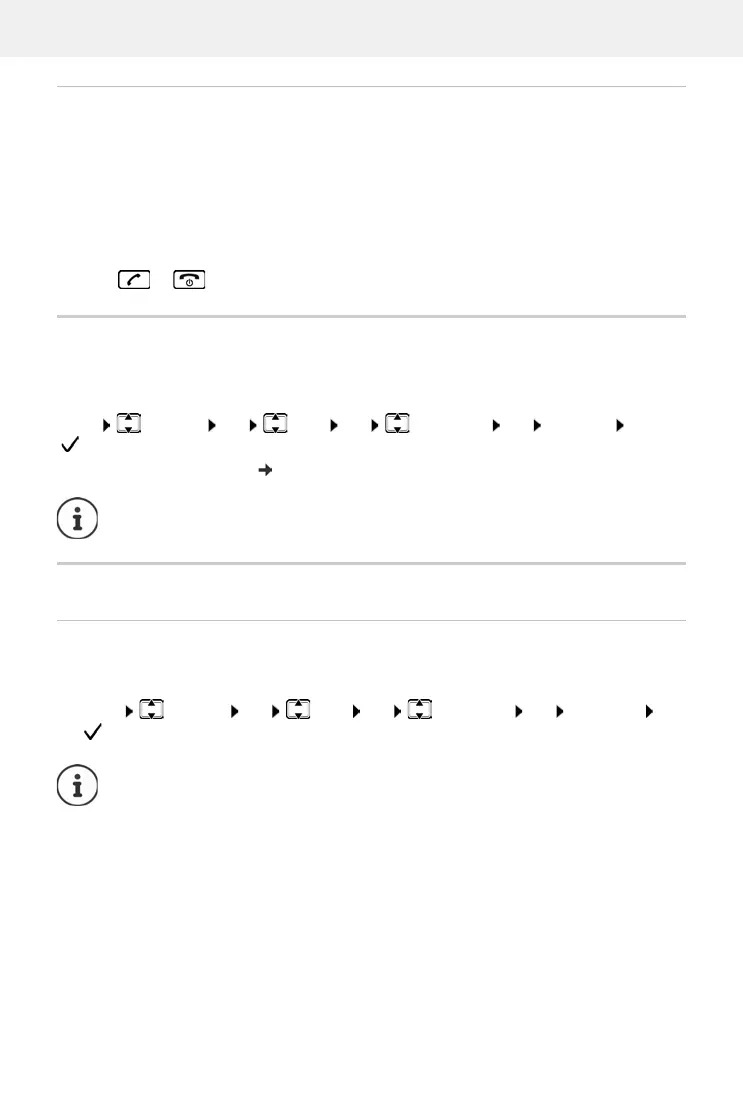
¤ Press or on a handset
Repeater support
A repeater increases the receiving range between the Gigaset handset and base.
Operating the base on a router/PABX
Operation with a router
When operating on the analogue connection of a router, any echoes occurring can be reduced
by enabling XES Mode (XES = eXtended Echo Suppression).
Enabling Repeater mode for the base:
Menu Settings OK Base OK Additional OK Repeater OK
( = enabled)
Register repeater on the base: User guide for the repeater
Repeater support and ECO DECT mode No Radiation are mutually exclusive.
¤ Menu Settings OK Base OK Additional OK XES Mode OK
( = enabled)
If there are no problems with echoes, this function should be disabled.



 To Next Page