Template Module, Version 2, 20.02.2020,
SMS (text messages)
Gigaset C575-C575A / LUG_Kombi CH en / A31008-M2907-F101-1-2X19 / applications_2.fm / 4/27/20
52
SMS to PABXs
• The Call Line Identification must be forwarded to the extension of the PABX (CLIP).
• If necessary, the access code/outside line code must be prefixed to the number of the SMS
service centre (depending on your PABX). To test: Send an SMS to your own number, once
with the access code and once without.
• If the SMS is sent without the extension number, it will not be possible for the recipient to
answer directly.
Activating/deactivating first ring muting
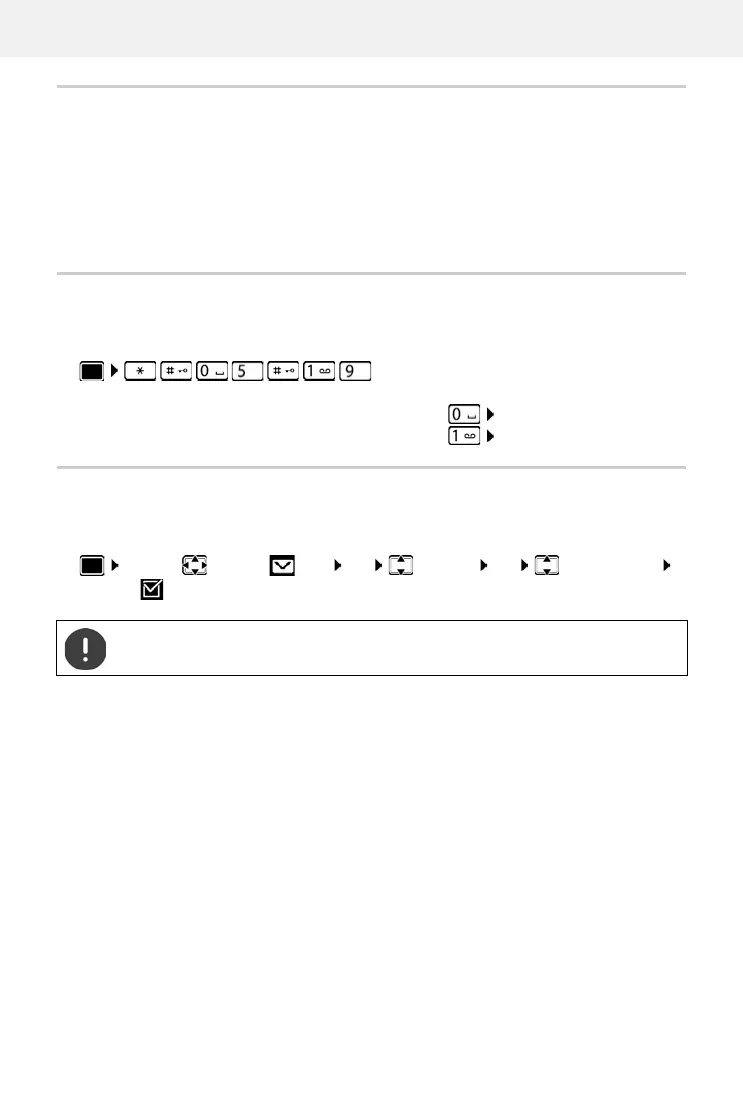
Every incoming SMS is indicated by a single ring. If such a "call" is answered, the SMS is lost. To
prevent this, mute the first ring for all external calls. In idle status:
SMS status report
If the function is activated, you will receive an SMS with status information from the SMS service
centre for each SMS that has been sent.
¤ . . . the current setting flashes in the input field
(e.g. 1) . . . then
Do not mute the first ringtone:
¤ OK
Mute the first ringtone (default setting):
¤ OK
¤ . . . use to select SMS OK Settings OK Status Report
Change ( = activated)
Requesting a status report may incur additional costs.




 To Next Page