Template Module, Version 2, 20.02.2020,
Getting started
Gigaset C575-C575A / LUG_Kombi CH en / A31008-M2907-F101-1-2X19 / starting-A_Kombi.fm / 4/27/20
8
Getting started
Contents of the package
• One base
• One power adapter for the base
• One phone cable
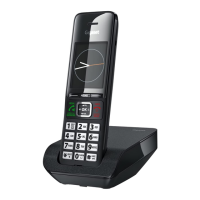
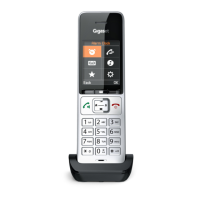
• One handset
• One battery cover
• Two batteries
• One user guide
Models with multiple handsets, per handset:
• One handset
• One charging cradle including power adapter
• Two batteries and one battery cover
Base
The display of the base with answering machine has protective film. Please remove the pro-
tective film
¤ Insert the phone cable into the connection socket at the rear of the base until it clicks into
place.
¤ Insert the power cable from the power adapter into the connection socket .
¤ Plug in the power adapter and the phone jack .
The base station and charging cradle are designed for use in closed, dry rooms within
a temperature range of +5 °C to +45 °C.
Position the base on a level, non-slip surface at a central point in the flat or house. The
device's feet do not usually leave any marks on surfaces. However, due to the multi-
tude of different varnishes and polishes used on furniture, contact marks on the
surfaces cannot be completely ruled out.
Never expose the telephone to heat sources, direct sunlight or other electrical
devices.
Protect your telephone from moisture, dust, corrosive liquids and vapours.
This device is only suitable for a maximum installation height of 2 m.










 To Next Page