3
Icons and keys
Gigaset E260 / Belgien en / A31008-M2301-M201-1-3F19 / Symbols_Keys.fm / 16.01.2017
Version 5, 03.04.2011
Main menu icons
For information on using the menu and the menu tree, see page 18
and page 23.
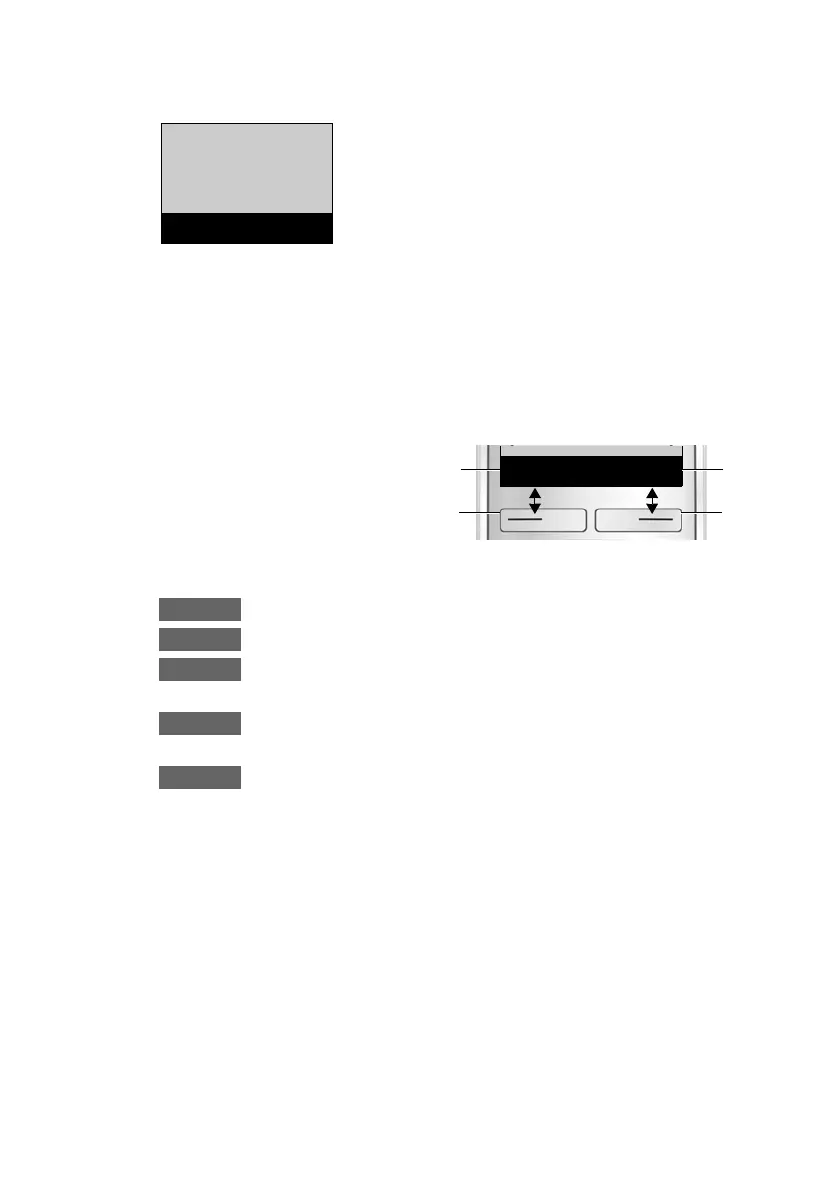
Display keys
The functions of the display keys change depending on the particu-
lar operating situation. Examples:
Examples:
Open main menu/menu for further functions.
Confirm selection or save entry.
Open calls list (¢ page 30), network mailbox (¢ page 33)
.
Delete key: delete one character at a time from right to
left.
Go back one menu level or cancel operation.
é
Alarm Clock
è
Audio Settings
ê
Voice Mail
ç
Settings
ç
Settings
“
U
OK
1
2
1
2
1
Current display key
function
2
Display keys



 To Next Page