7
Icons and keys
Gigaset E500/E500 A / GreatBritain / A31008-M2206-L101-2-7619 / Symbols_Keys.fm / 21.03.2011
Other display icons
Main menu icons
For information on using the menu and the menu tree, see: page 26,
page 30.
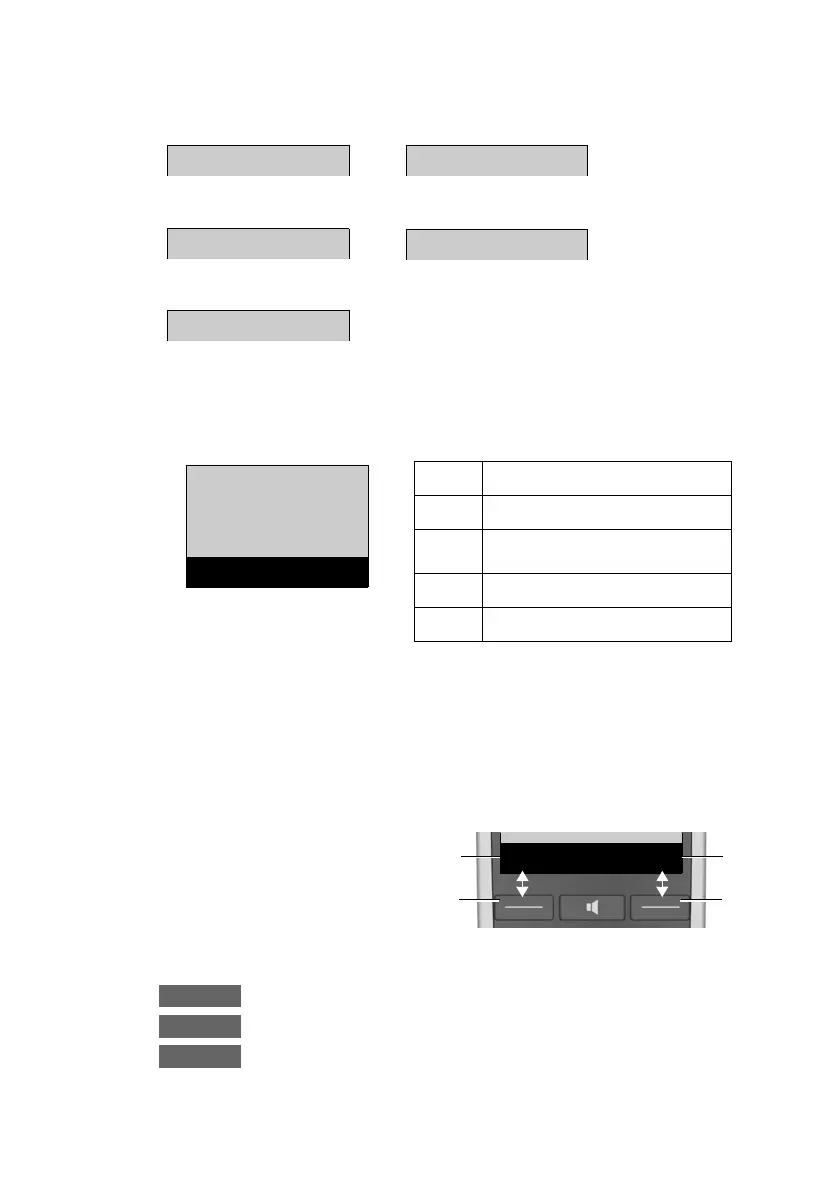
Display keys
The functions of the display keys change depending on the particu-
lar operating situation. Example:
Examples:
Open redial list.
Open main menu/menu for further functions.
Confirm selection or save entry.
Information
Please wait...
Action failed
Action complete
Ð
‰
Ò
À
Alarm call (¢ page 57)
Ø
g
Ú
Directory
Â
x
Back OK
Â
Directory
á
Missed Calls
g
Alarm clock
Ì
Answer Machine
Ï
Settings
1
2
1
2
1
Current display key
function
2
Display keys



 To Next Page