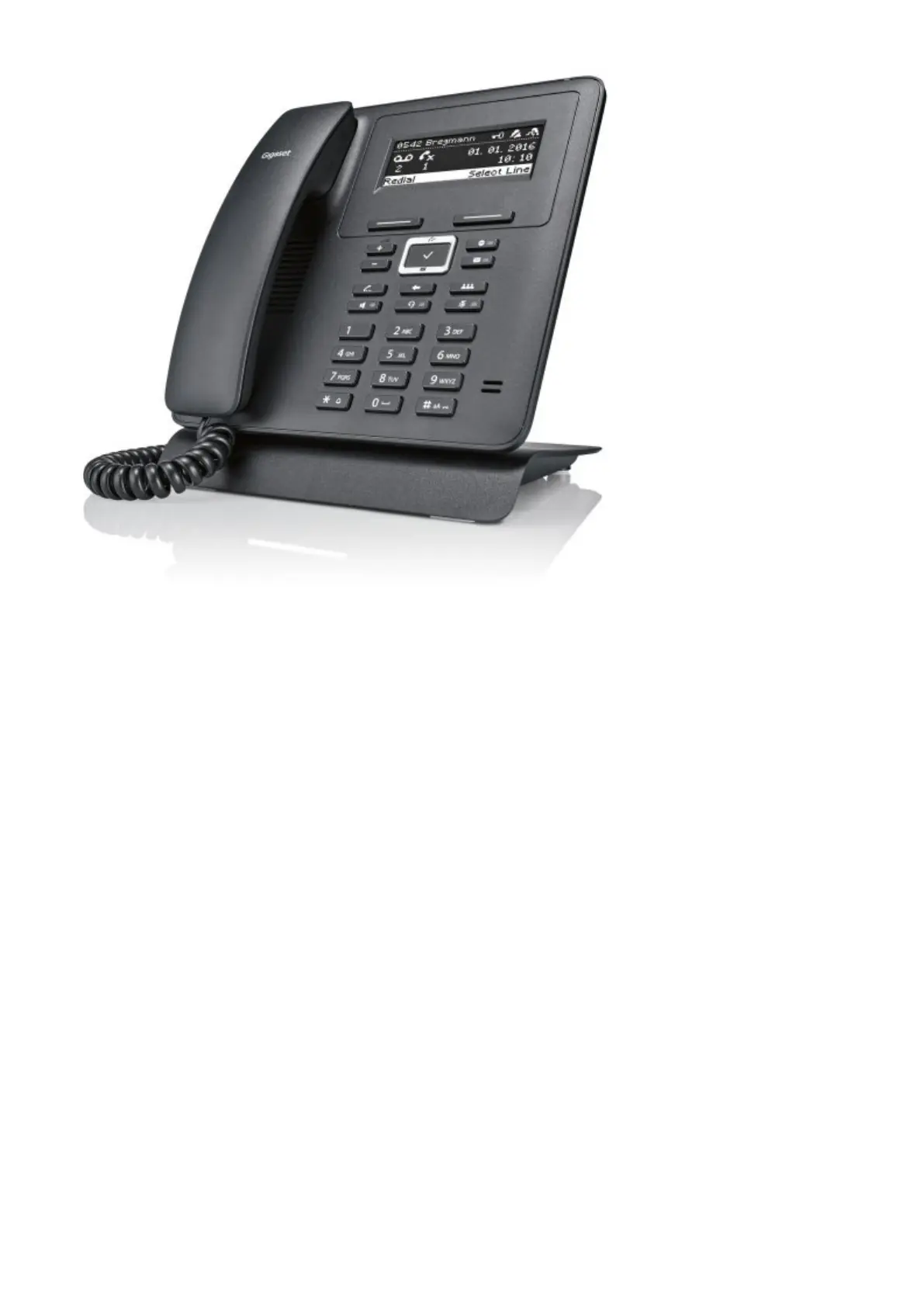
This Configuration Guide is written as general guide on how to configure the Gigaset phone
model Maxwell Basic to work with PBXware 5.2.
Requirements
Identifying phone model
To start and successfully complete registration of your Gigaset phone you need to know which
phone model you will setup.
From the back of each Gigaset phone there are exact model information that you should check.
Although different phone models can have exactly the same requirements and installation
procedure, phone models can also have significantly different requirements and installation
procedure, so that ignorance of your own model may result in the inability to successfully set up
your phone.
Phone firmware
Make sure that your phone is loaded with appropriate firmware version, 2.22.7.
■
To find out the firmware version of your Gigaset phone model open a new browser window and
■
enter your phone IP address in order to access the phone web administration interface login
screen. Example: http://192.168.1.22.
Login to phone web administration interface with your password. Please note, factory default
■
login password is: admin.



 To Next Page