EasyManua.ls Logo

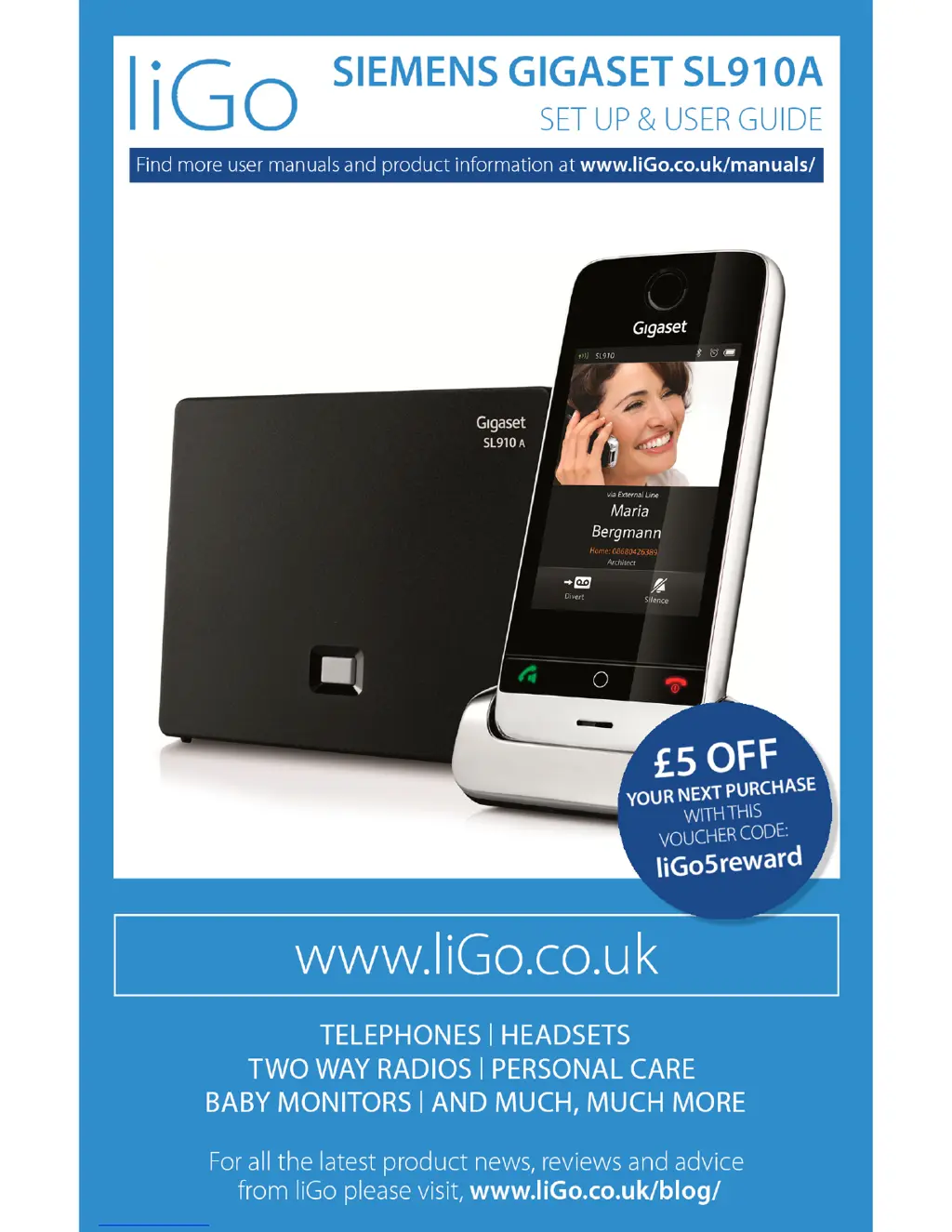
Gigaset SL910A - User Manual

Gigaset SL910A
112 pages
Print Icon
To Next Page IconTo Next Page
Loading...

Questions and Answers

  • J
    jonesgeorgeJul 27, 2025
    What to do if my Gigaset SL910A cannot send messages?
    • S
      Stephen GilesJul 27, 2025
      If your Gigaset Cordless Telephone is unable to send messages, you can try the following: first, ask your network provider to enable the feature. If that doesn't work, resend the text message. Also, ensure that you have entered the number correctly.
  • P
    Patricia RayAug 10, 2025
    Why is my Gigaset Cordless Telephone playing back SMS messages?
    • Y
      yclarkAug 11, 2025
      If your Gigaset Cordless Telephone is playing back SMS messages, this feature may need to be enabled by your network provider, which may incur a charge. Alternatively, obtain information from your SMS service provider. You can also try sending an SMS message to register your phone to receive SMS messages.

Summary

Safety Precautions

Important Usage Warnings

Covers critical warnings regarding power adapters, batteries, medical equipment, and hearing safety.

Getting Started

Package Contents and Initial Setup

Lists package items and instructions for installing base, cradle, and power connections.

Handset Setup and Configuration Wizard

Covers inserting battery, charging, and the installation wizard process.

Display Pages and Navigation

Using the Telephone

Making Calls

Dialing and Call Initiation

Covers dialing external numbers, redial list, call lists, and contacts.

Call Handling and Modes

Details accepting calls, call waiting, speaker mode, muting, and security checks.

Network Services and Advanced Call Features

Explains call forwarding, CLIR, call waiting, consultation calls, and other network services.

Changing Phone Settings

Display, Language, and Sound Settings

Covers display language, country, screensaver, backlight, ring tones, and volumes.

Call Management and System Settings

Details call protection, PIN management, repeater, and factory reset options.

ECO DECT Features

Answering Machine Functionality

Setup, Recording, and Message Management

Covers activation, modes, recording messages, playback, and deletion.

Remote Operation and Advanced Features

Explains how to operate the answering machine remotely and use advanced functions.

Managing Multiple Handsets and Bases

Handset Registration and Management

Covers registering, deregistering, naming handsets, and connecting to multiple bases.

Internal Calls and Conferencing

Details making internal calls, consultations, transfers, and conference calls.

Bluetooth Device Connectivity

Contacts and Address Book

Managing Contact Entries

Covers creating, editing, viewing, deleting, and organizing contact entries.

Call Lists and Dialing

Alarm Clock Functionality

SMS Text Messaging

PC Synchronization with Gigaset QuickSync

Configuring Phone Settings

General, Audio, and Display Settings

Covers date, time, audio, display, language, and screensaver configurations.

Customer Support and Troubleshooting

Gigaset SL910A Specifications

General IconGeneral
TypeCordless Telephone
Standby Timeup to 300 hours
Phonebook Capacityup to 500 entries
GAP StandardYes
Answering MachineYes
Range (Outdoors)up to 300 meters
Caller IDYes
Conference CallYes
IntercomYes
Eco ModeYes
Frequency1.9 GHz
DECT StandardDECT
Number of Handsets1
Headset Jack2.5 mm
Display TypeTFT
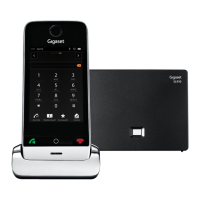
Display3.2" capacitive touchscreen
Battery Life (Talk Time)up to 14 hours

Related product manuals