2
Package Contents
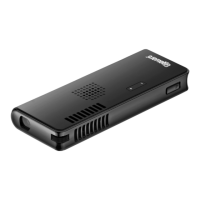
• Projector • Battery
• ACAdapter • Tripod
• TripodBracket • RCA/VGAY-Cable
• User’sGuide • QuickStart
Features
• Projectsuptoa50in(127cm)imageontoanyatsurface
• Usewithacomputer,iPod(requiresadapter;notincluded),
portableDVDplayer,orvirtuallyanyothersource
• Builtinspeakeraddssoundtoimageswithoutneeding
additionalequipment
• Builtinbatteryforprojectingonthego
• Smallenoughtotinyourpocket
1 Install the Battery
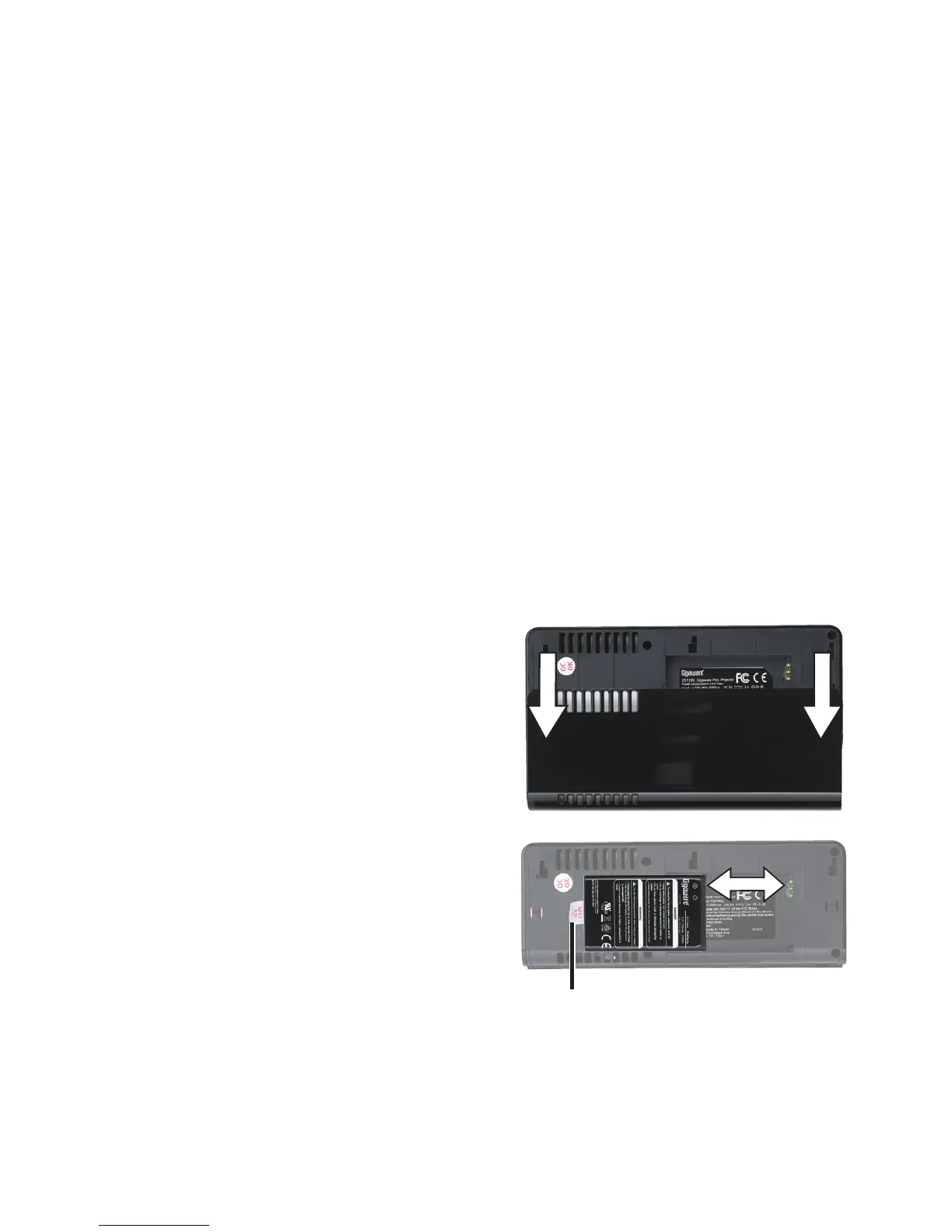
1. Insertthebattery.Gently
pressonthebackofthe
projectorandslidetowardthe
curvededgetoremovethe
batterycover.
2.Insertthebatterytext-sideup.
Makesurethemetalcontacts
onthebatterymatchupwith
theoneontheprojector.
n Notes: To remove the
battery, pull up on the plastic
tab.
3. Slidethebatterycoverback
intoplace.
Plastic Tab


 To Next Page