9
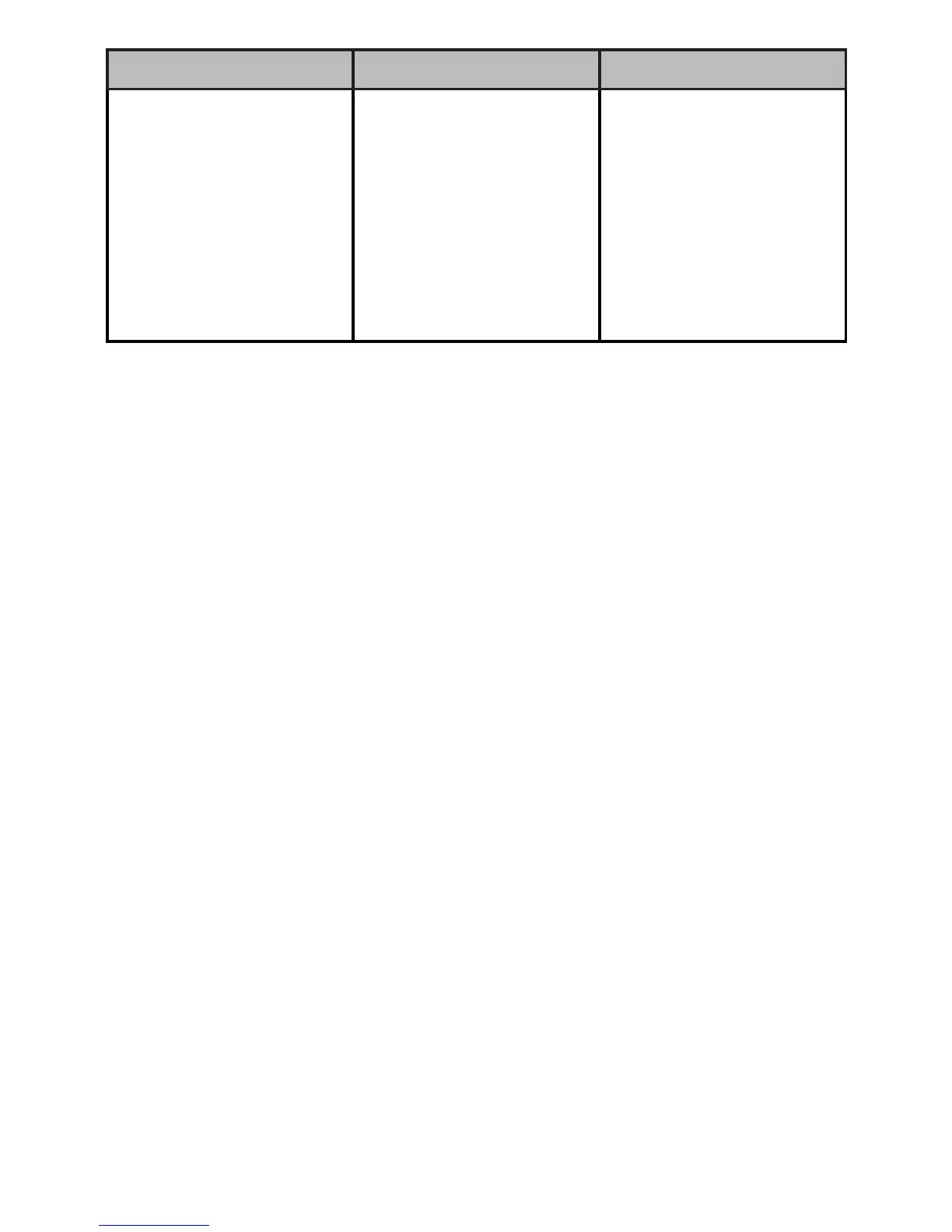
Problem Cause Solution
Thepowerindicator
doesnotlightand
theprojectorwillnot
turnon
Batterymaybe
depleted
Chargethebattery.
(SeeCharge the
Batteryonpage6.)
Connectandoperate
projectorwithAC
power.(SeeConnect
Poweronpage3.)
Specifications
AspectRatio...................................................................................... 4:3
Lens...................................................................................Manualfocus
Brightness..................................................................................... 20Lm
ComputerScreenResolutionSupported............Default640×480(VGA)
ProjectionDistance...........................................19.7-78.7in(50-200cm)
ImageSize.................................................12.5-50in(31.7-127cm)max.
EmbeddedAudio..........................................................Monoaural0.5W
PowerConsumption............................................................. 10W(Max.)
InputPowerSource..................................................................DC5V/2A
Dimension(WHD)................. 1.93×0.83×5.31in(49×21×135mm)
Weight................................................................................ 4.9oz(140g)
Specicationsaresubjecttochangeandimprovementwithoutnotice.Actual
productmayvaryfromtheimagesfoundinthisdocument.
FCC Information
ThisequipmenthasbeentestedandfoundtocomplywiththelimitsforaClassB
digitaldevice,pursuanttoPart15oftheFCCRules.Theselimitsaredesignedto
providereasonableprotectionagainstharmfulinterferenceinaresidentialinstalla-
tion.Thisequipmentgenerates,usesandcanradiateradiofrequencyenergyand,
ifnotinstalledandusedinaccordancewiththeinstructions,maycauseharmful
interferencetoradiocommunications.However,thereisnoguaranteethatinterfer-
encewillnotoccurinaparticularinstallation.Ifthisequipmentdoescauseharmful
interferencetoradioortelevisionreception,whichcanbedeterminedbyturning
theequipmentoffandon,theuserisencouragedtotrytocorrecttheinterference
byoneormoreofthefollowingmeasures:
•Reorientorrelocatethereceivingantenna.


 To Next Page