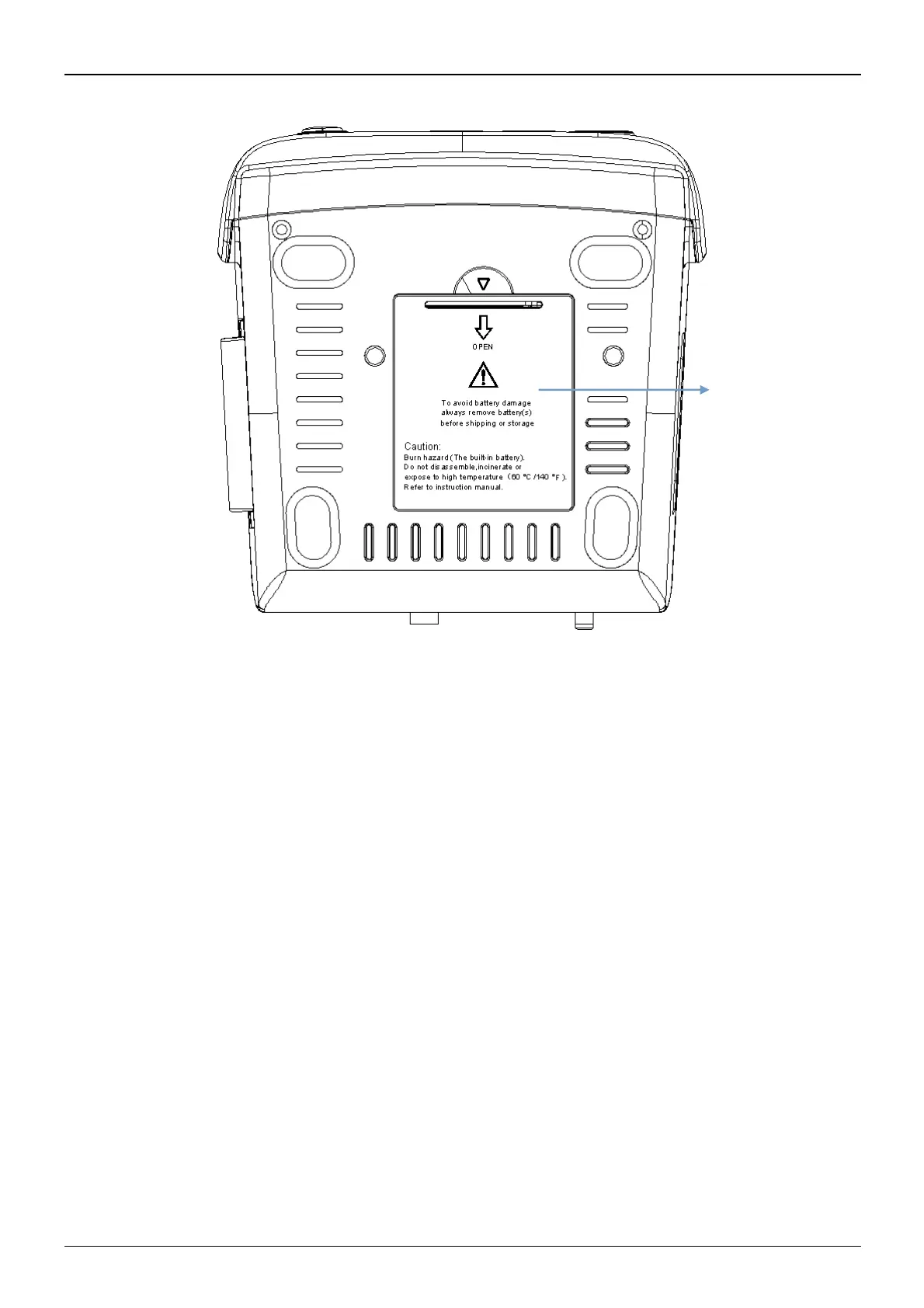
3.1.4 Underside of the Monitor
Figure 3.5 Underside of the monitor
3.2 Battery Installation
1. Ensure that the monitor is not connected to AC power supply and is turned off.
2. Open the battery cover and move the locking bar aside.
3. Put the battery into the box and move the locking bar back. Please note that the battery cables should be
outwar
d.
4.
Connect the battery cable plug to the battery power socket in right direction, as shown in figure 3.6.
5. Arrange the wires and close the battery cover.



 To Next Page