² "Print Mode": sets the printing time for real-time printing mode with the options of "Continue", "10s", "20s",
"30s" and "60s" for optional. "Continue" means that the device will not stop printing the real-time
plethysmogram and ECG waveform until the user change the display screen or press the print key again.
XXs: prints the real-time plethysmogram and ECG waveform lasting for XX seconds.
Note: the gray background means this item is nonadjustable.
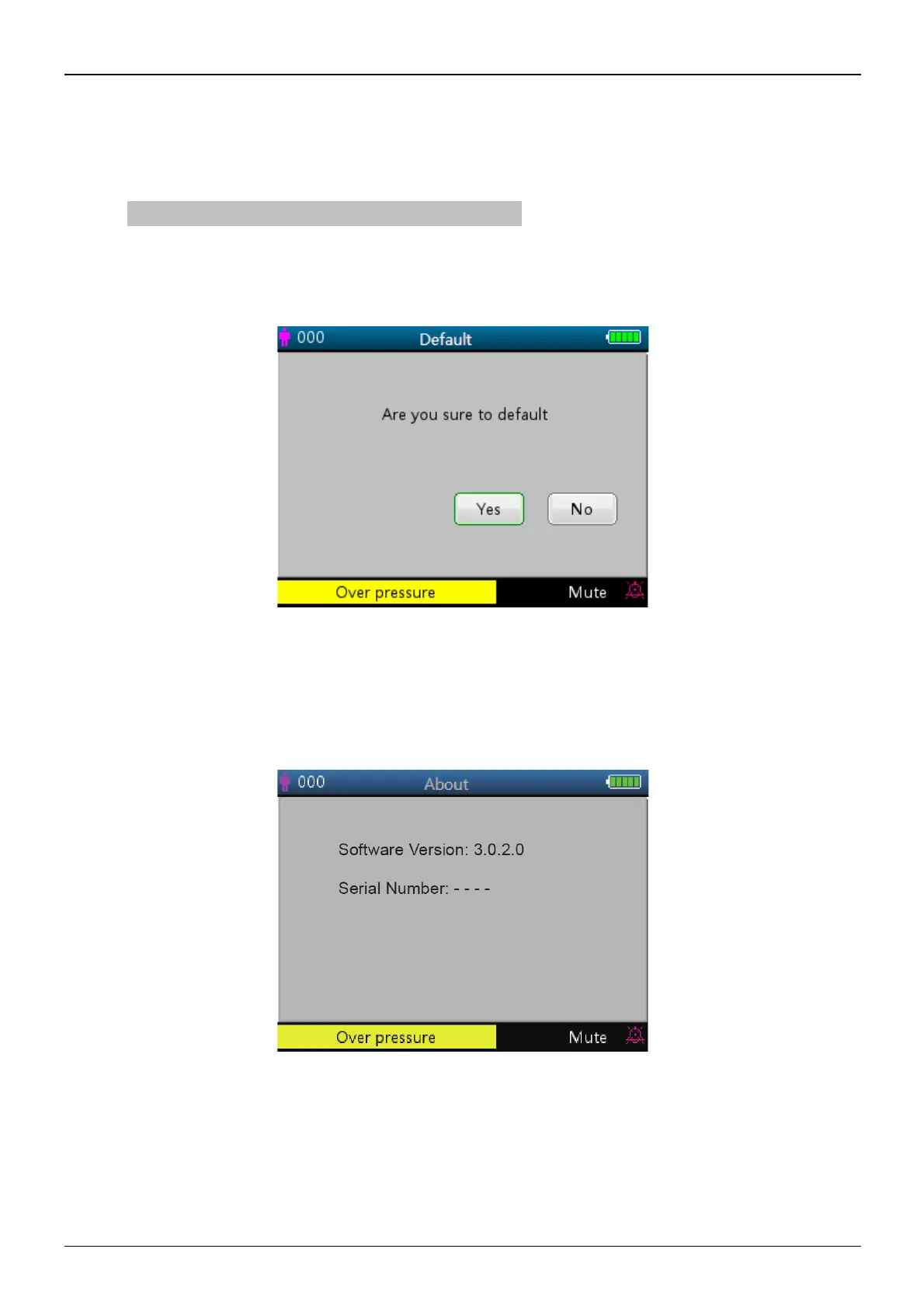
4.9.11 Reset to Factory Default Settings
Figure 4.23 Default setting
4.9.12 About
This displays the software version and serial number, as shown in figure 4.24, refer to the monitor for detailed
information.
Figure 4.24 About



 To Next Page