Lights & Turn Signals
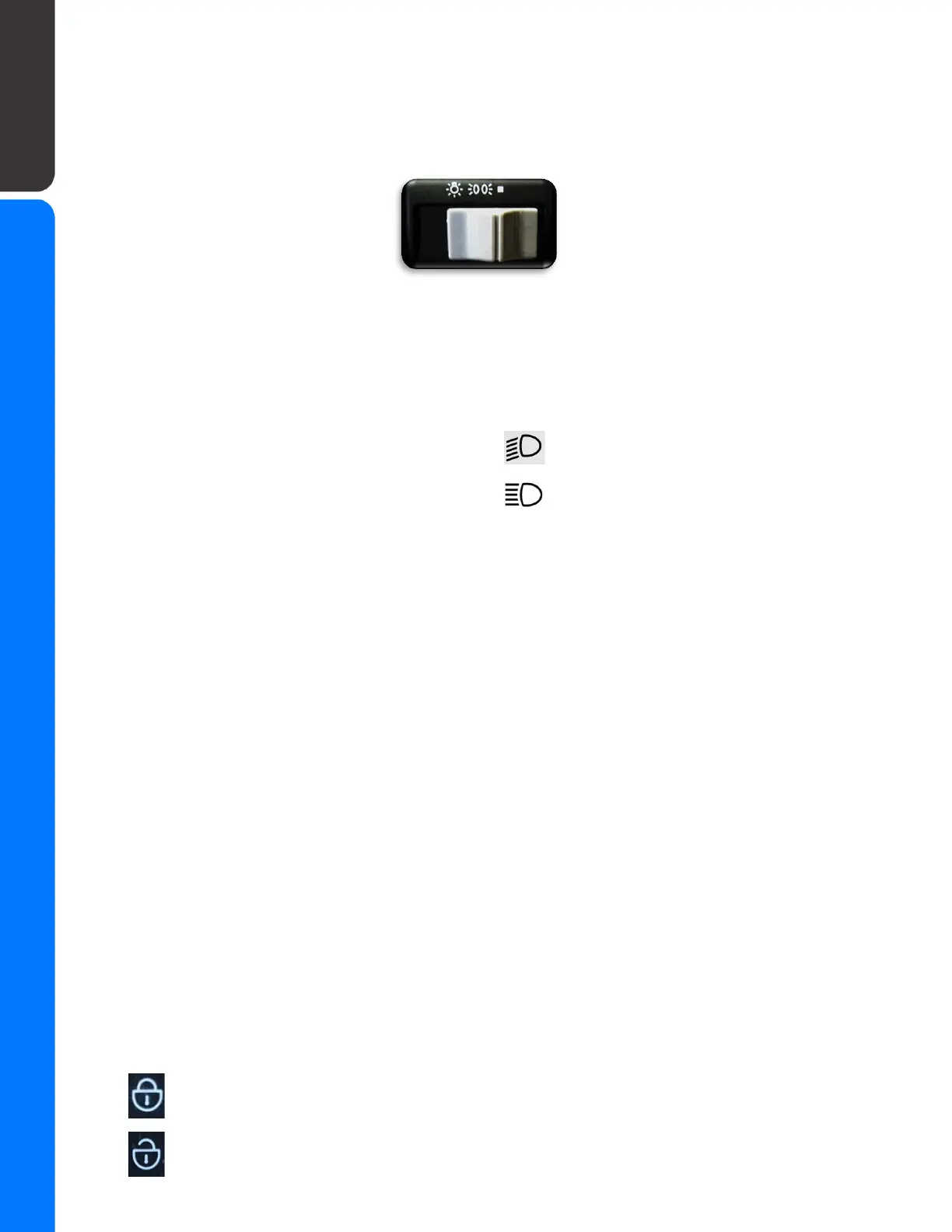
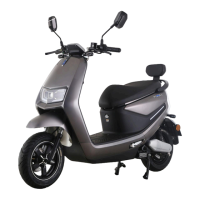
The main headlight switch is located on the right handle grip. It has 3 positions:
1 - 2 - 3
1 ALL lights are ON
2 ONLY rear & display lights are ON
3 ALL Lights are OFF
The headlights also have a high-low beam switch that is located on the left side
handlebar.
The turn signals have a switch that slides left or right and is located on the left handle
grip mount just under the high/low beam switch. Some models have a white button in
the center of the turn signal switch for canceling the turn signals. Simply push it to
cancel.
Kickstands
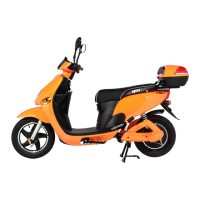
The Royale has 2 kickstands, a side kickstand that is used for parking on a flat road and
main kickstand that is used for parking on hills or/and windy weather conditions and for
rear suspension maintenance.
The side kickstand is located near the middle of a scooter on a left side at the bottom
(approx. under the seat level). In order to apply the side kickstand, push the lever down
and tilt the scooter to the left.
The main kickstand is located near the back of the scooter. Push the foot lever on the
left side down and raise the back end using the handle on the trunk rack.
Alarm and Security Features
The GIO Royale features several security features to protect your scooter.
Alarm
The alarm for the scooter can be activated with the included key fob.
“Locked” button: Arms the alarm
“Unlock” button: Disables activated alarm / silences triggered alarm
11


 To Next Page