EasyManua.ls Logo

Gionee M3 - Multimedia Functions; Using the Camera; Taking a Picture

Gionee M3
17 pages
Print Icon
To Next Page IconTo Next Page
To Previous Page IconTo Previous Page
Loading...
9
5
5
.
.
2
2
M
M
e
e
s
s
s
s
a
a
g
g
i
i
n
n
g
g
You can use this phone to exchange text messages and multimedia messages with your
friends on their mobile phones. The messages come to and from the same contact or
phone number will be visible into a single conversation, so you can see your entire
message history with a person conveniently.
6. Multimedia
6
6
.
.
1
1
C
C
a
a
m
m
e
e
r
r
a
a
Camera is a combination of camera and camcorder that you use to shoot and share
pictures and videos.
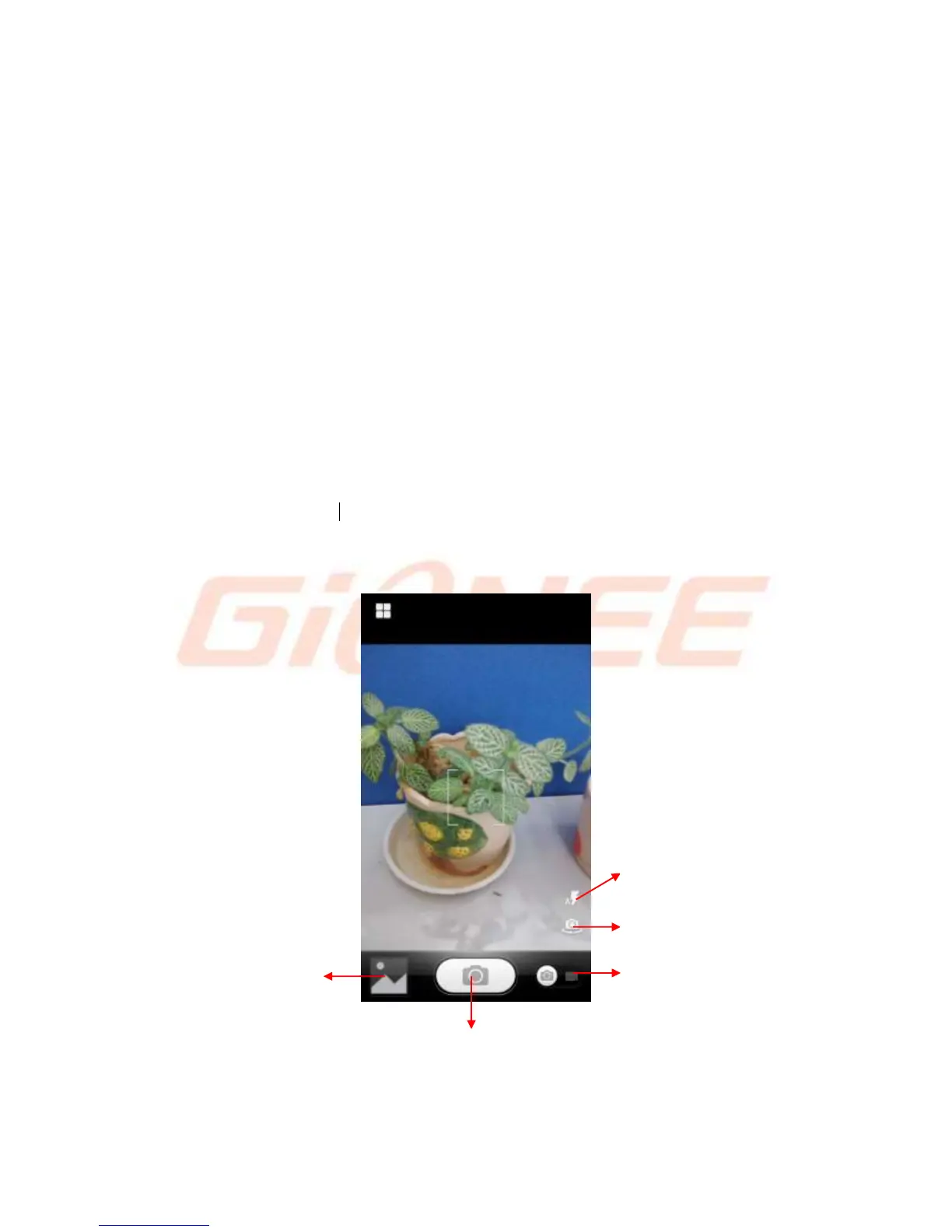
6.1.1 Take a picture
Adjust your exposure and other settings if you wish. Or leave them on automatic.
Touch to make an audio call.
Touch to switch between camera
and video recorder.
Touch to take a picture
or shoot a video.
Touch to enter
Gallery
Touch to transfer between the rear
camera and front camera
Set the flash to open or closed,
automatically status

Related product manuals