14
2. Don’t for disposal of equipment
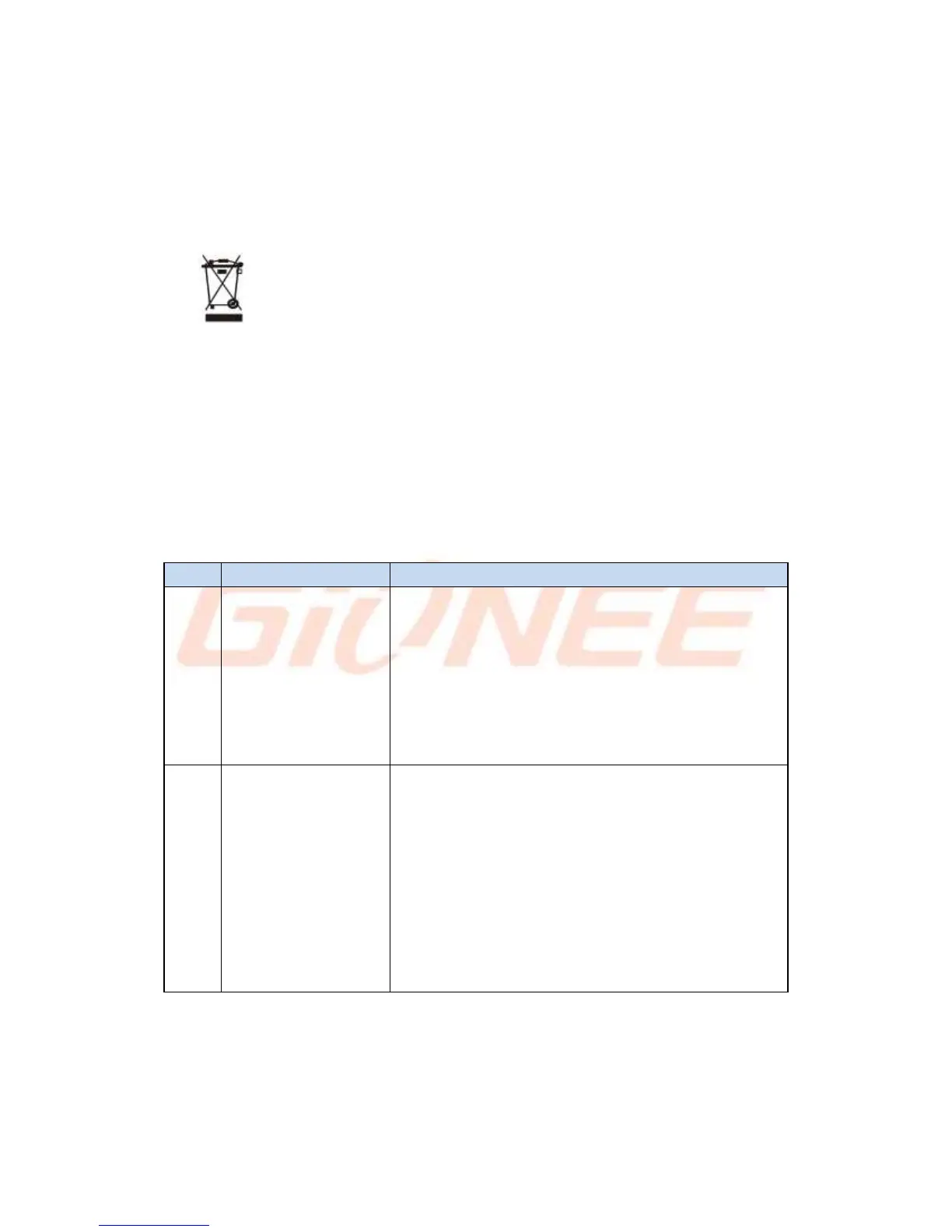
a) Never dump E-waste in garbage bins or municipal solid waste stream.
b) Do not dispose of your product as unsorted municipal waste.
c) Do not throw used batteries into household waste.
d) Do not dispose damaged or leaking Lithium Ion (Li-Ion) battery with normal
household waste.
3. Information on the consequences of improper handling, accidental breakage damage
and improper recycling of the end of life product.
a) If batteries are not properly disposed of, it can cause harm to human health or the
environment.
b) Placing of batteries or devices on or in heating devices, such as microwave ovens,
stoves, or radiators and improper disposal of batteries may lead to explosion.
If the battery terminals are in contact with metal objects, it may cause a fire.
9. FAQ
Main Menu -> Settings ->All settings->Add
Account-a/b a) To add an Account: Add Credential
to add account b) To remove an Account: Select
account that you need to remove->Option->Remove
account
Main Menu -> Settings ->All settings->Backup &
reset -> Factory data reset ->Reset phone. From
there, Select Erase Phone storage for best result.
Note: Reset Factory default will remove all user
data; do take a backup of your data in PC or on
Gmail.



 To Next Page