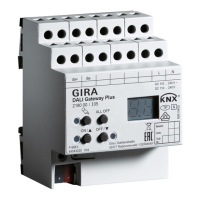
DALI gateway Plus
– Short circuit protection
– Surge protection
– Overload protection
– Operating hours counter
– Signal of the global switching status of the DALI devices, e.g. to switch off the mains
voltage of the DALI devices to avoid standby losses
– An individual DALI device can be exchanged during operation without software.
– With device generation I06 or higher: DALI-2 certified.
Delivery state: construction site mode, the DALI groups can be operated using button
field. All DALI devices are controlled jointly.
3 Operation
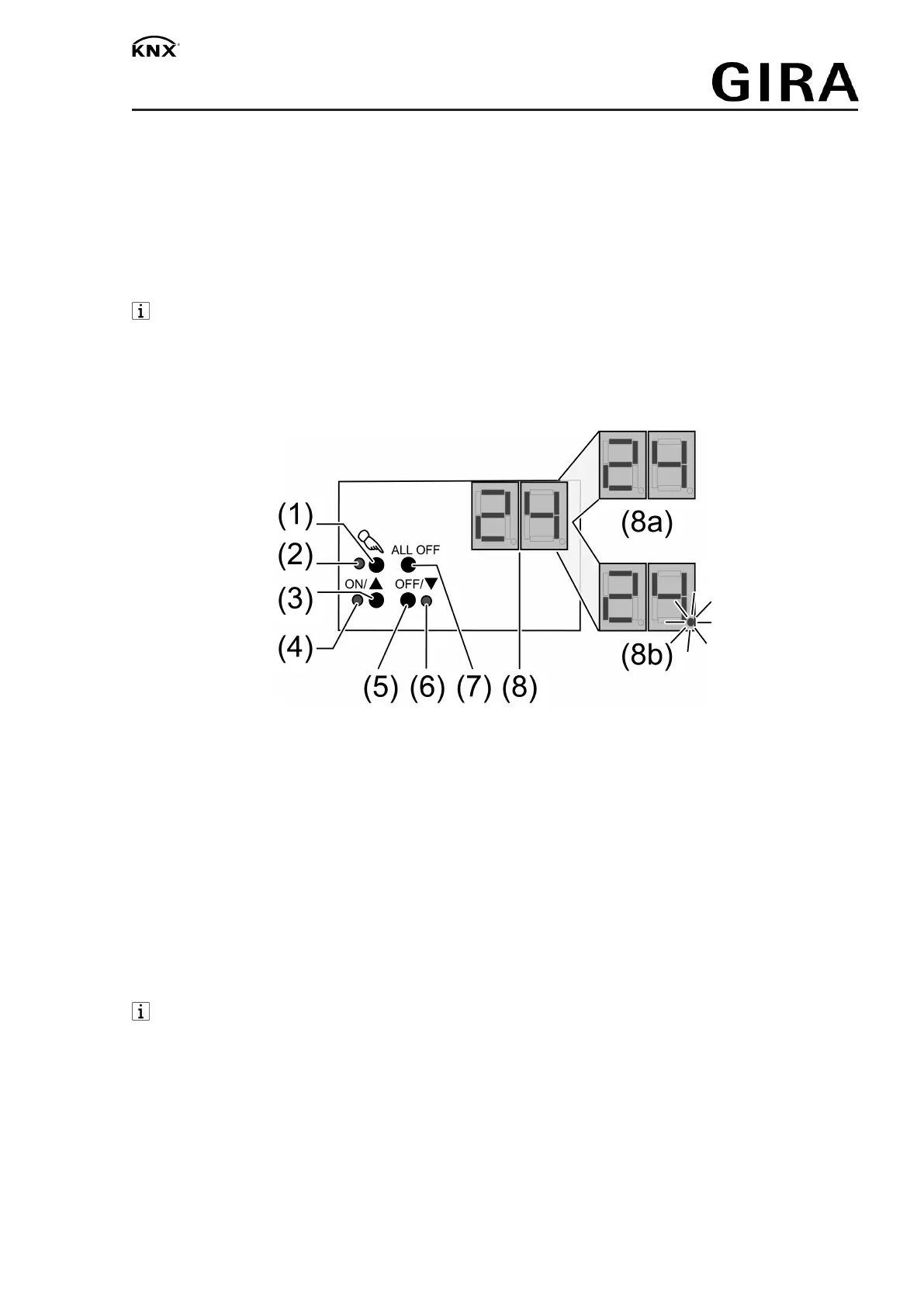
See illustration of the button field (Figure 1).
Figure1
(1) Button c – Manual operation
(2) LED c – On: Continuous manual mode active
(3) Button
ON
/n switch on or increase brightness
(4) LED
ON
/n On: DALI device or group switched on, brightness 1...100 %
(5) Button
OFF
/o switch off or reduce brightness
(6) LED
OFF
/o On: DALI device or group switched off, brightness 0 %
(7) Button
ALL OFF
– Switch off all DALI devices
(8) Display of DALI number (1…64)
(8a) Display of the DALI group
(8b) Display of the individual DALI device
If the display shows (8)
bc
(Broadcast operation), the device is not programmed or set to
master control in the KNX configuration. All DALI devices are then controlled jointly.
In operation with the button field the device distinguishes between a short and a long press.
– Short: Pressing for less than 1 second
– Long: Pressing for between 1 and 5 seconds
Switching on the temporary manual control
Operation using the button field is programmed and not disabled.
■ Press the c (1) button briefly.
Display (8) shows
01
or
bc
, LED c (2) remains off.
2 / 7
32587022 10867792 15.06.2020


 To Next Page